
Instafill.ai
7 days free
AI form filling · 101 fields · 4 pages · done in seconds

Yes! You can use AI to fill out Form 1310 | 13-d, Proof of Sponsorship and/or private accommodation

Don't type 101 fields by hand. Tell our AI about yourself, or upload a document you already have, and it fills every field in seconds. You check it, then download, print or sign.
7 days free, then $19.99/month · Cancel anytime
AI fills it, no typingEncrypted, never used to train AICancel in two clicks
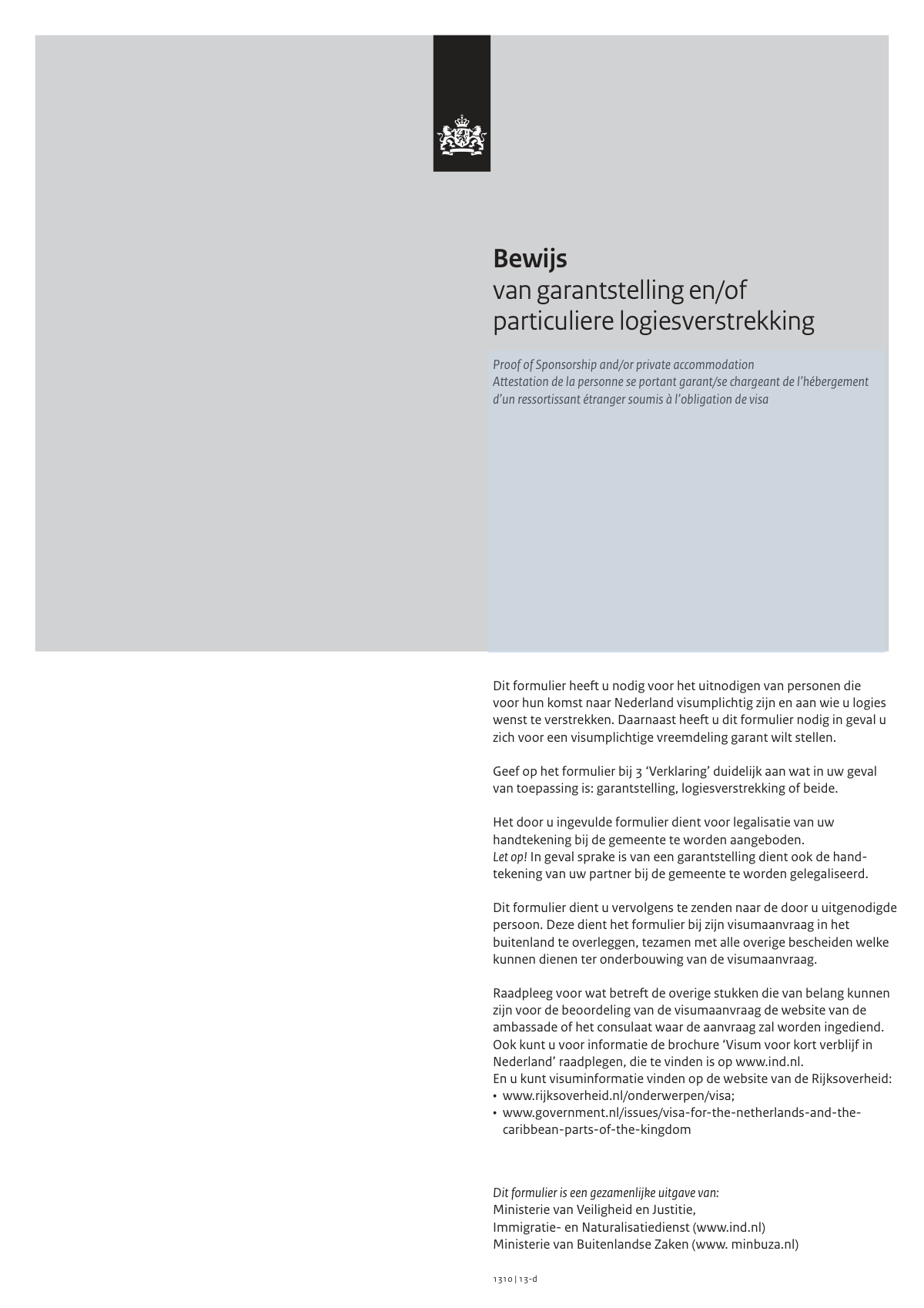
Form 1310 | 13-d, Proof of Sponsorship and/or private accommodation, page 1
Moderate · 50/100Form Complexity Index

The AI does the filling. You just check it.

No typing into boxes, nothing to install.

Tell the AI about youAnswer a few questions in plain words, or upload a document you already have. That is all the typing there is.
AI fills every field in secondsIt puts each answer in the right box on every page, checkboxes included.
Check it and downloadReview every field, change anything, then download, print or sign the PDF.

What this form asks for

The AI fills all of it, from your answers or your documents.

Form 1310 | 13-d, 'Bewijs van garantstelling en/of particuliere logiesverstrekking', is a Dutch government document required when a resident of the Netherlands invites a visa-required person to stay with them or acts as their financial guarantor. It formalizes the commitment to cover the costs of the visitor's stay, medical care, and repatriation if necessary. Today, this form can be filled out quickly and accurately using AI-powered services like Instafill.ai, which can also convert non-fillable PDF versions into interactive fillable forms.
Fillable fields101
Pages4
Sections11
Questions that depend on earlier answers1
Form Complexity IndexModerate, 50/100

The AI checks your answers before you download

14 checks built for this form, so a wrong date or a missing answer is caught before anyone else sees it.

Sponsor's Date of Birth and Legal Age Verification

This check validates that the sponsor's date of birth (field 1.4) is a valid date and confirms they are of legal age (e.g., 18 years or older). It is crucial because a minor cannot legally enter into a sponsorship or guarantee agreement. If the sponsor is underage, the form submission will be rejected as legally invalid.

Sponsor's BSN Format and Checksum Validation

This validation ensures the sponsor's Citizen Service Number (BSN, field 1.10) is exactly 9 digits and passes the '11-proef' checksum algorithm. This is critical for uniquely and correctly identifying a Dutch resident for legal and tax purposes. An invalid BSN will halt processing as the sponsor's identity cannot be verified by the authorities.

Conditional Requirement for Partner's Details

This check enforces the completion of Section 2 (Details of sponsor’s spouse/registered partner) if two conditions are met: the sponsor's civil status (1.7) is 'Gehuwd' (Married), and they have agreed to act as a financial guarantor (3.B 'Ik stel me garant' is 'Ja'). The form explicitly states partner consent is required for a guarantee, so missing this information makes the financial guarantee legally void and will cause the application to be rejected.

Declaration Purpose Selection

This validation ensures that in Section 3.B, at least one of the two options ('provide accommodation' or 'will sponsor') is answered with 'Ja' (Yes). The entire purpose of the form is to declare either sponsorship, accommodation, or both. If both are marked 'Nee' (No), the form has no purpose and the submission is considered invalid and will be rejected.

Visit Duration Validity and Limit

This check verifies that a numeric value is entered for the duration of the visit (3.2) and that a unit (Days, Weeks, or Months) is selected. It also checks if the total duration, when converted to days, does not exceed the 90-day limit for a short-stay Schengen visa. An invalid or excessive duration can lead to the rejection of the visa application itself.

Completeness of Visitor's Personal Details

This validation ensures all fields in Section 4, concerning the visa applicant's details (name, gender, birth date, nationality, address, etc.), are fully completed. This information is fundamental for the visa application process. Any missing data in this section will result in an incomplete application and will prevent the authorities from processing the visa request.

And 8 more checks
  • Dutch Postal Code Format Validation
  • Conditional 'Other' Civil Status Field
  • Conditional Partner Signature Requirement
  • Signature Date Plausibility
  • Sponsor's Address Completeness
  • Partner's BSN Validation
  • Phone Number Format
  • Consistency between Sponsor and Visitor Nationality

Let AI fill out your 1310 | 13-d

No typing. Every field filled in seconds, checked, ready to sign.

7 days free, then $19.99/month · Cancel anytime

How to Fill Out 1310 | 13-d Online for Free in 2026

What the AI walks you through.

  1. Navigate to Instafill.ai and upload or select the 'Proof of Sponsorship and/or private accommodation' (Form 1310 | 13-d).
  2. Provide your personal details as the sponsor or host in Section 1, including your name, address, and identification numbers.
  3. If you are married or in a registered partnership and providing a financial guarantee, enter your partner's details in Section 2.
  4. Complete Section 3 by declaring whether you are providing a financial guarantee, private accommodation, or both for the visitor.
  5. Fill in the personal details of the visa-required foreign national you are inviting in Section 4.
  6. Review all the information automatically populated by the AI for accuracy and make any necessary edits before finalizing.
  7. Download the completed form, which must then be taken to your local municipality (gemeente) to have your signature(s) legalized before sending it to the visa applicant.

Common Mistakes in Completing 1310 | 13-d

The ones the AI is built to catch.

Signing the Form Before Municipal Legalization
The form explicitly states that the signature must be legalized by the municipality ('gemeente'). Many individuals sign the form at home out of habit, which invalidates the document for official purposes. A premature signature means the entire process, including the trip to the municipality, must be repeated. To avoid this, take the completed but unsigned form to your local municipal office and sign it only in the presence of the authorized official.
Forgetting the Partner's Signature for Financial Sponsorship
If the sponsor is married or in a registered partnership and is providing a financial guarantee ('garantstelling'), the partner's signature is mandatory (Section 5.4). This is a legal requirement as the financial obligation is shared. Overlooking this step renders the financial guarantee void and will lead to the visa application's rejection. To prevent this, both the sponsor and their partner must be present at the municipality to have their signatures legalized.
Ambiguous Declaration in Section 3
Section 3.B requires the sponsor to clearly declare if they are providing accommodation, a financial guarantee, or both by ticking 'Ja' (Yes) or 'Nee' (No). Applicants often get confused and may leave it blank or tick 'Nee' for both, making the form's purpose unclear. This ambiguity is a primary reason for rejection, as the consulate cannot determine the basis of the invitation. Always double-check that you have explicitly selected 'Ja' for at least one of the options.
Confusing Sponsor and Visa Applicant Information
A frequent error is mixing up the details of the sponsor (the person in the Netherlands) and the visa applicant (the person being invited). For example, entering the applicant's details in Section 1 ('Gegevens garantsteller') instead of Section 4 ('Visumplichtige vreemdeling'). This creates a factually incorrect document that will be immediately flagged and rejected. To avoid this, carefully read the heading of each section before entering any personal data.
Neglecting to Include a Copy of the Sponsor's ID
A note on page 2 clearly instructs the sponsor to include a copy of their passport or European ID card. This document is essential for the authorities to verify the identity of the person providing the guarantee or accommodation. Forgetting to attach this copy results in an incomplete application, causing significant delays or outright rejection. Always remember to make a clear copy of your ID document and send it along with the original, legalized form.
Entering an Incorrect BSN or Passport Number
The Burgerservicenummer (BSN) and passport/ID numbers are critical for official verification. Simple data entry mistakes, such as transposing digits, are common but lead to a mismatch in government systems. This failure to verify the sponsor's identity or status will cause the application to be denied. To prevent this, meticulously copy the numbers from your official documents. AI-powered form filling tools like Instafill.ai can help prevent these errors by validating data formats and reducing manual entry.
Misunderstanding the Form Submission Process
The correct procedure is for the sponsor to have the form legalized and then send the original physical document to the visa applicant, who submits it with their application abroad. Common mistakes include the sponsor sending a digital scan, or attempting to submit the form directly to a Dutch authority like the IND. This results in the visa application lacking the required original document and being rejected. Always mail the original, legalized form to the person you are inviting.
Omitting Spouse/Partner Details in Section 2
When providing a financial guarantee, if the sponsor is married or in a registered partnership, Section 2 ('Gegevens huwelijkse/geregistreerde partner') must be filled out completely. Many people mistakenly assume their own information is sufficient and leave this section blank. This makes the financial guarantee legally incomplete and is grounds for rejection. Ensure Section 2 is fully completed if you are married/partnered and offering a financial guarantee.
Providing an Incomplete Address
Both the sponsor's address (Section 1.9) and the applicant's address (Section 4.10) require full details, including street, number, postal code, and city. People sometimes write only the street and city, omitting the postal code or house number. An incomplete address can cause processing delays or raise red flags during the verification process. Ensure every part of the address field is filled in accurately for both yourself and the applicant.
Incorrectly Handling the Physical Form
This form is often provided as a non-fillable PDF, leading to messy, handwritten entries that can be difficult to read and prone to errors. Illegible handwriting can cause misinterpretation of critical data like names or ID numbers, leading to rejection. To avoid this, it's best to use a tool that can convert the document into a fillable format. For instance, Instafill.ai can make flat PDFs like this one fillable, ensuring all entries are clear, legible, and correctly formatted.

Frequently Asked Questions About 1310 | 13-d


Is it really free for 7 days?
Yes. You pay $0 today. Cancel before Oct 30 and you are never charged. Keep it, and it is $19.99 a month for 5 fills of your 1310 | 13-d.
Can I fill other forms too?
This plan is for your 1310 | 13-d: your own AI agent fills it as often as 5 times a month. To fill other forms and upload your own, choose a Professional plan from your account.
How do I cancel?
From your account, in two clicks, any time. No email, no call.
How does the AI fill out 1310 | 13-d?
You answer a few questions in plain words, or upload a document you already have. The AI reads what you give it and puts each answer into the right field of 1310 | 13-d, on every page, in seconds. It checks the answers against the form's own rules, and you review and change anything before you download, print or sign.
What happens to my information?
It is encrypted in transit and at rest, and it is never used to train AI.
How complex is 1310 | 13-d to fill out?
1310 | 13-d has a Form Complexity Index of 50 out of 100, in the moderate tier: 101 fillable fields across 4 pages. Instafill.ai's AI fills it in under a minute, with every field there for you to review before you download.
What is the purpose of the 'Proof of Sponsorship and/or private accommodation' form?
This form is used when you want to invite someone to the Netherlands who needs a visa. You can use it to declare that you will provide them with accommodation, act as their financial sponsor, or both.
Who needs to fill out this form?
A resident of the Netherlands who is inviting a visa-required foreign national must fill out this form to provide them with a place to stay (private accommodation) and/or a financial guarantee (sponsorship) for their visit.
What is the difference between sponsorship ('garantstelling') and providing accommodation ('logiesverstrekking')?
Providing accommodation means the visitor will stay at your home, while sponsorship means you are financially responsible for their costs. In Section 3 of the form, you must indicate whether you are providing accommodation, sponsorship, or both.
What am I financially responsible for if I act as a sponsor?
As a sponsor, you guarantee payment for the visitor's stay, medical care, and repatriation costs for up to 5 years. This financial liability is capped at a maximum of €10,000 per year.
What does it mean to have my signature 'legalized by the municipality'?
This is a process where an official at your local municipal office ('gemeente') verifies that your signature is genuine. You must sign the form in the presence of this official to complete this step.
Does my partner also need to sign the form?
Yes, if you are married or in a registered partnership and you are acting as a financial sponsor ('garantstelling'), your partner's signature is also required. Their signature must also be legalized at the municipality.
What do I do with the form after it's been filled out and legalized?
You must send the original, legalized form to the person you are inviting. They will then submit it along with their visa application at the Dutch embassy or consulate in their country of residence.
What documents do I need to submit with this form?
The form instructions state that you must include a copy of the personal details page of your passport or your European identity card when you send the form to your guest.
Who fills in the details of the visa applicant in Section 4?
You, the sponsor or host, are responsible for filling in all sections of the form, including the details of the visa applicant in Section 4, before you get the signatures legalized.
What happens to my personal information after I submit this form?
The information you provide is entered into the Visa Information System (VIS), where it is stored for up to five years. It is accessible to visa, immigration, and asylum authorities within the Schengen member states for verification purposes.
I am inviting someone on behalf of my company. Where do I enter my company's details?
If you are inviting someone for business, you should provide your company's name, address, phone number, and Chamber of Commerce (KvK) number in the designated fields within Section 3.A of the form.
Can an AI tool help me fill out this form?
Yes, services like Instafill.ai use AI to accurately auto-fill form fields from your profile. This can save you time and help prevent common errors.
How can I fill out this form online?
You can use a service like Instafill.ai to upload the PDF and fill it out on your computer. This makes it easy to enter your information before printing the form for signature legalization.
The PDF version of this form I found is not fillable. What should I do?
If you have a non-fillable or 'flat' PDF, you can use a tool like Instafill.ai. It can convert the document into an interactive, fillable form that you can complete online.
Encrypted in transit and at restNever used to train AIDelete your forms any time

Get your 1310 | 13-d filled out by AI

$0 today. Cancel before Oct 30 and you pay nothing.

7 days free, then $19.99/month · Cancel anytime