Can AI fill out PDF forms?
Yes, for a large share of forms. Large language models (LLMs) can read a person's documents, work out what a form field is asking for, and put the right value in it. That removes much of the retyping. It does not remove the need to check the result, and some kinds of PDF are still hard for it.
At a glance
- Catalog forms Form W-9, Request for Taxpayer Identification Number and Certification
- Form categories Tax forms
Why AI can fill forms now
It understands context. An LLM is trained on very large amounts of text, so it can read "Applicant's Full Legal Name" on a form and find a full name in a resume or an intake note, without a template or a keyword list that someone wrote for that one form.
It can take in unstructured sources. Medical records, financial reports and long client files are not laid out like a form. Current models can hold much more text at once than earlier ones, so one request can cover a whole document rather than a page of it.
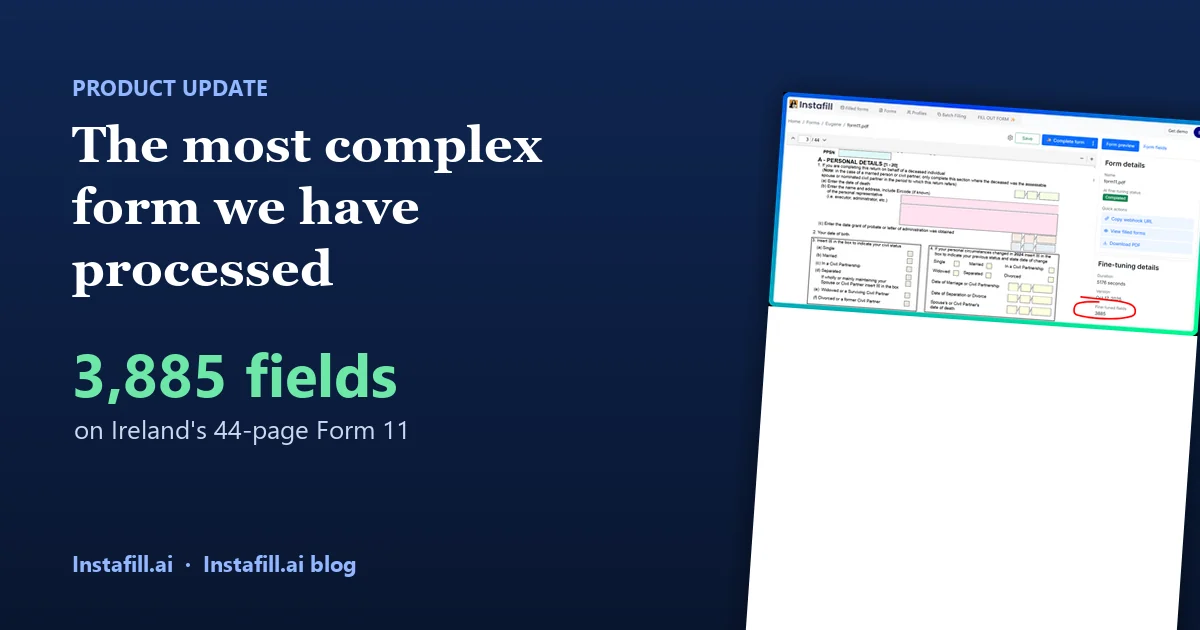
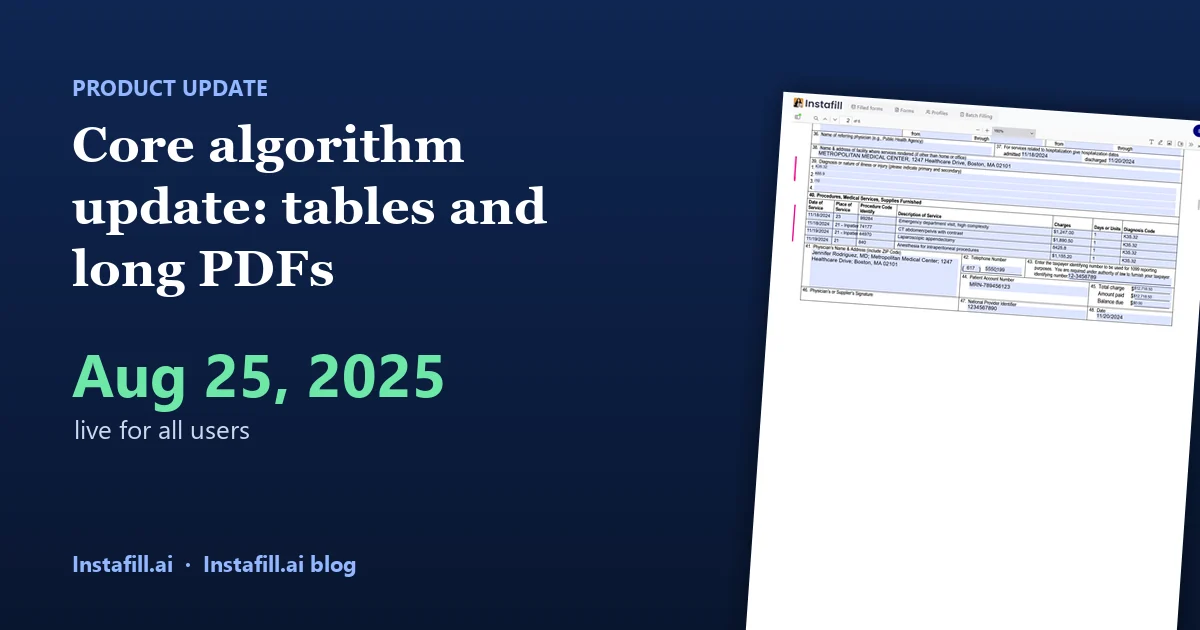
It handles long forms. Insurance applications, tax forms, mortgage paperwork and government forms often have dozens or hundreds of fields. An AI form filler such as Instafill.ai takes the form's field list and the data you upload and fills the fields without manual input, as in Form W-9.
It can work through long instructions. Many forms come with pages of instructions. One common technique is retrieval-augmented generation (RAG): the instructions are split into chunks and indexed, and the model retrieves only the chunks that bear on the section it is filling.
Where it goes wrong
Accuracy
- Misreading a field. The model may misunderstand what a field wants when the label or the instructions are unclear.
- Hallucination. When it misreads the source, it can produce a value that looks plausible and is wrong.
Data protection
A form often holds personal, medical or financial data. Rules such as GDPR, HIPAA and financial regulators' requirements apply to a tool that handles it, which means checking where the data goes and how long it is kept.
Problems in the PDF itself
- No labels or instructions. Some forms carry little or no descriptive information on their fields. The AI then has to infer what each field wants from the layout alone.
- One answer, several fields. A text area that looks like one box may be built as several separate fields, one per line. Unless that is accounted for, a long answer can come out cut up or incomplete.
- Look-alike fields. Similar fields with no clear labels force the model to guess from context.
- Several candidate values. A source may contain three addresses or two phone numbers. Choosing the one the field means can take advanced selection rules or a person's decision.
- XFA forms. XML Forms Architecture (XFA) is a separate, XML-based way to build PDF forms, introduced in PDF 1.5 and deprecated in PDF 2.0. They do not behave like ordinary AcroForm fields, so a tool has to handle them separately.
How to reduce the risk
- Keep a person in the loop. Review the filled form before it is signed or sent, especially the fields the tool is unsure about.
- Validate. Check formats and required values, and compare against the source.
- Prefer tools that show their reasoning. Instafill.ai scores each filled field and lets you see which passage of your source a value came from; see field fill explanation.
- Handle XFA and other unusual PDFs deliberately rather than assuming a general tool will cope.
The short answer is that AI form filling works well enough to be a first pass on most forms, and the review step is where its errors get caught.