Yes! You can use AI to fill out Direct Rollover Request (Form 2214)
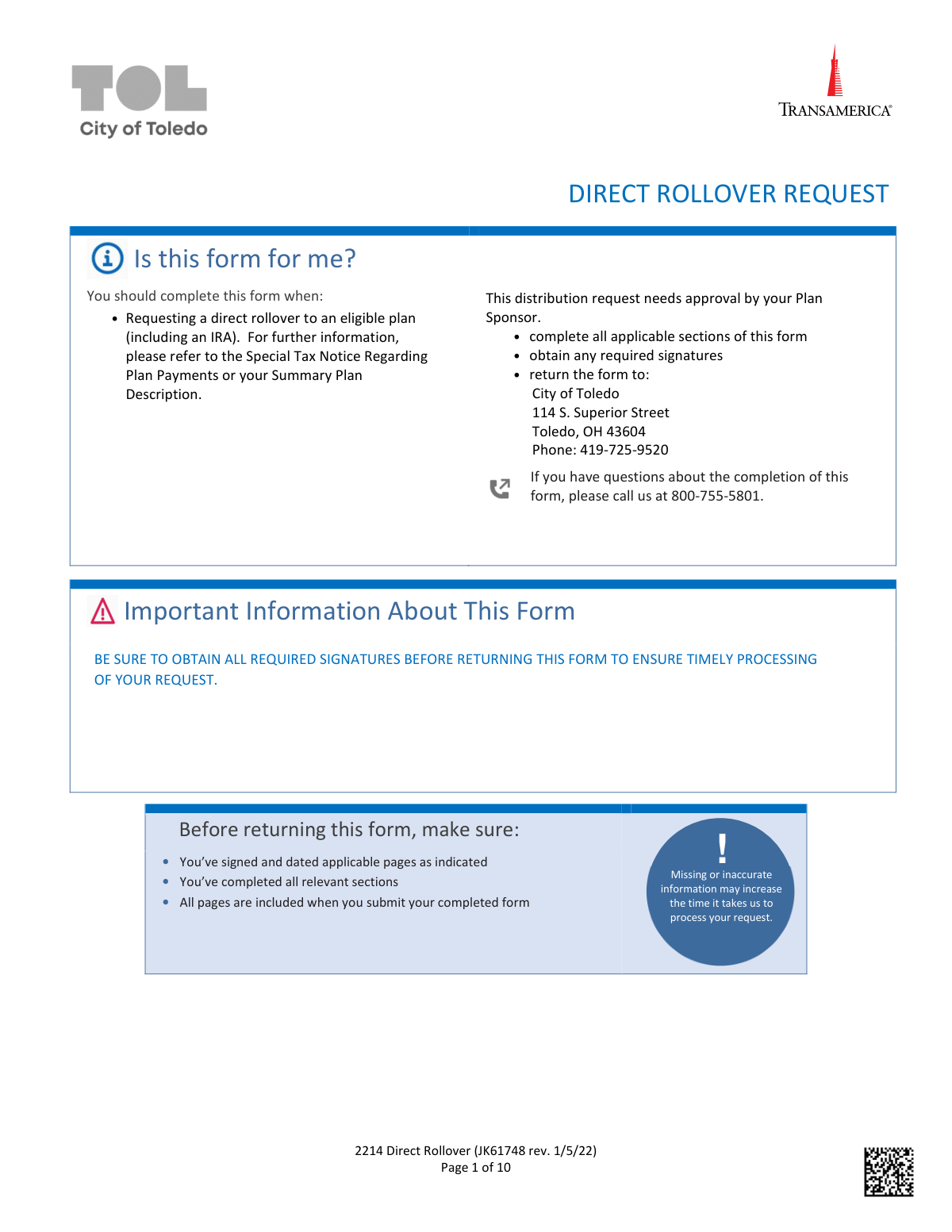
This form is used by a retirement plan participant to request a direct transfer of their account balance to another eligible retirement plan, like an IRA or a new employer's plan. Completing a direct rollover is crucial for deferring taxes and avoiding potential penalties on the distribution. Today, this form can be filled out quickly and accurately using AI-powered services like Instafill.ai, which can also convert non-fillable PDF versions into interactive fillable forms.
Rather not fill this in by hand? Instafill is an online form filler that completes PDF forms automatically — upload the blank form, answer a few questions, and the AI fills every field.
Form specifications
| Form name: | Direct Rollover Request (Form 2214) |
| Number of pages: | 1 |
| Language: | English |
Our AI automatically handles information lookup, data retrieval, formatting, and form filling.
It takes less than a minute to fill out 2214 Direct Rollover using our AI form filling.
Securely upload your data. Information is encrypted in transit and deleted immediately after the form is filled out.
Instafill Demo: How to fill out PDF forms in seconds with AI
How to Fill Out 2214 Direct Rollover Online for Free in 2026
Are you looking to fill out a 2214 DIRECT ROLLOVER form online quickly and accurately? Instafill.ai offers the #1 AI-powered PDF filling software of 2026, allowing you to complete your 2214 DIRECT ROLLOVER form in just 37 seconds or less.
Follow these steps to fill out your 2214 DIRECT ROLLOVER form online using Instafill.ai:
- 1 Navigate to Instafill.ai and upload or select the Direct Rollover Request form.
- 2 Use the AI assistant to provide your personal details in the 'About Me' section, such as your name, address, SSN, and date of birth.
- 3 Indicate the reason for the rollover (e.g., Termination, Retirement) and select the type of rollover, specifying whether funds are going to a Traditional IRA, Roth IRA, or another eligible plan.
- 4 Choose your rollover option, specifying if it's a full or partial rollover. If partial, provide the exact dollar amount or percentage to be rolled over from each money source (pre-tax, Roth, etc.).
- 5 Enter the complete details of the receiving institution (IRA/Plan Provider), including the name, address, and your account number, and select a mail delivery option for the check.
- 6 Review all entered information for accuracy, then use the platform to securely sign and date the agreement. The AI will flag any missed required fields.
- 7 Download the completed form and submit it to your Plan Sponsor for their required approval and signature to finalize the request.
Our AI-powered system ensures each field is filled out correctly, reducing errors and saving you time.
Why Choose Instafill.ai for Your Fillable 2214 Direct Rollover Form?
Speed
Complete your 2214 Direct Rollover in as little as 37 seconds.
Up-to-Date
Always use the latest 2026 2214 Direct Rollover form version.
Cost-effective
No need to hire expensive lawyers.
Accuracy
Our AI performs 10 compliance checks to ensure your form is error-free.
Security
Your personal information is protected with bank-level encryption.
Frequently Asked Questions About 2214 Direct Rollover
This form is used to request a direct rollover of your funds from the City of Toledo Savings and Protection Plan to another eligible retirement account, such as an IRA or a new employer's plan.
You should complete this form if you are a participant in the plan and wish to move your retirement savings due to termination of employment, retirement, reaching age 59 ½, or a Qualified Domestic Relations Order (QDRO).
After obtaining all required signatures, you must return the completed form to your Plan Sponsor at: City of Toledo, 114 S. Superior Street, Toledo, OH 43604. Do not send it directly to Transamerica.
Yes, a distribution processing fee of $25 applies to the transaction. Additionally, requesting overnight mail delivery for a check will incur a fee of up to $50.
You must sign the form, and your Plan Sponsor must also sign to provide approval. Your signature may need to be notarized if you have recently updated your address or other contact information.
Processing usually takes 1-4 business days after Transamerica receives the completed form in good order from your Plan Sponsor. Incomplete or inaccurate information will cause delays.
Yes, Section 4 provides options for a full rollover, a partial rollover of a specific amount or percentage, or a combination where you roll over a portion and take the rest as a cash distribution.
Your outstanding loan balance will be defaulted and reported as a taxable distribution unless you choose to continue making repayments via coupon. This action is a taxable event but does not impact your credit score.
When rolling over Roth money to another employer's Roth plan, you must provide a Letter of Acceptance from the new plan to confirm they accept Roth contributions. This is not required for a rollover to a Roth IRA.
You can receive the cash portion via direct deposit by attaching a voided check or pre-printed deposit slip, or you can opt to receive a check by mail. If no option is selected, a check will be mailed.
Yes, services like Instafill.ai use AI to auto-fill form fields accurately and save time. This can help you complete the form faster and reduce the chance of errors that could delay processing.
You can use a service like Instafill.ai to fill out the form online. Simply upload the PDF, and the platform will make the fields interactive so you can type your information, then download the completed document for printing and signing.
If your PDF is a non-fillable scan, tools like Instafill.ai can convert it into an interactive, fillable form. This allows you to easily type your information directly onto the form instead of filling it out by hand.
Your signature must be notarized if you have recently changed your contact information (like your address) or have not yet set up your online account with Transamerica. Your Plan Sponsor may have the authority to waive this requirement.
Compliance 2214 Direct Rollover
Validation Checks by Instafill.ai
1
SSN Format and Existence
This check verifies that the Social Security Number (SSN) field in Section 1 is not empty and follows the 9-digit format (XXX-XX-XXXX or XXXXXXXXX). The SSN is a critical unique identifier for the participant's account. If the SSN is missing or invalid, the system cannot locate the correct account, and the request must be rejected for manual correction.
2
Date of Birth Validity and Plausibility
Validates that the Date of Birth (DOB) in Section 1 is a real date in MM/DD/YYYY format and is plausible. The check ensures the date is not in the future and corresponds to a reasonable age for a retirement plan participant (e.g., over 18 and under 120). This is crucial for determining eligibility for certain distribution reasons, like reaching age 59 ½, and prevents processing based on typographical errors.
3
Reason for Rollover vs. Age Consistency
This is a logical check that cross-references the 'Reason for Rollover' in Section 2 with the participant's Date of Birth in Section 1. If the 'AGE 59 ½' box is checked, the system must verify that the participant's calculated age is indeed 59.5 years or older. Failure to meet this condition would make the distribution ineligible under that reason, and the form would be flagged for review or rejection.
4
Roth Rollover Destination Rule
This check enforces the IRS rule that Roth funds cannot be rolled into a Traditional IRA. It verifies that if the user selects 'ROLLOVER TO A ROTH IRA' or specifies Roth money in Section 4, they do not also select a Traditional IRA as the destination in Section 3 or 6. An invalid selection would result in significant tax complications and must be prevented at the time of submission.
5
Rollover Options Exclusivity
Ensures that the user makes a clear and single choice in Section 4 (Rollover Options). The user must select an option from either part A (Straight Rollover) or part B (Combination), but not both. Within part A, they cannot select both 'Full Rollover' and 'Partial Rollover'. This prevents ambiguity and ensures the processing logic knows exactly how to handle the account balance.
6
Partial Rollover Amount Specification
This check ensures that if a user selects 'PARTIAL ROLLOVER' or any 'Rollover/Distribution Combination' option in Section 4, they must specify a corresponding dollar amount or percentage. Leaving these fields blank would make the request impossible to fulfill. The validation confirms that at least one amount/percentage field is populated for the chosen partial option, preventing incomplete submissions.
7
Rollover Provider Information Completeness
Verifies that if a rollover is requested, the payee information in Section 6 is complete. The check ensures that the receiving institution's name, full address, and the participant's new account number are provided. Missing this information would prevent the rollover check from being issued correctly, causing significant delays and potential loss of funds. The request will be held until this information is provided.
8
Rollover and Distribution Amount Reconciliation
This validation sums the dollar amounts or percentages specified across Section 4 and Section 6 to ensure they are logical. For a full account distribution/rollover, the total must equal 100% of the account value. For partials, the specified amounts must not exceed the available balances in the respective money sources (pretax, Roth, etc.). This prevents overdrafts and ensures the user's instructions are arithmetically sound.
9
Direct Deposit Prerequisite Check
This check ensures the 'For Distributions Payable to Participant' section on page 6 is only completed if a distribution to the participant is actually requested. It validates that one of the 'Rollover/Distribution Combination' options in Section 4 resulting in a cash payment was selected. If no cash distribution is requested, any information in the direct deposit section is flagged as a potential error to avoid unintended payments.
10
State Tax Withholding Election Logic
In Section 8, this check validates the state tax withholding election. If the user checks 'YES, I ELECT TO HAVE...WITHHELD', the corresponding percentage field must contain a valid number. Conversely, if 'NO' is checked, the percentage field should be empty. This prevents ambiguous instructions regarding state tax withholding on any taxable distribution.
11
Required Signature and Date Presence
Confirms that the participant's signature and the date of signature are present on Page 9. The form explicitly states that these pages must be returned and signed for the request to be processed. A missing signature or date invalidates the entire request, as it indicates a lack of legal authorization from the participant. The submission must be rejected until a signed copy is received.
12
Plan Sponsor Approval Completeness
This validation ensures the 'PLAN SPONSOR APPROVAL' section on page 10 is fully completed by the employer. It checks for the Plan Sponsor's signature, the date, the participant's employment status (Terminated/Retired with dates), and the vesting percentage. Without this approval, Transamerica cannot confirm the distribution is permissible under the plan rules, and processing will be halted until the fully authorized form is received.
Common Mistakes in Completing 2214 Direct Rollover
The form requires both the participant's and the Plan Sponsor's signatures, but applicants frequently miss one or both. Furthermore, a notarized signature is required if contact information was recently updated, a rule that is easily overlooked. Missing signatures or notarization will cause the form to be rejected immediately, halting the entire rollover process until a correctly completed form is resubmitted.
In Section 6, applicants often provide an incomplete name, address, or account number for the receiving financial institution. This happens when they don't have the precise payee details for rollover checks readily available. This error guarantees a processing delay, as the check cannot be issued correctly and may be rejected by the receiving institution, requiring the form to be resubmitted.
Section 4 is complex, and users often make contradictory selections, such as checking 'Full Rollover' while also specifying a partial dollar amount. This ambiguity makes it impossible for the processor to know the user's intent, leading to the form being returned for clarification. To avoid this, carefully select only one option in either part A or B and fill out only the fields that correspond to that single choice.
Participants with an outstanding loan often skip Section 7, not realizing the consequences. If the box to continue repayments is not checked, the entire loan balance is automatically defaulted and treated as a taxable distribution. This can result in a significant and unexpected tax bill, including a 10% early withdrawal penalty, which could have been easily avoided by making a selection.
The form repeatedly warns that all pages, especially the multi-page 'Signature & Agreement' section, must be returned. Applicants sometimes only send back the pages they filled out, assuming the others are just instructions. Submitting an incomplete packet will lead to an automatic rejection and require the entire process to be started over, significantly delaying the transaction.
Applicants often misinterpret the Direct Deposit section on page 6, thinking it applies to the rollover funds when it is only for a cash distribution. They may also fail to attach a compliant document, like a pre-printed voided check, or provide bank details that don't match the name and address in Section 1. These errors cause the direct deposit to fail, resulting in a paper check being mailed instead, which delays receipt of funds.
The tax implications between a Traditional IRA and a Roth IRA rollover in Section 3 are often misunderstood, potentially leading to an unexpected tax event. Users also frequently miss the requirement for a 'Letter of Acceptance' when rolling Roth funds to another employer's plan. Choosing the wrong option or failing to provide required documentation will cause processing delays or future tax complications.
In Section 5, many people do not understand the choice between having taxes deducted from the requested amount (net) or having the withdrawal increased to cover the taxes (gross). Failing to select a box defaults the request to a 'net' distribution, which can result in receiving a smaller check than anticipated. This misunderstanding can disrupt financial planning by providing less cash than expected.
The participant is responsible for getting the Plan Sponsor's signature, but they often fail to check that the sponsor also filled in the required termination date, retirement date, and vesting percentage. Without this data, Transamerica cannot verify eligibility or calculate the correct amount, causing the form to be rejected. Participants should review the form after the Plan Sponsor signs it to ensure all fields in that section are complete before submission.
The form specifies MM/DD/YYYY for the date of birth, but applicants often use other conventions like DD/MM/YYYY or write out the month. This simple data entry error can cause identity verification to fail within the processing system, leading to delays and requests for corrected information. AI-powered form filling tools like Instafill.ai can prevent this by automatically validating and formatting dates correctly, and can also convert flat PDFs like this one into fillable versions.
Saved over 80 hours a year
“I was never sure if my IRS forms like W-9 were filled correctly. Now, I can complete the forms accurately without any external help.”
Kevin Martin Green
Your data stays secure with advanced protection from Instafill and our subprocessors




Robust compliance program
Transparent business model
You’re not the product. You always know where your data is and what it is processed for.
ISO 27001, HIPAA, and GDPR
Our subprocesses adhere to multiple compliance standards, including but not limited to ISO 27001, HIPAA, and GDPR.
Security & privacy by design
We consider security and privacy from the initial design phase of any new service or functionality. It’s not an afterthought, it’s built-in, including support for two-factor authentication (2FA) to further protect your account.
Fill out 2214 Direct Rollover with Instafill.ai
Worried about filling PDFs wrong? Instafill securely fills direct-rollover-request-form-2214 forms, ensuring each field is accurate.
