Yes! You can use AI to fill out Vanguard 403(b)(7) New Account Form
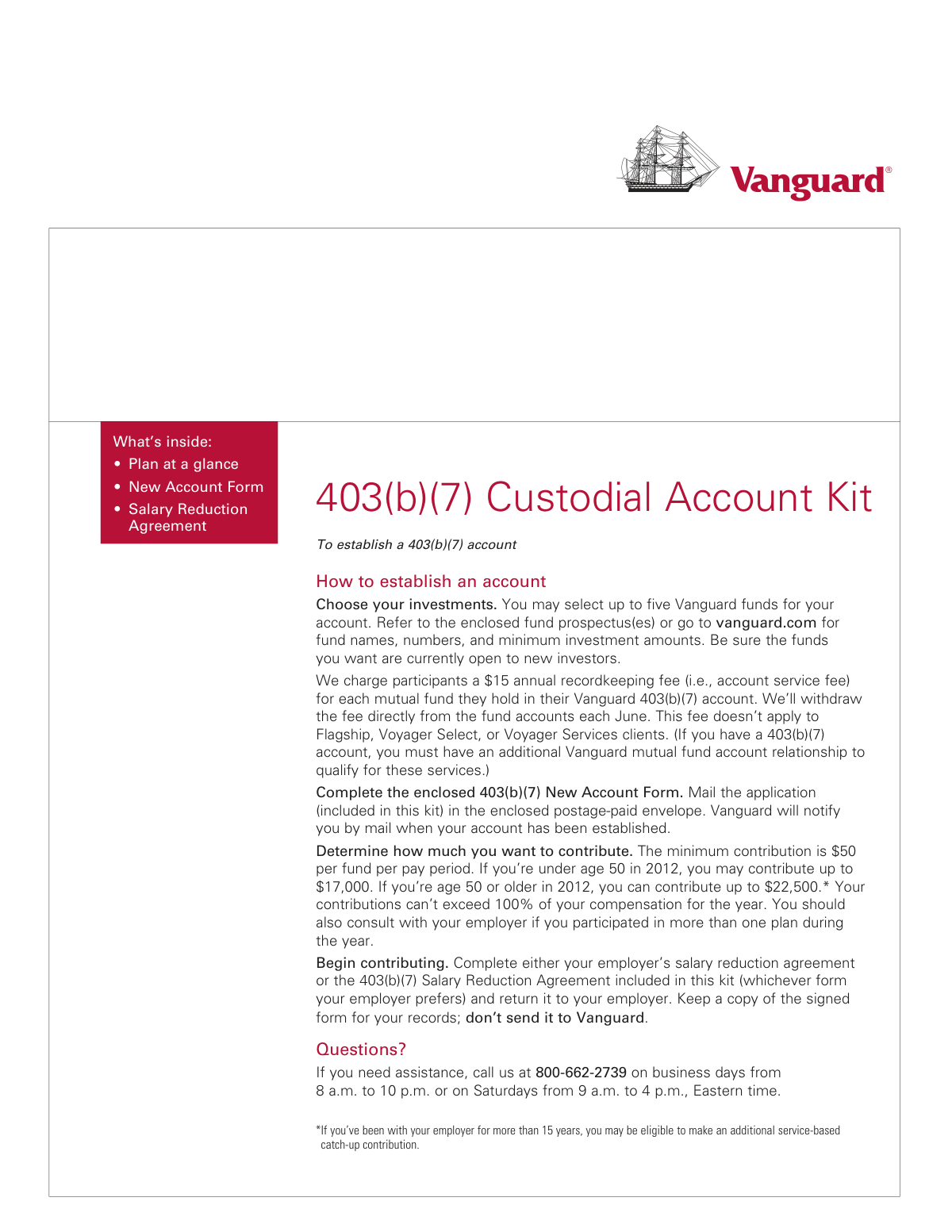
The Vanguard 403(b)(7) New Account Form, also known as Form CARF1, is an application used to open a tax-advantaged retirement savings account with Vanguard. This form is essential for eligible employees of public schools and tax-exempt organizations to start investing for retirement under a 403(b)(7) plan. Completing this form accurately ensures the proper setup of the account, investment selections, and beneficiary designations. Today, this form can be filled out quickly and accurately using AI-powered services like Instafill.ai, which can also convert non-fillable PDF versions into interactive fillable forms.
Rather not fill this in by hand? Instafill is an online form filler that completes PDF forms automatically — upload the blank form, answer a few questions, and the AI fills every field.
Form specifications
| Form name: | Vanguard 403(b)(7) New Account Form |
| Number of pages: | 1 |
| Language: | English |
Our AI automatically handles information lookup, data retrieval, formatting, and form filling.
It takes less than a minute to fill out CARF1 using our AI form filling.
Securely upload your data. Information is encrypted in transit and deleted immediately after the form is filled out.
Instafill Demo: How to fill out PDF forms in seconds with AI
How to Fill Out CARF1 Online for Free in 2026
Are you looking to fill out a CARF1 form online quickly and accurately? Instafill.ai offers the #1 AI-powered PDF filling software of 2026, allowing you to complete your CARF1 form in just 37 seconds or less.
Follow these steps to fill out your CARF1 form online using Instafill.ai:
- 1 Navigate to Instafill.ai and upload or select the Vanguard 403(b)(7) New Account Form.
- 2 Use the AI assistant to fill in Section 1 with your personal details, including your full name, address, Social Security number, and date of birth.
- 3 Complete Sections 2 and 3 by providing your employer's information and the plan identification number, if applicable.
- 4 In Section 4, specify the Vanguard funds you wish to invest in and the percentage of your contribution to allocate to each fund.
- 5 Designate your primary and secondary beneficiaries in Section 5, specifying the percentage of assets each will receive.
- 6 Carefully review all the information entered for accuracy, then proceed to Section 6 to electronically sign and date the form.
- 7 Download the completed, signed form and mail it to the Vanguard address provided in the mailing instructions.
Our AI-powered system ensures each field is filled out correctly, reducing errors and saving you time.
Why Choose Instafill.ai for Your Fillable CARF1 Form?
Speed
Complete your CARF1 in as little as 37 seconds.
Up-to-Date
Always use the latest 2026 CARF1 form version.
Cost-effective
No need to hire expensive lawyers.
Accuracy
Our AI performs 10 compliance checks to ensure your form is error-free.
Security
Your personal information is protected with bank-level encryption.
Frequently Asked Questions About CARF1
This form is used by employees of eligible public schools and tax-exempt organizations to open a 403(b)(7) retirement savings custodial account with Vanguard. It allows you to start investing for retirement through payroll deductions.
You are eligible if you are an employee of a public school or a tax-exempt organization that has established a 403(b)(7) program with Vanguard. You should confirm your eligibility and plan details with your employer's benefits or HR department.
You will need your personal details (SSN, address, birth date), your employer's information, and your employer's Plan Identification Number if you are joining an existing plan. You should also decide which Vanguard funds you want to invest in and how to allocate your contributions.
The Plan Identification Number is provided by your employer. You should contact your HR or benefits department to obtain this number before completing the form.
If you do not specify any funds for your investment, your contributions will automatically be invested in the Vanguard Prime Money Market Fund. You can change your investment allocation later by logging into your account at vanguard.com.
Mail the completed and signed 403(b)(7) New Account Form to Vanguard at the address provided on the form. Do not send the Salary Reduction Agreement to Vanguard; that form must be submitted directly to your employer.
The Salary Reduction Agreement authorizes your employer to deduct a specific amount from your pay for your 403(b)(7) contributions. You must complete this form and submit it to your employer or plan administrator, not to Vanguard.
To transfer assets from another financial institution, you must complete a separate '403(b)(7) Account Exchange/Transfer Authorization Form'. This form should be mailed along with your New Account Form to Vanguard.
Yes, Vanguard charges a $15 annual recordkeeping fee for each mutual fund you hold in the account, which is withdrawn each June. This fee may be waived if you qualify for Vanguard Flagship, Voyager Select, or Voyager Services.
If your plan is subject to ERISA, you may be required to name your spouse as the beneficiary for at least 50% of the account value. If you wish to name someone else, your spouse may need to provide written consent; check with your plan administrator for your plan's specific rules.
Section 7 is for an employer or administrator signature, but it is only required for certain plans. You must check with your employer to determine if their signature is needed before you submit the form to Vanguard.
Yes, services like Instafill.ai use AI to accurately auto-fill form fields with your information, which can save you time and help avoid errors. This is especially useful for multi-page forms requiring repetitive personal data.
You can use a service like Instafill.ai to fill out the form online. Simply upload the PDF, and the tool will allow you to type your information directly into the fields before printing the completed form for signature and mailing.
If you have a non-fillable or 'flat' PDF, tools like Instafill.ai can convert it into an interactive, fillable form. This allows you to easily type your answers instead of having to print the form and fill it out by hand.
Compliance CARF1
Validation Checks by Instafill.ai
1
SSN/ITIN Format and Validity
This check ensures the Social Security Number (SSN) or Individual Taxpayer ID Number (ITIN) in Section 1 is entered in the correct XXX-XX-XXXX format. It verifies that the field is not empty and conforms to the standard structure for these identifiers. This is critical for tax reporting and uniquely identifying the account owner, and failure to provide a valid number will prevent account opening.
2
Conditional Street Address Requirement
This validation enforces the rule in Section 1 that a physical street address is mandatory if the mailing address is a P.O. Box. The check is triggered when a P.O. Box is detected in the primary mailing address line. This is necessary for legal and identity verification purposes under federal law, as a physical residence is required.
3
Plan Information Selection Logic
This check validates that in Section 2, exactly one of the two plan options ('New plan' or 'Existing plan') is selected. Furthermore, if 'Existing plan' is chosen, it verifies that the 'Plan Identification Number' field is not empty. This ensures the application can be correctly routed and associated with the right employer plan from the outset.
4
Plan Identification Number Verification
When an applicant indicates they are joining an 'Existing plan' in Section 2, this validation cross-references the provided 'Plan Identification Number' against Vanguard's database of active employer plans. An invalid or non-matching number would halt the process and require the applicant to obtain the correct number from their employer. This prevents accounts from being linked to the wrong plan.
5
Investment Allocation Total Percentage
This check ensures that the sum of all percentages entered in Section 4 for fund investments equals exactly 100%. The system will reject any submission where the total is less than or greater than 100%. This is crucial for ensuring the applicant's initial investment is allocated precisely according to their wishes, leaving no room for ambiguity.
6
Fund Number and Name Consistency
This validation verifies that each 'Fund Number' entered in Section 4 corresponds to a valid, open Vanguard fund. It should also check that the provided 'Fund Name' matches the official name associated with that number. This prevents investments from failing due to incorrect fund details or attempts to invest in closed funds.
7
Primary Beneficiary Allocation Sum
This validation confirms that the percentages assigned to all 'Primary Beneficiaries' in Section 5 add up to exactly 100%. If the total is not 100%, the form is considered incomplete. This rule is essential for ensuring a clear and legally sound distribution of assets upon the account holder's death, preventing potential disputes.
8
Secondary Beneficiary Allocation Sum
Similar to the primary beneficiary check, this validation ensures that the percentages assigned to all 'Secondary Beneficiaries' in Section 5 also total exactly 100%. This is important for creating a clear line of succession for the assets if none of the primary beneficiaries are able to inherit. An incorrect total would create ambiguity and processing delays.
9
Beneficiary Date of Birth Validity
This check verifies that any birth date entered for a beneficiary in Section 5 is a complete and valid date in the past. It ensures the date is in the correct mm/dd/yyyy format and is not a future date. This helps confirm the identity of the beneficiary and prevents data entry errors that could complicate asset distribution in the future.
10
Account Owner Signature and Date Presence
This validation confirms that the account owner's signature is present in Section 6 and that the date field next to it is filled out. The signature is legally required to adopt the custodial agreement. An unsigned or undated form is not legally binding and cannot be processed.
11
Salary Reduction Amount Exclusivity
On the Salary Reduction Agreement (Form SR72E1), this check ensures that a value is entered in either the dollar amount field OR the percentage field in Section 3, but not both. This prevents ambiguity in the payroll deduction instruction. If both or neither are filled, the form should be rejected for clarification.
12
Contribution Limit Check Based on Age
This is a logical check that uses the employee's birth date from the New Account Form to determine their age and corresponding annual contribution limit (including any age 50+ catch-up provisions). It then compares this limit to the contribution amount specified on the Salary Reduction Agreement. This helps prevent inadvertent excess contributions, which have tax penalties.
13
ERISA Spousal Beneficiary Requirement
For plans subject to ERISA, this validation checks if the account holder is married and, if so, whether their spouse is listed as the primary beneficiary for at least 50% of the assets. If a non-spouse is designated for more than 50%, the system should flag the submission and indicate that a signed spousal consent form is required. This enforces federal retirement law designed to protect surviving spouses.
14
Trust Date Validation
When a trust is named as a beneficiary in Section 5, this check verifies that the 'Date of Trust' field is completed with a valid date. The date must be on or before the signature date of the application, as the form specifies it must be an 'existing trust'. This ensures the designated entity was legally in existence when the beneficiary designation was made.
Common Mistakes in Completing CARF1
This form is an agreement between the employee and their employer, not Vanguard. Applicants often mistakenly mail all completed paperwork to Vanguard, but the Salary Reduction Agreement must be given directly to the employer's payroll or benefits department to authorize deductions. Submitting it to Vanguard will result in contributions not being started and significant delays. Always follow the form's explicit instructions: 'Submit this agreement to your plan administrator; don’t send it to Vanguard.'
Applicants frequently make errors in Section 5, such as listing percentages that do not total 100%, leaving beneficiary birth dates blank, or providing incomplete names. These mistakes can lead to ambiguity and legal complications upon the account owner's death, potentially causing assets to be distributed in a way the owner did not intend. To avoid this, double-check that all percentages for both primary and secondary beneficiaries add up to exactly 100% and that all personal details are complete and accurate.
Section 7 of the New Account Form and Section 4 of the Salary Reduction Agreement may require a signature from the employer or plan administrator. Applicants often overlook this or are unsure if it's needed, submitting the form without it. This will cause the application to be rejected or delayed until the proper authorization is obtained. Always check with your employer's benefits department to confirm if their signature is required before submitting the forms.
In Section 2, applicants must distinguish between establishing a 'New plan' for their employer and joining an 'Existing plan.' When joining an existing plan, they often forget to obtain the 'Plan Identification Number' from their employer. This information is critical for linking the new account to the correct employer program. Submitting the form with the wrong option checked or a missing ID number will halt the account opening process.
In Section 4, individuals may forget to assign percentages to their chosen funds, or the percentages may not total 100%. The form states that if percentages are missing, the investment will be divided equally, and if no funds are chosen, it defaults to a money market fund. This default action may not align with the applicant's long-term investment goals. To prevent this, ensure you list the correct fund names and numbers, and that the allocation percentages sum precisely to 100%.
Federal law requires financial institutions to obtain a physical street address to verify an individual's identity. The form explicitly states in Section 1 that a P.O. box is not acceptable for the 'Street Address' field. Providing only a P.O. box will result in the application being deemed incomplete and returned, delaying the account setup. You must provide your residential or business street address; a P.O. box can only be used for the separate 'Mailing Address' field.
For plans subject to ERISA, a married participant may be required to name their spouse as the primary beneficiary for at least 50% of the account, unless the spouse formally consents to another designation. Many people are unaware of this rule and name a child or other individual without obtaining spousal consent. This can invalidate the beneficiary designation and lead to legal disputes. If your plan is subject to ERISA, you must contact your plan administrator to understand the rules and obtain the proper spousal consent form.
A missing signature or date in Section 6 is one of the most common and critical errors, as it renders the entire legal agreement invalid. This often happens due to simple oversight when rushing to complete the paperwork. An unsigned application will be immediately rejected, forcing the applicant to restart the submission process. Always perform a final review of the entire form, paying special attention to the signature box, before mailing.
The Social Security Number (SSN) or Individual Taxpayer ID Number (ITIN) is essential for tax reporting and identity verification. A simple typo, transposed digit, or leaving the field blank is a frequent mistake that will cause the application to fail verification and be rejected. To avoid this, carefully proofread the number you have entered. AI-powered form filling tools like Instafill.ai can help prevent these errors by automatically validating data formats to ensure accuracy.
The instructions specify printing in capital letters with black ink, but people may use other colors, write illegibly, or submit a blurry copy. This makes it difficult for the processing team to accurately read the information, leading to data entry errors or rejection of the form. To ensure your application is processed correctly, use a black pen and write clearly in all caps. If the form is a non-fillable PDF, tools like Instafill.ai can convert it into a fillable version, ensuring all entries are perfectly legible.
Saved over 80 hours a year
“I was never sure if my IRS forms like W-9 were filled correctly. Now, I can complete the forms accurately without any external help.”
Kevin Martin Green
Your data stays secure with advanced protection from Instafill and our subprocessors




Robust compliance program
Transparent business model
You’re not the product. You always know where your data is and what it is processed for.
ISO 27001, HIPAA, and GDPR
Our subprocesses adhere to multiple compliance standards, including but not limited to ISO 27001, HIPAA, and GDPR.
Security & privacy by design
We consider security and privacy from the initial design phase of any new service or functionality. It’s not an afterthought, it’s built-in, including support for two-factor authentication (2FA) to further protect your account.
Fill out CARF1 with Instafill.ai
Worried about filling PDFs wrong? Instafill securely fills vanguard-403b7-new-account-form forms, ensuring each field is accurate.
