
Yes! You can use AI to fill out Vanguard Personal Investor – Authorised representative form
Don't type 29 fields by hand. Tell our AI about yourself, or upload a document you already have, and it fills every field in seconds. You check it, then download, print or sign.
The AI does the filling. You just check it.
No typing into boxes, nothing to install.
What this form asks for
The AI fills all of it, from your answers or your documents.
The AI checks your answers before you download
14 checks built for this form, so a wrong date or a missing answer is caught before anyone else sees it.
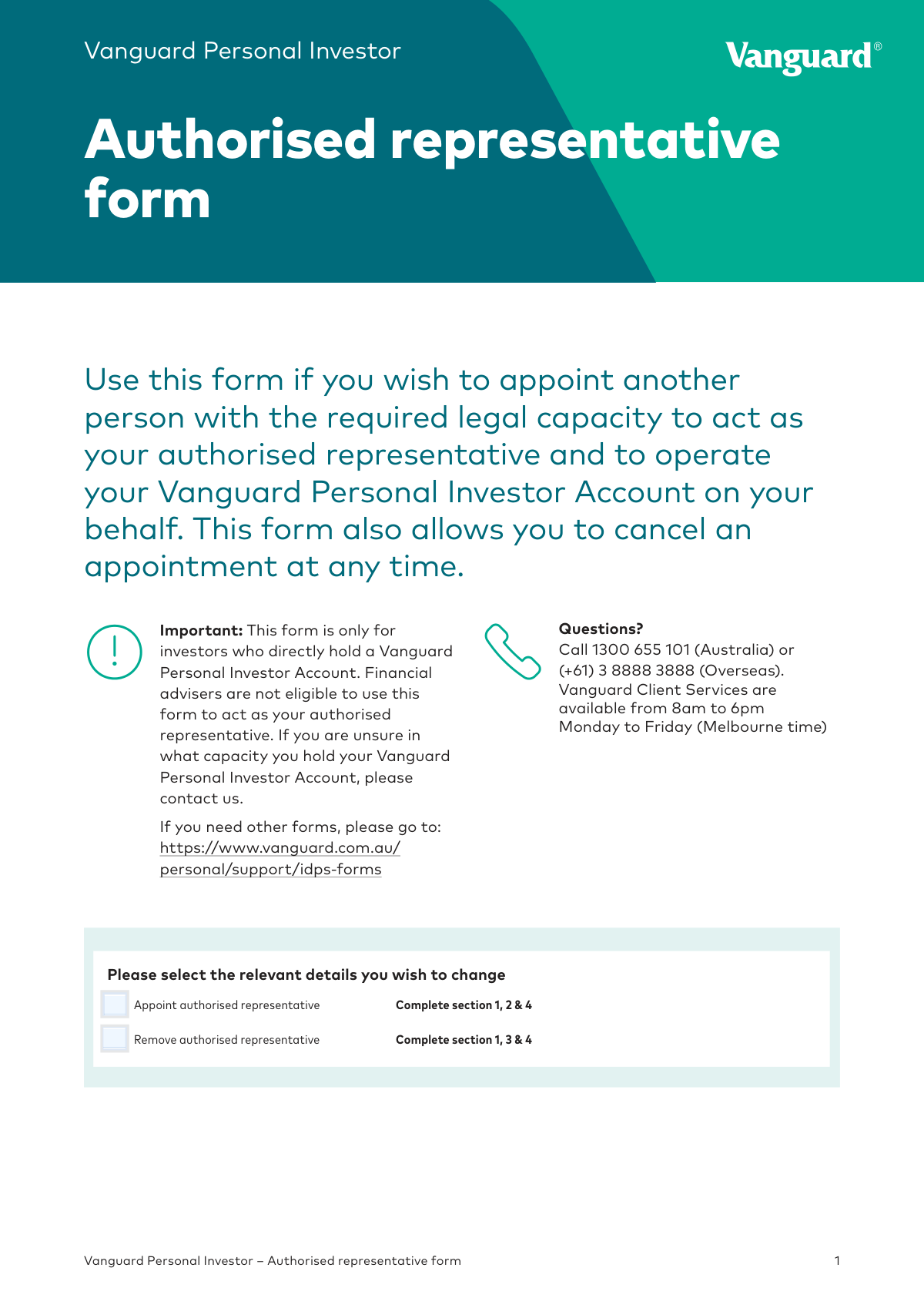
This check verifies that the user has selected either the 'Appoint authorised representative' or 'Remove authorised representative' checkbox, but not both. This is crucial for determining the correct processing workflow and which sections of the form are mandatory. If neither or both are selected, the form submission should be rejected as the user's intent is ambiguous.
This validation ensures that if the 'Appoint' option is chosen, all fields in Section 1 (Account details), Section 2 (Authorised representative details), and Section 4 (Declaration) are fully completed. This is necessary to process the appointment request correctly and establish the new representative's credentials. Failure to complete these sections will result in the rejection of the appointment request.
This check confirms that if the 'Remove' option is selected, all fields in Section 1 (Account details), Section 3 (Remove authorised representative details), and Section 4 (Declaration) are filled out. Completing these sections is mandatory to correctly identify the account and the representative to be removed. An incomplete form will prevent the removal process from being initiated.
This check verifies that the 'Account number' in Section 1 is present and matches the expected format for a Vanguard Personal Investor Account. This is critical for correctly identifying the specific account to be updated. An invalid or missing account number will prevent the system from locating the account, causing the entire request to fail.
This check verifies that all fields in Section 2 are completed when appointing a representative, as the form states 'All fields are mandatory'. This includes everything from the representative's name and date of birth to their occupation and full address. Incomplete information would prevent proper identity verification and account setup for the representative, causing the appointment to fail.
This validation ensures the 'Date of birth' in Section 2 is provided in the correct DD/MM/YYYY format and represents a valid, past date. This is essential for identity verification and to confirm the representative has the 'required legal capacity' (i.e., is of legal age). An invalid format or a future date would fail the check and halt the appointment process pending correction.
And 8 more checks
- Verifies uniqueness of Email Address and Mobile Number
- Prohibits PO Box in Residential Address
- Confirms presence of Signatory's Signature
- Validates Signature Date format and recency
- Verifies attachment of Certified Identification Documents
- Confirms Acknowledgment of Declaration in Section 4
- Validates consistency between Signatory Name and Account Name
- Validates Australian Phone Number Format
Let AI fill out your REFORMARF 62024
No typing. Every field filled in seconds, checked, ready to sign.
How to Fill Out REFORMARF 62024 Online for Free in 2026
What the AI walks you through.
- Navigate to Instafill.ai and upload the Vanguard Authorised Representative Form PDF or select it from the template library.
- Use the AI tool to automatically populate your account details in Section 1, such as your account number and contact information.
- If appointing a representative, proceed to Section 2 and provide the individual's full name, date of birth, address, and other required details.
- If removing a representative, complete Section 3 by entering the full name of the individual whose authority you are revoking.
- Review the declaration in Section 4, then sign and date the form as the account holder to authorize the changes.
- Gather and attach certified true copies of the new authorised representative's identification documents as specified in the form's checklist.
- Download the completed and signed form, along with any attachments, and submit it to Vanguard via their secure online message system or by mail.
Common Mistakes in Completing REFORMARF 62024
The ones the AI is built to catch.
Failure to Provide Certified Identification
Using a Digital or Typed Signature
Incorrect Section Completion
Missing Second Signature for Joint Accounts
Providing a PO Box for the Residential Address
Incorrect Date Format
Leaving Mandatory Fields Blank
Improper Submission of the Form
Using Non-Unique Contact Information
Ignoring the Pre-Submission Checklist
Frequently Asked Questions About REFORMARF 62024
Is it really free for 7 days?
Can I fill other forms too?
How do I cancel?
How does the AI fill out REFORMARF 62024?
What happens to my information?
How complex is REFORMARF 62024 to fill out?
What is the purpose of the Vanguard Authorised Representative form?
Who is eligible to use this form?
Which sections do I need to complete to appoint a representative?
How do I remove an authorised representative from my account?
What documents are required when appointing a representative?
What can an authorised representative do on my account?
How do I submit the completed form?
How will I know if my request has been processed?
Can I sign this form electronically?
Can my representative and I use the same email or mobile number?
What if I have a joint account?
Can AI tools help me fill out this form?
How can I fill out this Vanguard form online?
The PDF form I have is not fillable. What should I do?
Get your REFORMARF 62024 filled out by AI
$0 today. Cancel before Nov 1 and you pay nothing.
Other forms like this one
representative forms: Form DE-160/GC-040, Inventory and Appraisal (Declaration of Representative/Guardian/Conservator or Small Estate Claimant and Declaration of Probate Referee), Authorized Representative Designation for FSD Benefits (SNAP, Temporary Assistance, and MO HealthNet), Form G-28, Notice of Entry of Appearance as Attorney or Accredited Representative, Form G-28, Notice of Entry of Appearance as Attorney or Accredited Representative, Appointment of Representative Form, Form G-28, Notice of Entry of Appearance as Attorney or Accredited Representative, Alabama Form 2848A, Power of Attorney and Declaration of Representative, Ohio Department of Taxation Declaration of Tax Representative (Form TBOR 1), VA Form 21-22a, Appointment of Individual as Claimant's Representative, Form CMS-1696, Appointment of Representative (Rev. 09/21), Form CMS-1696, Appointment of Representative (Expires 12/31/2028), Form 2848, Power of Attorney
Vanguard forms: Gift of Nonretirement Assets to Existing Vanguard Account Form, Vanguard VRPA Transfer Request Form, Vanguard Personal Investor – Transfer form, Vanguard Asset Transfer Authorization Form for the Emory University Retirement Plan, Retirement Transfer Between Existing Vanguard Accounts, Vanguard Personal Investor – Transfer initiation form – Transfer out, Vanguard Asset Transfer Authorization, Moving your Vanguard funds to a Vanguard Brokerage Account Disclosure statement, Make a contribution - Vanguard Charitable, Vanguard Transfer Form, Vanguard Full Agent Authorization, Vanguard Transfer on Death Plan Form, The Vanguard 529 College Savings Plan: Power of Attorney, Vanguard Direct Rollover IRA Adoption Agreement, Vanguard Limited Agent Authorization, The Vanguard 529 College Savings Plan Agent Authorization/Limited Power of Attorney, The Vanguard 529 College Savings Plan Direct Rollover Out to Roth IRA Form, The Vanguard 529 College Savings Plan Transfer Due to Death of Account Owner Form, Your guide to completing a rollover - Vanguard, Vanguard IRA Distribution Kit (including IRA Distribution Form RRDFT and Form W-4R)
investor forms: Vanguard Personal Investor – Transfer form, Vanguard Personal Investor – Transfer initiation form – Transfer out, Vanguard Personal Investor authorisation to provide account information form, Institutional Investors Organization Resolution Form, Vanguard Personal Investor Withdrawal form, Vanguard Institutional Investor Group Redemption Form, Transamerica Premier Funds Direct Rollover IRA Application (704-TRS Investor Class), Vanguard Account Opening Form for Individual Investors, Vanguard Personal Investor – Unregulated Trust details – Account information update, Merrill Edge® Self‑Directed Business Investor Account (BIA Account) Account Application Booklet and Agreements, AwardChoice Limited Individual Investor Account Form, Merrill Business Investor Account (BIA) and Working Capital Management Account (WCMA) Account Application Booklet and Agreements, Merrill AwardChoice® Individual Investor Account Application Form for U.S. Persons, Pershing NetXInvestor Online Account Set-Up Form, Investor Application and Subscription Agreement for The Wyoming Reserve Opportunity Zone Fund Corporation, Pomona Investment Fund Investor Initial Application (Class A & Class I Shares), AML/CTF Investor Identification Information Form, Application Form: Legal Entities | Qualified Investor Hedge Fund, EDAWN Investor Application, Investor Application and Subscription Agreement for Shares of Common Stock in Oxford Park Income Fund, Inc.
Let AI fill out your REFORMARF 62024
Your trial starts once a card is added. You pay nothing before Nov 1.
Our AI already knows this form, all 29 fields of it. Skip the typing: tell it about yourself, or upload what you have, and it fills the whole form in seconds.
- AI fills every field on all 4 pages, checkboxes included
- No typing into boxes: answer a few questions, or upload a document you already have, an old copy of this form, a photo of a document
- The AI checks the answers; you review and change anything before you download
- Download the finished PDF, print it, or sign it online
- Encrypted, and never used to train AI
Cancel before Nov 1 and you pay nothing.
A card is needed to start the trial. Cancel in two clicks from your account.
Terms · Privacy