Yes! You can use AI to fill out Empower Death Benefit Claim Request Form
The Empower Death Benefit Claim Request Form is a crucial document for beneficiaries seeking to claim assets from a deceased participant's retirement or investment plan. Submitting this form, along with an official death certificate, formally initiates the death claim process, allowing Empower to verify the beneficiary and transfer the assets into a new account. Today, this form can be filled out quickly and accurately using AI-powered services like Instafill.ai, which can also convert non-fillable PDF versions into interactive fillable forms.
Empower Death Claim Form is part of the
benefit forms, VA claim forms, Empower forms and death benefit forms categories on Instafill.
Rather not fill this in by hand? Instafill is an online form filler that completes PDF forms automatically — upload the blank form, answer a few questions, and the AI fills every field.
Form specifications
| Form name: | Empower Death Benefit Claim Request Form |
| Number of pages: | 1 |
| Language: | English |
Our AI automatically handles information lookup, data retrieval, formatting, and form filling.
It takes less than a minute to fill out Empower Death Claim Form using our AI form filling.
Securely upload your data. Information is encrypted in transit and deleted immediately after the form is filled out.
Instafill Demo: How to fill out PDF forms in seconds with AI
How to Fill Out Empower Death Claim Form Online for Free in 2026
Are you looking to fill out a EMPOWER DEATH CLAIM FORM form online quickly and accurately? Instafill.ai offers the #1 AI-powered PDF filling software of 2026, allowing you to complete your EMPOWER DEATH CLAIM FORM form in just 37 seconds or less.
Follow these steps to fill out your EMPOWER DEATH CLAIM FORM form online using Instafill.ai:
- 1 Navigate to Instafill.ai and upload your Empower Death Benefit Claim Request Form or select it from their template library.
- 2 Provide the deceased participant's personal information, such as their full name, Social Security Number, and date of death, as prompted by the AI assistant.
- 3 Enter your personal details as the beneficiary, including your name, address, date of birth, and relationship to the deceased.
- 4 Securely upload a digital copy of the official death certificate and any other required documentation, such as proof of identity or spousal consent forms if applicable.
- 5 Indicate your preferences for the distribution of assets, such as a direct payout or a rollover into a Takeover Account, following the AI's guided questions.
- 6 Review all the information pre-filled by the AI for accuracy, make any necessary corrections, and then electronically sign the form.
- 7 Download the completed and signed form and submit it to Empower or the Plan Administrator as instructed.
Our AI-powered system ensures each field is filled out correctly, reducing errors and saving you time.
Why Choose Instafill.ai for Your Fillable Empower Death Claim Form Form?
Speed
Complete your Empower Death Claim Form in as little as 37 seconds.
Up-to-Date
Always use the latest 2026 Empower Death Claim Form form version.
Cost-effective
No need to hire expensive lawyers.
Accuracy
Our AI performs 10 compliance checks to ensure your form is error-free.
Security
Your personal information is protected with bank-level encryption.
Frequently Asked Questions About Empower Death Claim Form
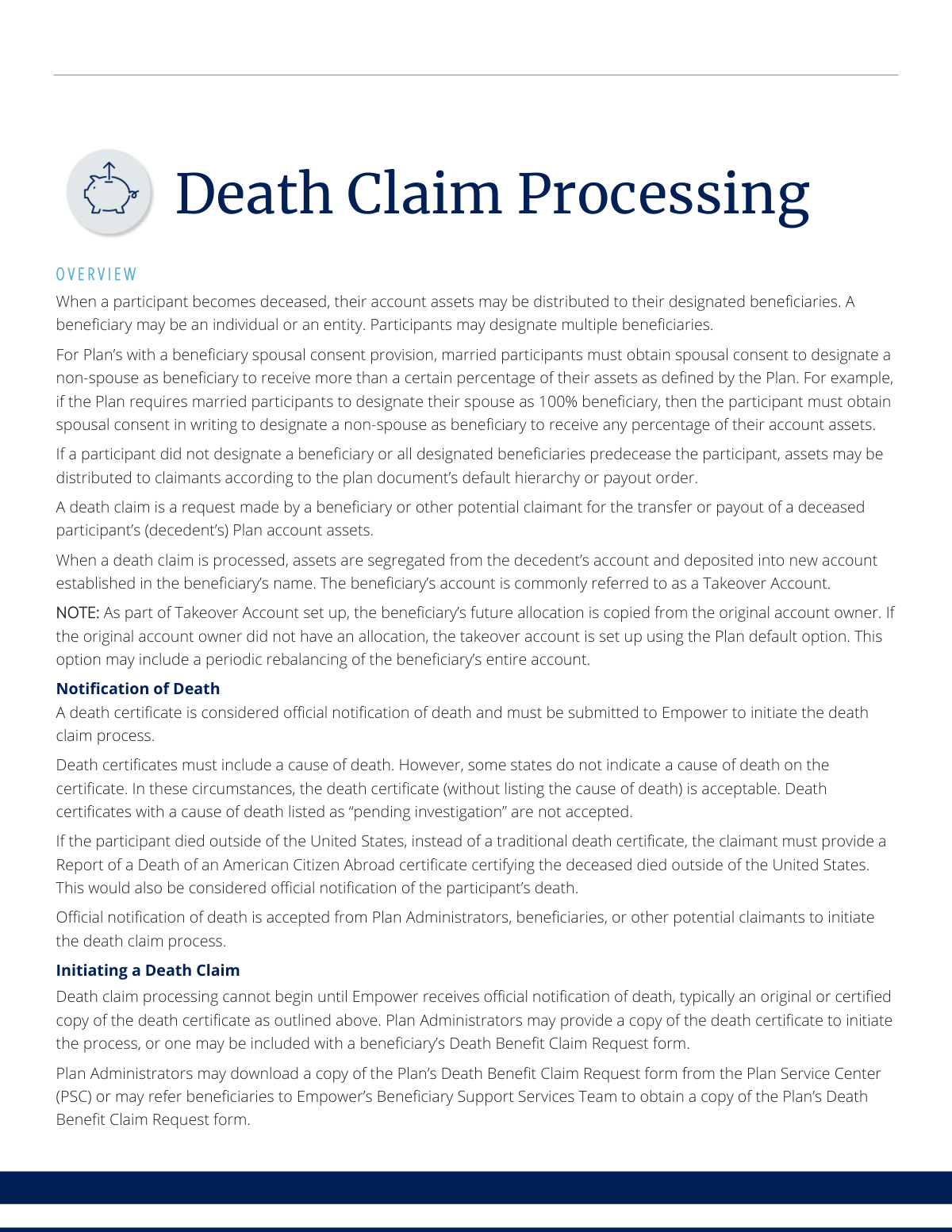
The death claim process is a request made by a beneficiary for the transfer or payout of a deceased participant's plan account assets. The assets are then moved into a new 'Takeover Account' established in the beneficiary's name.
A death claim can be started by a Plan Administrator, a designated beneficiary, or another potential claimant. The process begins once Empower receives official notification of the participant's death.
An original or certified copy of the death certificate is required as official notification of death. If the participant died outside the U.S., a 'Report of a Death of an American Citizen Abroad' certificate must be provided instead.
Yes, the death certificate must generally include a cause of death. Certificates with a cause of death listed as 'pending investigation' will not be accepted for processing.
You can ask the Plan Administrator for the form or contact Empower’s Beneficiary Support Services Team. The support team will verify you are a designated beneficiary before providing the form.
If there is no designated beneficiary on file, or if all beneficiaries are also deceased, the assets will be distributed according to the plan document’s default hierarchy or payout order.
For some plans, if a married participant names someone other than their spouse as a beneficiary for a certain percentage of assets, the spouse must provide written consent. This confirms they agree to waive their right to those assets.
Empower will place a disbursement hold on the account, remove the participant's online access, and terminate any active periodic payments. This is done to secure the assets for the rightful beneficiaries.
Checks issued before the participant's death are reissued to the decedent's estate. Checks issued after the date of death are reissued directly to the beneficiary or beneficiaries.
This depends on the plan's specific rules. Empower may approve the claim directly if it's in good order, or the request may be sent to the Plan Administrator for final review and approval.
Yes, services like Instafill.ai use AI to help you accurately auto-fill form fields. This can save time and help reduce errors when completing the paperwork.
You can use a service like Instafill.ai to complete the form online. Simply upload the PDF to their platform, and their AI will guide you through filling out the required fields interactively.
If your PDF is not fillable, you can use a tool like Instafill.ai to convert it into an interactive form. This allows you to type your information directly onto the document before printing and submitting it.
If the plan provisions do not specify how to handle defaulted loans, the standard procedure is to offset the defaulted loan amount from the account balance under the decedent's Social Security Number.
Compliance Empower Death Claim Form
Validation Checks by Instafill.ai
1
Validates Presence of Official Death Notification
This check ensures that an official notification of death, typically an original or certified copy of the death certificate, is submitted with the claim. For participants who died abroad, a 'Report of a Death of an American Citizen Abroad' is required. This document is the primary trigger for the entire death claim process, and failure to provide it will halt all processing until it is received.
2
Verifies Cause of Death Status
The system checks the cause of death listed on the death certificate. While a missing cause of death can be acceptable for certificates from certain states, a status of 'pending investigation' is explicitly not accepted. This rule prevents premature processing of claims where the circumstances of death might affect eligibility or involve legal complexities, and a claim with a pending cause of death will be rejected until an updated certificate is provided.
3
Ensures Date of Death is Logically Valid
This validation confirms that the participant's date of death is a valid date, is not in the future, and occurs after the participant's date of birth on record. This is a fundamental sanity check to prevent data entry errors and ensure the chronological integrity of the claim. An illogical date would cause the form to be rejected for correction.
4
Validates Claim Submission Date
This check ensures that the date the death claim form is submitted is on or after the participant's date of death. It is impossible to file a valid claim before the participant is deceased, so this check prevents fraudulent or erroneous submissions. A claim dated prior to the date of death would be immediately flagged as an error and rejected.
5
Confirms Spousal Consent for Non-Spouse Beneficiaries
For plans with a spousal consent provision, this check is triggered if the deceased participant was married and designated a non-spouse as a beneficiary for a certain percentage of assets. The system verifies that a signed spousal consent form is included with the claim documents. Lack of required consent renders the beneficiary designation invalid and will delay the claim until the proper documentation or legal determination is provided.
6
Validates Beneficiary SSN or TIN Format
This check verifies that the beneficiary's identification number is in the correct format, which is a 9-digit Social Security Number (SSN) for an individual or a 9-digit Taxpayer Identification Number (TIN) for an entity like a trust or estate. Correct tax information is critical for establishing the new takeover account and for tax reporting purposes. An invalid format will prevent account setup and require the beneficiary to provide corrected information.
7
Checks for Beneficiary Information Completeness
This validation ensures that all mandatory fields for the beneficiary, such as full legal name, physical address, date of birth, and relationship to the decedent, are completed. This information is essential for identity verification, communication, and legally establishing the new beneficiary account. Incomplete forms are not considered 'in good order' and will be returned to the claimant for completion.
8
Cross-references Date of Death with Uncashed Checks
The system compares the participant's date of death against the issue date of any uncashed checks on the account. If a check was issued after the date of death, it is flagged as invalid and must be reversed and reissued to the correct beneficiary or estate. This prevents funds from being incorrectly paid to the decedent's name and ensures assets are distributed properly.
9
Verifies Beneficiary Type and Documentation
This check validates that if a beneficiary is listed as an entity (e.g., 'Trust' or 'Estate'), the appropriate supporting documentation is attached. This may include trust agreements or letters of testamentary. It also ensures a TIN is provided instead of an SSN. This is crucial for ensuring the assets are transferred to the correct legal entity, and missing documentation will put the claim on hold.
10
Validates Plan Administrator Approval Signature (Conditional)
For plans where the Plan Administrator must approve death claims, this check verifies that the form has been signed by the administrator before processing. The signature confirms the administrator has reviewed the claim for accuracy and authorizes Empower to proceed. A missing signature on a plan requiring it will halt the process and route the request back to the Plan Administrator.
11
Flags Post-Mortem Account Activity
This validation scans the decedent's account history for any transactions, such as withdrawals or investment changes, that occurred after the provided date of death. Any such activity is automatically flagged for immediate fraud review and reversal. This is a critical security measure to protect account assets from unauthorized access after the participant is deceased.
12
Ensures Decedent and Beneficiary are Not the Same
A logical check is performed to compare the identifying information (e.g., name and SSN) of the decedent against that of the beneficiary. A person cannot be the beneficiary of their own death claim. This validation prevents obvious and critical data entry errors that would make processing impossible, and a match would result in immediate rejection of the form.
Common Mistakes in Completing Empower Death Claim Form
Claimants often submit a photocopy instead of a required original or certified copy of the death certificate, or provide one where the cause of death is listed as 'pending investigation'. These are not accepted and will immediately halt the claim process, requiring the claimant to re-submit the correct documentation. To avoid this, obtain a certified copy directly from the relevant vital records office and wait until the cause of death is finalized before submitting the claim.
A simple typo in the deceased participant's name, date of death, or Social Security Number is a frequent error that causes a data mismatch with the account on file. This discrepancy prevents Empower from verifying the account and initiating the claim, leading to processing delays while the information is corrected. Carefully double-checking this information against the death certificate and other official records before submission is critical.
Beneficiaries, under stress, may rush through the form and enter their own Social Security Number incorrectly, use a nickname instead of a full legal name, or leave fields like their date of birth blank. This incomplete or incorrect data prevents the establishment of the new beneficiary 'Takeover Account' and the transfer of assets. Using a tool like Instafill.ai can help prevent these data entry errors by auto-filling and validating personal information for accuracy.
When the designated beneficiary is not an individual but an entity like a trust or the decedent's estate, additional legal documents are required to certify the beneficiary and the claimant's authority. Claimants often forget to include the required trust agreement pages or Letters of Testamentary from the court. This omission results in the claim being placed on hold until the complex legal paperwork is provided and verified.
A very common and easily avoidable mistake is failing to sign the form in all required locations. Depending on the plan, a signature from the Plan Administrator may also be required. An unsigned form is considered 'not in good order' and will be immediately returned, forcing the claimant to sign and resubmit, which needlessly delays the distribution of funds.
Claimants may download a generic 'death claim' form from the internet rather than obtaining the specific 'Death Benefit Claim Request form' from Empower or the Plan Administrator for the decedent's plan. This leads to submitting incomplete or incorrect information, causing the entire claim to be rejected. It is essential to get the correct form from an official source, as beneficiary support services will verify status before providing it.
If the participant passed away outside of the United States, a standard foreign death certificate is not sufficient. The process specifically requires a 'Report of a Death of an American Citizen Abroad' certificate. Submitting the wrong document will stop the process until the correct U.S. consular report is obtained, which can be a time-consuming process for a grieving family.
In a complex, multi-page form, it's easy to accidentally skip a field or an entire section, assuming it's not applicable. However, any missing information will flag the form as incomplete and require follow-up, delaying the claim. AI-powered tools like Instafill.ai can convert flat PDFs into fillable forms and guide users through required fields, helping to ensure no critical information is missed before submission.
A non-spouse beneficiary may file a claim, only to discover the designation is invalid because the plan required the decedent's spouse to formally consent to them being named a beneficiary. This is not a form-filling error but a fundamental misunderstanding of plan rules that can lead to the claim being denied and assets being paid to the spouse or other default beneficiaries. While not always preventable by the claimant, being aware of this possibility is important.
Saved over 80 hours a year
“I was never sure if my IRS forms like W-9 were filled correctly. Now, I can complete the forms accurately without any external help.”
Kevin Martin Green
Your data stays secure with advanced protection from Instafill and our subprocessors




Robust compliance program
Transparent business model
You’re not the product. You always know where your data is and what it is processed for.
ISO 27001, HIPAA, and GDPR
Our subprocesses adhere to multiple compliance standards, including but not limited to ISO 27001, HIPAA, and GDPR.
Security & privacy by design
We consider security and privacy from the initial design phase of any new service or functionality. It’s not an afterthought, it’s built-in, including support for two-factor authentication (2FA) to further protect your account.
Fill out Empower Death Claim Form with Instafill.ai
Worried about filling PDFs wrong? Instafill securely fills empower-death-benefit-claim-request-form forms, ensuring each field is accurate.
