Fill out Empower forms
with AI.
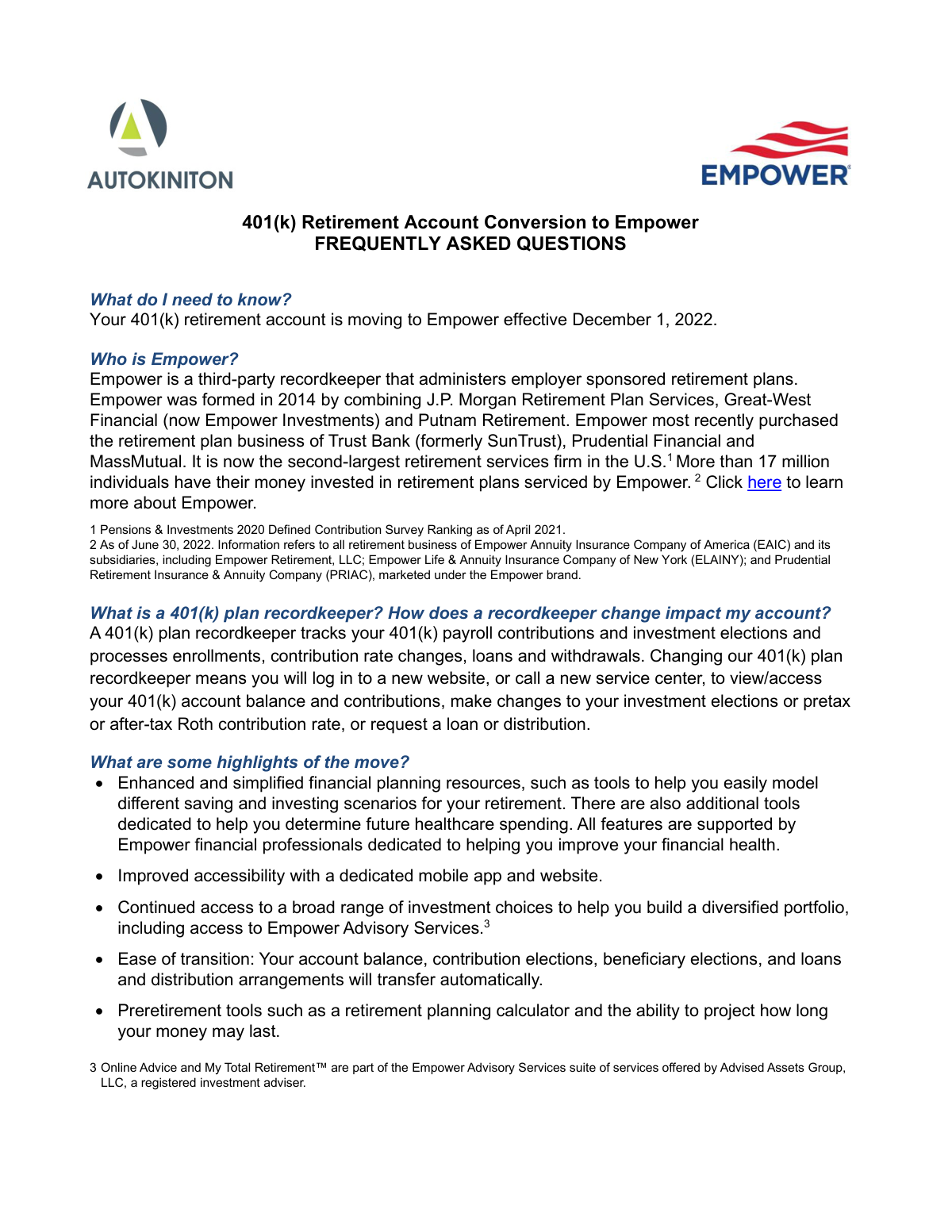
Empower forms are essential for managing employer-sponsored retirement plans and individual investment accounts. They cover a wide range of administrative and financial actions, from the initial enrollment in a 401(k) to the final distribution of assets. These documents are vital for ensuring that your retirement savings are handled according to federal regulations and plan-specific rules, protecting both your financial future and your tax compliance.
By continuing, you acknowledge Instafill's Privacy Policy and agree to get occasional product update and promotional emails.
About Empower forms
Typically, these forms are required by employees participating in workplace retirement plans, plan sponsors, or beneficiaries managing inherited assets. Common situations include consolidating retirement savings through an Incoming Rollover, requesting a Hardship Withdrawal for an immediate financial need, or updating a Beneficiary Designation to ensure your assets are distributed according to your wishes. Because these forms often involve sensitive financial data and strict deadlines, completing them correctly is paramount for avoiding tax penalties or processing delays.
Navigating financial paperwork can be time-consuming, but tools like Instafill.ai use AI to fill these Empower forms in under 30 seconds while ensuring data is handled accurately and securely. This provides a practical way to manage your retirement documentation efficiently, whether you are adjusting loan payments or initiating a required minimum distribution.
Every form on this page can be completed without typing. Instafill is form filling software that reads a PDF and fills it for you — including flat and scanned documents that carry no fillable fields at all.
Forms in This Category
The forms in this category have a median Form Complexity Index of 45/100 (Basic), measured across 23 forms by field count, input difficulty, length, conditional logic and structure. See how it is calculated.
- Enterprise-grade security & data encryption
- 99%+ accuracy powered by AI
- 1,000+ forms from all industries
- Complete forms in under 60 seconds
How to Choose the Right Form
Navigating retirement and financial forms can be complex, but choosing the right Empower document depends entirely on your current life stage or the specific transaction you need to complete.
Moving Money In or Starting Out
If you are new to a plan or consolidating your assets, look for these forms:
- Empower Enrollment Form: Use this to set up a new retirement account and establish your initial contribution rates.
- Empower Incoming Rollover Form: Choose this if you want to move funds from a previous employer’s 401(k), 403(b), or an IRA into your current Empower plan to keep your savings in one place.
Accessing Your Retirement Savings
When you need to take money out of your account, the correct form depends on your eligibility and the reason for the withdrawal:
- Empower Retirement Plan Withdrawal Request Form: The standard document for general distributions or when you have left your employer.
- Empower Hardship Distribution Request Form: Use this for immediate, heavy financial needs defined by the IRS, such as medical expenses or preventing eviction.
- Empower Required Minimum Distribution (RMD) Request Form: Required for participants who have reached the age where the IRS mandates annual withdrawals.
- Empower Disability Withdrawal Request Form: Specifically for those who need to access funds due to a documented disability.
Managing 401(k) Loans
If you are borrowing against your balance or managing an existing loan:
- Empower Loan Administration Form: Use this to apply for a new loan for a home purchase or general needs.
- Empower 401(k) Loan Prepayment Request Form: Select this to make extra payments and pay down your loan balance faster.
- Empower Loan Payment Change Request Form: Necessary if you need to modify your repayment schedule, often used during a leave of absence.
Designating Beneficiaries and Estate Planning
Ensuring your assets go to the right people requires specific designations:
- Empower Beneficiary Recordkeeping Form: The general form for naming who inherits your account.
- Empower Death Benefit Claim Request Form: Used by beneficiaries to claim assets after a participant has passed away.
- Plan-Specific Forms: If you are in a specialized plan, look for the Empower Beneficiary Designation Governmental 457(b) Plan or the Empower SRIP II Beneficiary Designation Form.
Form Comparison
| Form | Primary Purpose | Who Files It | Key Triggering Event |
|---|---|---|---|
| Empower Incoming Rollover Form | Transfer assets from previous retirement accounts into a current Empower plan. | Plan Participant | Consolidating external retirement savings into a single managed account. |
| Empower Retirement Plan Withdrawal Request Form | Request a general distribution or payout of retirement savings. | Plan Participant | Leaving an employer, reaching retirement age, or requesting a lump sum. |
| Hardship Withdrawal Request - Empower | Access retirement funds early due to immediate and heavy financial need. | Plan Participant | IRS-approved emergencies like medical bills, tuition, or preventing foreclosure. |
| Empower Corrective Distribution Request Form | Return excess contributions to maintain the plan's qualified tax status. | Plan Sponsor or TPA | Annual non-discrimination testing reveals contributions exceeding permissible legal limits. |
| Empower Disability Withdrawal Request Form | Initiate a withdrawal based on a participant's medical disability status. | Plan Participant | Documentation of a disability preventing work, requiring Plan Administrator authorization. |
| Empower Plan Service Center Authorization Form | Grant administrative access to the online Plan Service Center portal. | Plan Sponsors and Third Parties | Need to manage contributions, participant data, and approve plan disbursements. |
| Empower Loan Administration Form | Apply for a loan using retirement account balance as collateral. | Plan Participant | Need for funds for home purchase or general personal financial needs. |
| Empower Loan Payment Change Request Form | Modify or suspend the repayment schedule of an existing retirement loan. | Plan Participant | Going on an approved leave of absence to prevent loan default. |
| Empower Enrollment Form | Establish a new account and select initial contribution rates and investments. | New Employee | Starting a new job or becoming eligible for employer-sponsored benefits. |
| Empower Required Minimum Distribution Request Form | Initiate mandatory annual withdrawals required by IRS tax regulations. | Participants or Beneficiaries | Reaching the IRS-mandated age (73 or older) to begin distributions. |
| Empower Death Benefit Claim Request Form | Request the transfer or payout of assets from a deceased participant. | Designated Beneficiary | Death of the original account holder, requiring an official death certificate. |
| Empower Beneficiary Designation Form | Identify individuals or entities to inherit account assets upon death. | Plan Participant | Initial account setup, marriage, divorce, or general estate planning updates. |
Tips for Empower forms
Ensure your Social Security number and Plan ID exactly match your latest account statement to prevent processing delays. Mismatched details are the most common reason Empower forms are rejected or returned for correction.
When requesting a withdrawal or hardship distribution, carefully review the tax withholding section of the form. Failing to account for mandatory federal or state taxes can lead to unexpected liabilities or penalties during tax season.
Many Empower beneficiary and loan forms require a spouse's signature, often in the presence of a notary public. Review the signature section early to determine if you need to coordinate with a notary before submitting your paperwork.
For hardship withdrawals, keep digital copies of medical bills, tuition statements, or eviction notices ready for submission. Empower requires these documents to verify that the distribution meets specific IRS criteria for immediate financial needs.
When consolidating accounts, ensure the 'Payable To' information for the rollover check is exactly as specified by Empower. Providing the correct institution name and account number prevents funds from being lost or returned by the sending financial institution.
AI-powered tools like Instafill.ai can complete these complex financial forms in under 30 seconds with high accuracy. Your sensitive data stays secure during the process, making it a practical time-saver for anyone managing multiple retirement accounts.
Major life events like marriage, divorce, or the birth of a child should trigger a review of your beneficiary forms. Keeping these records current ensures your assets are distributed according to your wishes without unnecessary legal complications for your heirs.
Frequently Asked Questions
Empower forms are designed to manage a wide range of employer-sponsored accounts, including 401(k), 403(b), and Governmental 457(b) plans, as well as individual IRAs. These documents facilitate essential actions like enrolling in a plan, designating beneficiaries, or rolling over assets from a previous employer.
The correct form depends on your specific circumstances: use the Hardship Withdrawal form for immediate financial emergencies like medical bills or home repairs, the Disability Withdrawal form for health-related claims, or the standard Retirement Plan Withdrawal Request for general distributions. Each form has unique eligibility requirements based on IRS regulations and your specific plan rules.
Yes, you can use AI tools like Instafill.ai to complete these financial forms quickly. The AI can accurately extract your personal and financial data from source documents and place it into the correct fields, helping you avoid manual entry errors on important retirement paperwork.
You use an Enrollment Form when you are first joining a company plan to establish your contribution rates and investment picks. An Incoming Rollover Form is used when you want to consolidate your savings by moving funds from a previous employer's retirement plan or a separate IRA into your current Empower account.
While manual completion can take significant time due to the technical nature of financial data, using AI-powered services like Instafill.ai allows you to fill these forms in under 30 seconds. The system automates the data placement process, significantly speeding up your account management tasks.
Submission instructions vary by form; some must be sent directly to Empower via their online portal, fax, or mail, while others require approval from your employer's Plan Administrator first. Always check the 'Submission' or 'Instructions' section on the last page of the form to ensure it reaches the correct department.
This form ensures that your retirement assets are distributed according to your wishes in the event of your death, often bypassing the lengthy probate process. It is critical to update this form after major life events like marriage, divorce, or the birth of a child to ensure your records remain current.
In addition to the form itself, you must typically provide evidence of the financial need, such as an eviction notice, tuition bill, or medical invoices. These documents are necessary for Empower and the IRS to verify that the withdrawal meets the strict criteria for an 'immediate and heavy' financial necessity.
Yes, Empower provides specific forms for Loan Payment Changes and Prepayments. These allow you to adjust your repayment schedule during an approved leave of absence or make extra payments to reduce your interest and restore your retirement balance more quickly.
This form is used by participants who have reached the age where the IRS mandates annual withdrawals from retirement accounts. Submitting this form ensures that Empower calculates and distributes the correct amount, helping you avoid the heavy tax penalties associated with failing to take a required distribution.
Glossary
- Form Complexity Index
- Instafill’s 0–100 measure of how much effort a form takes to complete, calculated deterministically from the form’s own structure rather than estimated. It combines the number of fillable fields (the largest factor), how difficult those fields are to complete based on their type, the number of pages that contain fields, the amount of conditional “fill-only-if” logic, and how many sections the form is divided into, then adds modifiers for tables and repeating lists, bundled instruction pages, and dense page layouts. A higher score means the form is harder to fill out by hand. The forms in this category have a median Form Complexity Index of 45/100 (Basic). See exactly how it is calculated.
- Rollover
- The process of moving retirement savings from one account, such as a previous employer's 401(k), into a new retirement plan or IRA without paying taxes on the transfer.
- Hardship Withdrawal
- An early withdrawal from a retirement account allowed by the IRS for immediate and heavy financial needs, such as medical bills, tuition, or preventing eviction.
- RMD (Required Minimum Distribution)
- The minimum amount the IRS requires you to withdraw from your retirement account each year once you reach a certain age, currently age 73 for most participants.
- Beneficiary (Primary and Contingent)
- A person or entity named to inherit your account; the primary beneficiary is first in line, while the contingent beneficiary receives assets only if the primary is deceased.
- Plan Sponsor
- The employer or organization that establishes and maintains the retirement plan for its employees or members.
- Corrective Distribution
- A payment made to a participant to return excess contributions that exceeded IRS limits, which is necessary to keep the plan's tax-qualified status.
- Qualified Plan
- A retirement savings plan, such as a 401(k) or 403(b), that meets specific IRS requirements to provide tax advantages to both employers and employees.
- TPA (Third Party Administrator)
- An external company hired by a plan sponsor to manage the day-to-day administrative tasks of a retirement plan, such as processing distributions and ensuring compliance.