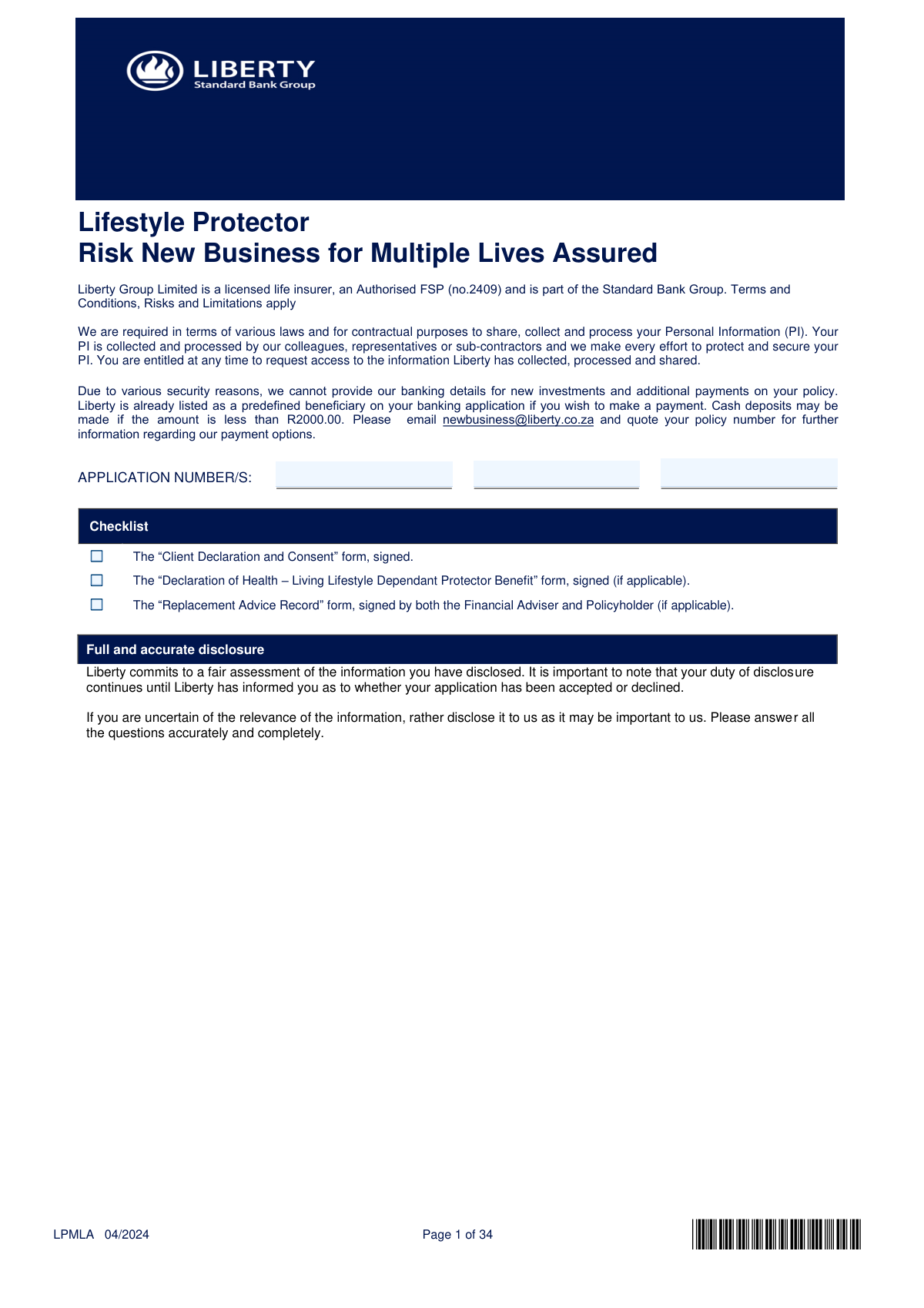
Yes! You can use AI to fill out Lifestyle Protector – Risk New Business for Multiple Lives Assured (LPMLA 04/2024)
The LPMLA form is Liberty’s new business application for the Lifestyle Protector risk policy when there are multiple lives assured (e.g., first and second life assured, and optional child lives). It captures the policy setup (language, replacement of existing cover, adviser details), premium payment instructions, beneficiary nominations, and extensive lifestyle/medical/occupation information used for underwriting. Accurate and complete disclosure is critical because the information forms the basis of acceptance terms and can affect policy validity and future claims. The application is typically submitted with required supporting documents such as the Client Declaration and Consent and, where applicable, health and replacement advice forms.
Our AI automatically handles information lookup, data retrieval, formatting, and form filling.
It takes less than a minute to fill out LPMLA using our AI form filling.
Securely upload your data. Information is encrypted in transit and deleted immediately after the form is filled out.
Form specifications
| Form name: | Lifestyle Protector – Risk New Business for Multiple Lives Assured (LPMLA 04/2024) |
| Number of pages: | 37 |
| Language: | English |
Instafill Demo: filling out a legal form in seconds
How to Fill Out LPMLA Online for Free in 2026
Are you looking to fill out a LPMLA form online quickly and accurately? Instafill.ai offers the #1 AI-powered PDF filling software of 2026, allowing you to complete your LPMLA form in just 37 seconds or less.
Follow these steps to fill out your LPMLA form online using Instafill.ai:
- 1 Enter policy and quote details: application number(s), quote number, policy language, and indicate whether this is a replacement of existing insurance (and capture replaced policy details if applicable).
- 2 Add adviser and administration details: financial adviser declaration, internal reference, and complete debit order/bank account information for premium payments (account type, bank, account holder identity, relationship to policyholder).
- 3 Complete life assured sections for each insured person: personal details, contact information, addresses, residency/insolvency status, and nominate beneficiaries with splits and benefit allocations (including Immediate Expenses Benefit where applicable).
- 4 Provide financial and occupation information: education level, income details (including income protection proof requirements if selected), employment status, duties split, travel outside RSA, and overhead expenses details if applying for that benefit.
- 5 Answer lifestyle and risk questions: height/weight, alcohol and tobacco/nicotine use, recreational drugs, criminal proceedings, and hazardous activities/avocations for each life assured.
- 6 Complete underwriting/medical disclosures: answer all health history questions, provide doctor/clinic details for any “Yes” answers, include family history, and indicate recent insurance applications and preferred medical testing arrangements (e.g., nurse visit).
- 7 Review required attachments and sign: include the Client Declaration and Consent (UCF), the Declaration of Health – Living Lifestyle Dependant Protector Benefit (U/W DLLDP) if applicable, and the Replacement Advice Record if applicable; then sign in all required signature blocks and submit to Liberty via the specified email addresses.
Our AI-powered system ensures each field is filled out correctly, reducing errors and saving you time.
Why Choose Instafill.ai for Your Fillable LPMLA Form?
Speed
Complete your LPMLA in as little as 37 seconds.
Up-to-Date
Always use the latest 2026 LPMLA form version.
Cost-effective
No need to hire expensive lawyers.
Accuracy
Our AI performs 10 compliance checks to ensure your form is error-free.
Security
Your personal information is protected with bank-level encryption.
Frequently Asked Questions About Form LPMLA
This form is used to apply for a new Liberty Lifestyle Protector risk policy where more than one person (multiple lives assured) may be covered. It collects policy, personal, beneficiary, financial, occupational, lifestyle and medical information needed for underwriting.
The Policyholder must complete and sign the relevant sections, and each Life Assured must complete their own personal/health sections and sign where required. The Financial Adviser must complete the adviser declaration and any adviser-only sections.
The checklist requires the signed “Client Declaration and Consent” form, the signed “Declaration of Health – Living Lifestyle Dependant Protector Benefit” form (if applicable), and the signed “Replacement Advice Record” (if applicable). Liberty may also request proof of income and medical requirements during underwriting.
You must answer all questions completely and truthfully, including medical, lifestyle, occupation, financial and legal information. Your duty to disclose continues until Liberty informs you whether the application is accepted or declined.
If any part of existing insurance is being replaced (including policies discontinued within the past 4 months or to be discontinued within the next 4 months), you must answer “Yes” and the Financial Adviser must complete and attach the Replacement Advice Record. The form warns that replacement can be to your disadvantage and may involve termination charges.
Yes—this form allows you to select English or Afrikaans as the policy language. Choose the language you prefer for policy documentation and communication.
Provide the account type, debit date, bank name, account number, branch code/name, and the account holder’s full details (including ID/passport or company registration number). If the payer/account holder is not the Policyholder, the payer must also sign in the signatures section.
For security reasons, Liberty does not provide banking details for new investments and additional payments. Liberty is listed as a predefined beneficiary on your banking app; for payment options you can email [email protected] and quote your policy number, and cash deposits are only allowed if under R2000.
You can list up to seven beneficiaries per life assured section shown in the form. Beneficiary split percentages should be allocated clearly and should total 100% for the benefit being distributed to avoid delays or uncertainty.
For the Immediate Expenses Benefit, the form indicates you must select only one person to receive that specific benefit. You can still nominate multiple beneficiaries for other benefits, but Immediate Expenses must be assigned to a single beneficiary.
Complete it only if you are applying for Income Protection benefits. You must choose whether the benefit is based on pre-tax or post-tax annual income and provide income amounts (and bonus/retirement contribution details where applicable), with proof required either at underwriting stage or post-issue as indicated.
For salaried employees, pre-tax income is generally “cost to company” earned over the last 12 months, excluding items like annual/ad-hoc bonuses and certain allowances listed in the notes. For self-employed individuals/partnerships/professionals, it is based on average monthly fees/sales less relevant costs and overheads over the last 12 months, as defined in the form.
It is compulsory if the Overhead Expenses Benefit is selected and captures business continuity and expense details (e.g., whether staff can fulfil your functions, your ownership share, and total monthly overheads). This helps Liberty assess the risk and appropriate cover for business overhead expenses.
Yes—if you choose, a Liberty nurse can visit you to obtain medical requirements. You must provide the physical address, contact numbers, and preferred contact time, and you can also provide your doctor’s details for sending results or reasons for loadings (including HIV test results).
Email both pages of the “Client Declaration and Consent” form to [email protected]. If applying for the Living Lifestyle Dependant Protector benefit, email only that single-page health declaration to [email protected].
Compliance LPMLA
Validation Checks by Instafill.ai
1
Validates required policy identifiers (Application number(s) and Quote number)
Checks that the Application number(s) and the signed Quote number are provided and follow the insurer’s expected format (e.g., length, allowed characters). These identifiers are required to link the submission to the correct quotation, underwriting case, and workflow. If missing or malformed, the submission should be rejected or routed to exception handling because it cannot be reliably matched to a policy record.
2
Replacement-of-policy logic and attachment requirement validation
Validates that the “Replacement of an existing policy” question is answered Yes/No, and if “Yes” then the Replacement Advice Record is indicated as completed/attached and the replaced policy details (policy/application number and insurer) are populated. Replacement cases have regulatory and advice-record requirements and must be auditable. If “Yes” is selected without the required attachment/details, the case should fail validation and be returned for completion.
3
Policy language selection validation
Ensures exactly one policy language option (English or Afrikaans) is selected and that the value is within the allowed set. Policy language drives contractual documentation and customer communications. If invalid or multiple selections occur, the submission should be blocked until a single valid language is chosen.
4
Life assured and policyholder identity number format and type consistency
Checks that each person/entity provides exactly one valid identifier type: SA ID, Passport number, or Company/Trust registration number, and that the format matches the selected type (e.g., SA ID is 13 digits; passport is alphanumeric within length limits; company registration matches local pattern). This prevents identity ambiguity and supports FICA/underwriting checks. If the identifier is missing, duplicated across types, or fails format rules, the submission should be rejected and flagged for correction.
5
Date field validation (DOB, issue/expiry dates, marriage/divorce dates, registration dates)
Validates that all dates are in a valid date format and represent real calendar dates, and enforces logical ordering (e.g., passport issue date < expiry date; DOB < today; company registration date < today; marriage date not in the future). Correct dates are essential for eligibility, pricing, and compliance. If any date is invalid or illogical, the system should fail validation and request corrected values.
6
Cross-checks SA ID number against date of birth (where SA ID provided)
For South African ID numbers, validates that the embedded birthdate portion aligns with the entered Date of Birth (and optionally that the ID length/check rules are met). This reduces fraud and data-entry errors and improves downstream verification success. If the DOB and SA ID do not reconcile, the submission should be stopped and the user prompted to correct either the ID or DOB.
7
Contact details format validation (email and phone numbers)
Validates primary/secondary email addresses using standard email syntax rules and ensures at least one reliable contact number (cell or work/home) is provided per required role (life assured/policyholder/payer). Also validates phone numbers for numeric content, length, and country/area code rules where applicable. If contact details are missing or malformed, the submission should be rejected because communications (including underwriting requirements) may fail.
8
Address completeness and postal code validation
Ensures required address types (residential and postal at minimum for the policyholder/life assured as applicable) are completed with mandatory components and that postal codes are present and match expected length/format (e.g., 4 digits for South Africa). Address accuracy is required for compliance, servicing, and certain underwriting steps (e.g., nurse visit address). If incomplete or invalid, the form should be returned for completion.
9
Debit order banking details validation (account number, branch code, debit date, account holder details)
Validates that account type is selected, debit date is provided and within allowed debit-day range, and that bank account number and branch code meet numeric/length rules. Also checks that the account holder’s name and identifier (ID/passport/company reg) and DOB/registration date are provided when debit order is selected. If banking details fail validation, the submission should be blocked to prevent failed collections and mandate issues.
10
Payer/account holder relationship and signature requirement validation
If the payer/account holder is different from the policyholder, validates that the relationship to the policyholder is specified and that the “Signature of payer life/account holder” is present. This ensures proper authorization for debits and reduces disputes/chargebacks. If payer differs but relationship/signature is missing, the submission should fail validation.
11
Beneficiary allocation totals and Immediate Expenses Benefit single-selection rule
Validates that beneficiary split percentages across all listed beneficiaries sum to 100% (or to the product’s required total) and that no individual split is negative or exceeds 100%. Additionally enforces the rule that the Immediate Expenses Benefit allows selection of only one person, and that the selected beneficiary is clearly indicated. If totals do not reconcile or multiple Immediate Expenses beneficiaries are selected, the submission should be rejected to avoid claim-payment ambiguity.
12
Beneficiary identity and age/date consistency validation
Ensures each beneficiary has sufficient identifying information (full names, surname, ID/passport/company reg, and DOB/registration date) and that dates are valid and logical (e.g., DOB not in the future; passport expiry after issue). Beneficiary identity quality is critical for claims processing and anti-fraud controls. If beneficiary identity fields are incomplete or inconsistent, the system should flag the beneficiary section as invalid.
13
Occupation duty split totals validation (primary and secondary must equal 100%)
Validates that the percentage split across occupational duties (administrative, travel, supervisory, manual, etc.) totals exactly 100% for each occupation provided, and that each percentage is within 0–100. This information is used for occupational risk classification and pricing. If totals are not 100% or values are out of range, the submission should fail validation and require correction.
14
Income and commission percentage consistency validation
Checks that income amounts are numeric and non-negative, that commission percentages are between 0–100, and that totals reconcile (e.g., total income equals the sum of primary/secondary/other income fields where the form expects a total). For Income Protection sections, validates that pre-tax vs post-tax selection is made and that required income/retirement contribution/bonus fields are completed when the benefit is applied for. If inconsistencies or missing required income fields are detected, the submission should be blocked because benefit amounts and underwriting depend on accurate income data.
15
Conditional detail capture for 'Yes' answers (medical, lifestyle, travel, criminal, insolvency, retrenchment)
For any question answered “Yes” that requires follow-up (e.g., alcohol treatment, smoking advice, recreational drugs type, criminal proceedings details, travel outside RSA details, insolvency trustee statement, planned retrenchment awareness, medical condition disclosures), validates that the corresponding detail fields are populated (names, dates, descriptions, doctor/clinic details where requested). This ensures underwriting and compliance decisions are based on complete disclosures. If a “Yes” answer lacks required details, the submission should fail validation and be returned for completion.
16
FATCA/CRS self-certification completeness validation (foreign citizenship/tax residency/US person/entity foreign control)
If any FATCA/CRS trigger question is answered “Yes” (dual nationality, tax resident outside SA, US citizen, entity organized outside SA, foreign equity/control), validates that Section A and/or Section B tables are completed with country, document type/number, expiry (if applicable), and TIN where required. These fields are mandatory for regulatory reporting and onboarding compliance. If triggers are “Yes” but the tables are incomplete, the submission should be rejected and routed for compliance remediation.
Common Mistakes in Completing LPMLA
Applicants often tick “No” by default or leave the replacement question blank because they don’t realise it includes policies replaced in the last 4 months or planned within the next 4 months. If replacement is involved and the Replacement Advice Record is missing (or not signed by both adviser and policyholder), the application is typically delayed or rejected for compliance reasons. To avoid this, confirm all recent/impending cancellations or replacements across any insurer and ensure the Replacement Advice Record is completed and attached whenever “Yes” applies.
This pack requires multiple signatures depending on roles (first life assured/policyholder, second life assured, additional policyholders, and payer/account holder if different). People frequently sign only once at the end, forget the policyholder signature on the replacement section, or omit the payer signature for debit orders. The consequence is a non-actionable submission that must be returned for completion, delaying cover commencement. Prevent this by mapping each role (policyholder vs life assured vs payer) and ensuring every applicable signature line is dated and completed.
Banking sections are often filled with only an account number and bank name, while branch code, account type, debit date, and full account holder identity details are left blank. When the payer is not the policyholder, applicants frequently omit the relationship to the policyholder and the payer’s ID/passport/company registration details. This can cause debit order rejection, missed premiums, and policy lapse risk. Avoid it by completing every banking field, ensuring the account holder’s details match the bank records, and adding the payer’s relationship and identification when different from the policyholder.
Applicants commonly enter different addresses across sections (policyholder vs life assured vs nurse visit address) or omit postal codes, which are required in multiple places. This happens because the form repeats address fields and people assume earlier entries carry over. Inconsistencies trigger verification queries and can delay medical scheduling, policy documents, and compliance checks. To avoid this, standardise addresses across all sections, include postal codes everywhere requested, and ensure the adviser confirmation (“Do you confirm these are the Policyholder’s addresses?”) aligns with what’s written.
The form states that postal communication will no longer be available and the primary email will be used for future communication, yet applicants often leave the primary email blank, provide an outdated address, or put an adviser’s email instead of the client’s. This leads to missed underwriting requests, counter-offer communications, and policy servicing notices. Avoid it by confirming the client’s active email address, using the client’s own inbox as primary, and adding a secondary email only as backup.
Beneficiary sections are frequently completed with percentage splits that don’t add up to 100%, or with blank splits for some beneficiaries. Another common error is selecting more than one person for the Immediate Expenses Benefit despite the instruction “select 1 person only.” These mistakes can cause payout disputes, processing delays, or require rework before policy issue. To avoid this, ensure all beneficiary split percentages total exactly 100%, clearly indicate which benefit each beneficiary applies to, and nominate only one Immediate Expenses beneficiary where required.
Applicants often enter an ID number in a passport field, omit passport country of issue, or forget issue/expiry dates, especially for non-RSA residents or foreign nationals. For companies/trusts, people may provide a trading name but omit the registration number/date or country of incorporation. This causes FICA/identity verification failures and delays in onboarding. Avoid it by using the correct identifier type, completing all passport fields when applicable, and ensuring entity registration details match official documents.
Because the underwriting questions are long and repetitive, applicants sometimes tick “No” to broad questions (e.g., hospitalisation, mental health, raised cholesterol, prior tests) even when they have relevant history, or they tick “Yes” but fail to provide doctor details and dates. This can lead to underwriting delays, adverse terms later, or claim repudiation due to non-disclosure. To avoid this, treat each question as “ever” unless clearly limited, disclose uncertain items, and always include condition details, dates, treatment, and attending doctor contact information when “Yes” is selected.
Applicants frequently select pre-tax but provide net (post-tax) figures, include excluded items (dividends/rental/passive income), or misunderstand “cost to company” vs basic salary. They also often fail to indicate whether proof of income/bonus will be provided at underwriting stage or post-issue, which affects requirements and timelines. The result is incorrect benefit sizing, underwriting queries, or reduced/declined cover. Avoid it by using the form’s definitions, separating primary vs secondary occupation income, excluding passive income where required, and clearly selecting proof timing with supporting documents ready.
The occupational duties table requires a percentage split across categories and must total 100% for each occupation, but applicants often leave it empty or totals exceed/under-run 100%. This happens because people estimate quickly or don’t understand that travel excludes commuting. Incorrect splits can lead to misclassification of occupational risk and underwriting delays or premium adjustments. To avoid this, calculate realistic averages for a typical month, ensure each occupation totals exactly 100%, and clarify any high-risk duties (heights, confined spaces, heavy machinery) in the travel/other duties notes.
When applicants indicate dual nationality, foreign tax residency, US citizenship, or foreign-controlled entities, they often fail to complete Section A/Section B tables (countries, document numbers, TINs) or omit the required self-certification forms for individuals/entities. This leads to regulatory non-compliance and the application being put on hold until corrected. Avoid it by completing all requested country/TIN fields immediately and attaching the correct Self-Certification Declaration form whenever any foreign indicator is “Yes.”
Saved over 80 hours a year
“I was never sure if my IRS forms like W-9 were filled correctly. Now, I can complete the forms accurately without any external help.”
Kevin Martin Green
Your data stays secure with advanced protection from Instafill and our subprocessors
Robust compliance program
Transparent business model
You’re not the product. You always know where your data is and what it is processed for.
ISO 27001, HIPAA, and GDPR
Our subprocesses adhere to multiple compliance standards, including but not limited to ISO 27001, HIPAA, and GDPR.
Security & privacy by design
We consider security and privacy from the initial design phase of any new service or functionality. It’s not an afterthought, it’s built-in, including support for two-factor authentication (2FA) to further protect your account.
Fill out LPMLA with Instafill.ai
Worried about filling PDFs wrong? Instafill securely fills lifestyle-protector-risk-new-business-for-multiple forms, ensuring each field is accurate.