Yes! You can use AI to fill out St. Paul’s Hospital Application for Employment (職位申請表) – SPHF-HRD-035
| Fillable fields | 169 |
| Pages | 2 |
| Fields per page | 84 |
| Sections | 30 |
| Conditional rules | 4 |
| Tables & lists | 4 |
| Instruction pages | — |
| Instafill Form ID | IF-ST-PAULS-HOSPITAL-APPLICATION-FOR-EMPLOYMENT-SPHF-HRD-035 |
Rather not fill this in by hand? Instafill is an online form filler that completes PDF forms automatically — upload the blank form, answer a few questions, and the AI fills every field.
Form specifications
| Form name: | St. Paul’s Hospital Application for Employment (職位申請表) – SPHF-HRD-035 |
| Number of fields: | 169 |
| Number of pages: | 2 |
| FCI: | Complex (77/100) |
| Field instructions: | SPHF-HRD-035 Instructions |
| Language: | English |
Instafill Demo: How to fill out PDF forms in seconds with AI
How to Fill Out SPHF-HRD-035 Online for Free in 2026
- 1 Go to Instafill.ai and upload the SPHF-HRD-035 form (or select it from the form library) to start an AI-guided fill session.
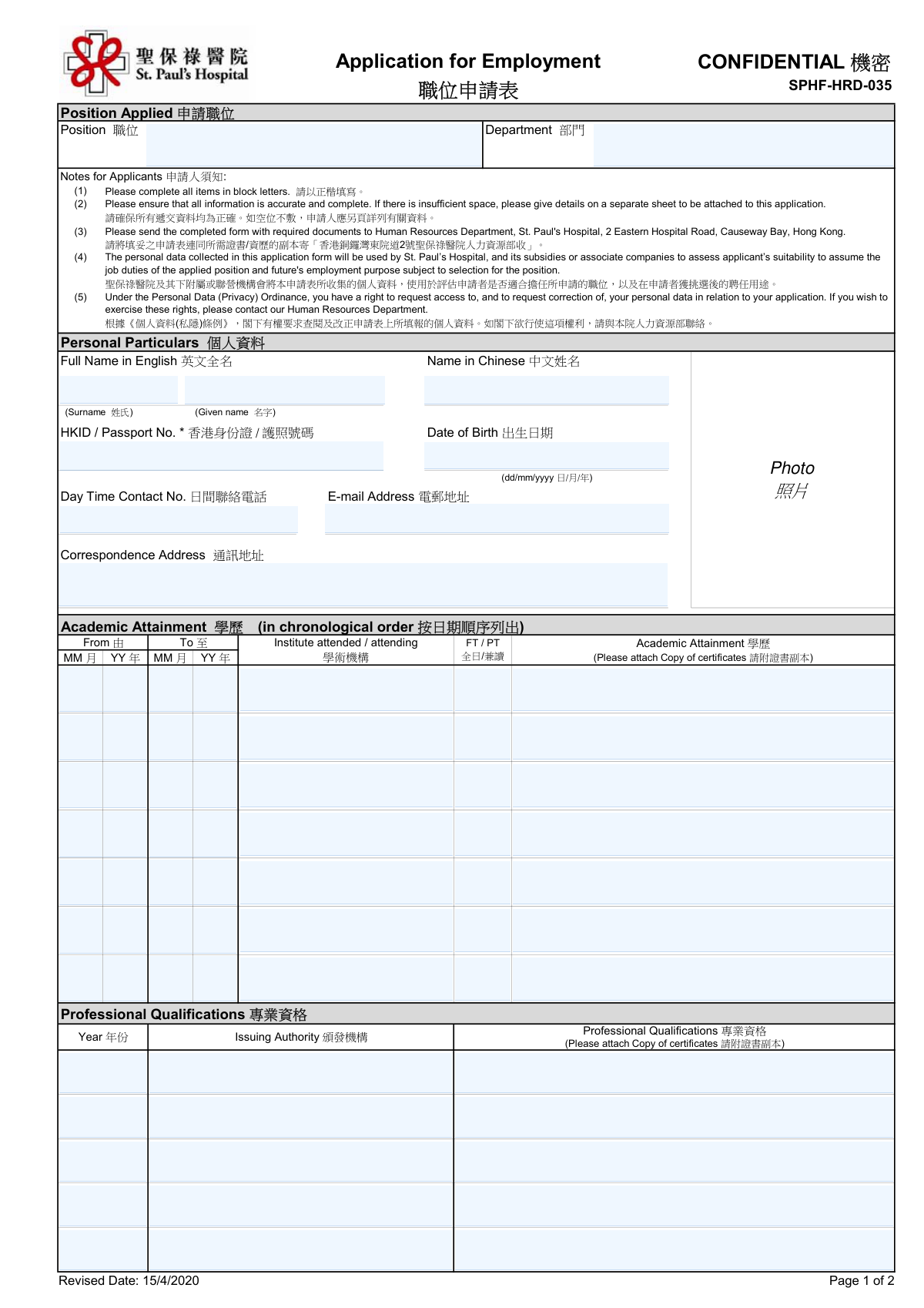
- 2 Enter the position details (Position Applied and Department) and review any applicant notes/instructions shown in the form.
- 3 Complete Personal Particulars: English and Chinese name, HKID/passport number, date of birth, phone, email, and correspondence address.
- 4 Fill in Academic Attainment entries in chronological order (dates, institution, FT/PT, qualification) and upload/attach copies of academic certificates as required.
- 5 Add Professional Qualifications (year, issuing authority, qualification) and upload/attach supporting certificates or licenses.
- 6 Enter Work Experience in chronological order (employment dates, organization, position, FT/PT, reason for leaving), then provide additional information, vacancy source, expected salary, and availability date.
- 7 Provide referees’ details, complete the declarations (previous employment at SPH and criminal conviction), e-sign the form, set the signature date, and export/submit the completed package with attachments to Human Resources as instructed.
Our AI-powered system ensures each field is filled out correctly, reducing errors and saving you time.
Why Choose Instafill.ai for Your Fillable SPHF-HRD-035 Form?
Speed
Complete your SPHF-HRD-035 in as little as 37 seconds.
Up-to-Date
Always use the latest 2026 SPHF-HRD-035 form version.
Cost-effective
No need to hire expensive lawyers.
Accuracy
Our AI performs 10 compliance checks to ensure your form is error-free.
Security
Your personal information is protected with bank-level encryption.
Frequently Asked Questions About SPHF-HRD-035
SPHF-HRD-035 has a Form Complexity Index of 77 out of 100, placing it in the complex complexity tier. This score is calculated deterministically from the form’s own structure using Instafill’s published Form Complexity Index methodology, so it can be reproduced and independently verified — it is not a subjective estimate.
For SPHF-HRD-035 specifically, the score reflects 169 fillable fields across 2 pages, grouped into 30 sections, and 4 conditional fields that only apply depending on earlier answers, 4 tables or repeating lists. The number of fields is the largest factor in the base score (weighted 36%), followed by how difficult those fields are to complete based on their type, where free-text and signature fields count for more than simple checkboxes (26%). The number of pages that actually contain fields (15%), the amount of conditional “fill-only-if” logic (16%), and how many sections the form is divided into (7%) account for the rest of the base. On top of that base, the index adds points for tables and repeating lists, bundled instruction pages, and dense page layouts — capturing difficulty the base alone can miss.
In practical terms, a complex score means the form is demanding, with many fields, multiple pages and branching rules that are easy to get wrong. Instafill removes that effort entirely: our AI reads your information, maps each value to the correct field — including the conditional ones — and completes SPHF-HRD-035 accurately in under a minute, with every field available for you to review before you download. See exactly how the Form Complexity Index is calculated.
Compliance SPHF-HRD-035
Validation Checks by Instafill.ai
Common Mistakes in Completing SPHF-HRD-035
“I was never sure if my IRS forms like W-9 were filled correctly. Now, I can complete the forms accurately without any external help.”
Your data stays secure with advanced protection from Instafill and our subprocessors




