
Yes! You can use AI to fill out Vanguard Transfer on Death Plan Form
Don't type 126 fields by hand. Tell our AI about yourself, or upload a document you already have, and it fills every field in seconds. You check it, then download, print or sign.
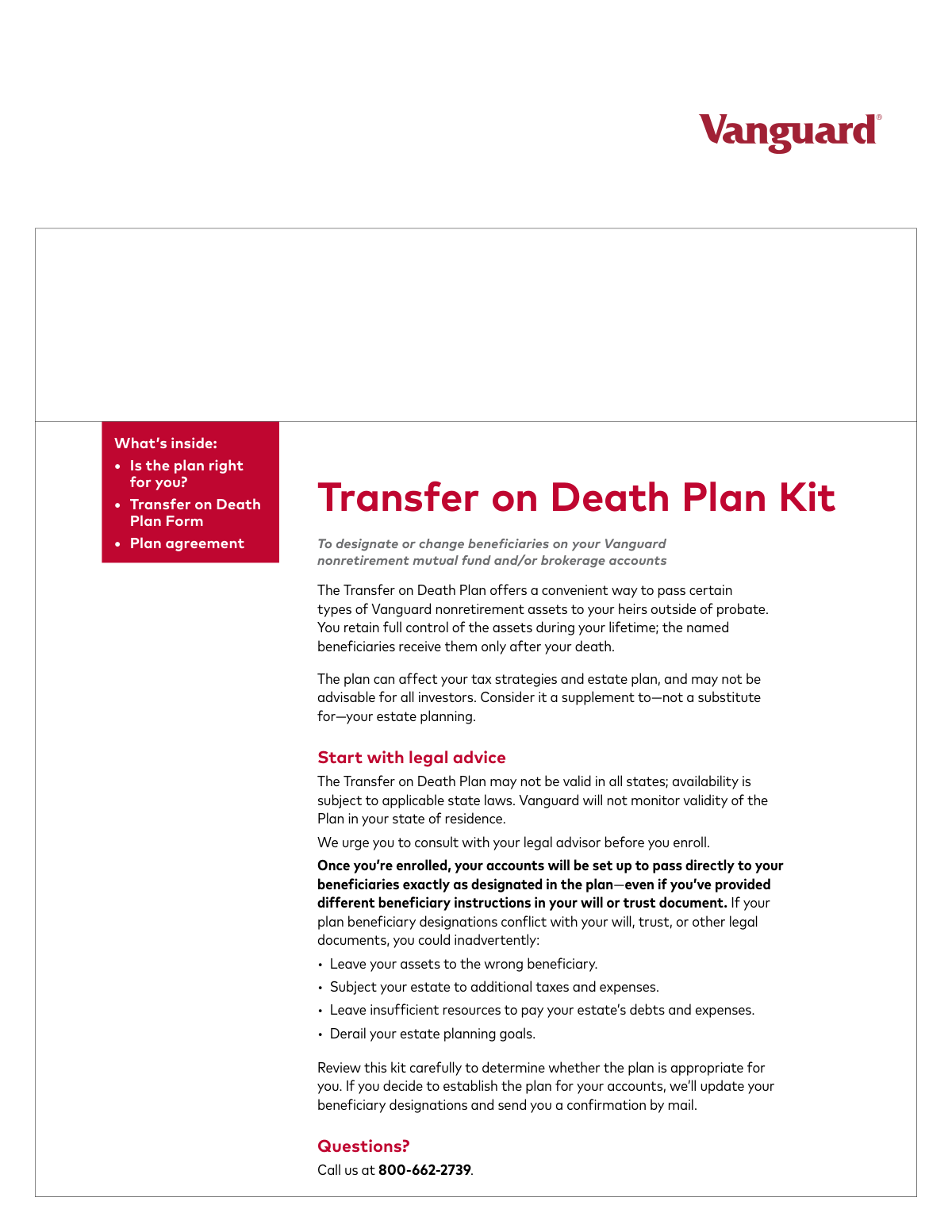
The AI does the filling. You just check it.
No typing into boxes, nothing to install.
What this form asks for
The AI fills all of it, from your answers or your documents.
The AI checks your answers before you download
14 checks built for this form, so a wrong date or a missing answer is caught before anyone else sees it.
Validates that the sum of all percentages assigned to primary beneficiaries in Section 3 equals exactly 100%. This is critical to ensure the complete and intended distribution of assets without ambiguity. If the total is not 100%, the form may be rejected or assets may be distributed equally by default, which could contradict the owner's wishes.
Verifies that if any backup beneficiaries are designated in Section 3, the sum of their assigned percentages equals exactly 100%. This rule ensures a clear and complete contingent distribution plan if no primary beneficiaries survive the account owner. A failure to total 100% could lead to legal complications or an unintended distribution to the owner's estate.
Checks that if 'Option B. All of our Joint Tenants with Rights of Survivorship' is selected in Section 2, a second signature from the joint account owner is present in Section 4. Since changes to a joint account require consent from all owners, a missing signature invalidates the request. The form will be rejected as incomplete, and the plan will not be established or modified.
Ensures that exactly one box ('Establish', 'Change', or 'Terminate') is checked in Section 2. This prevents ambiguity about the account owner's intent for the Transfer on Death plan. If zero or more than one box is checked, the form is considered invalid and will be returned for correction.
Verifies that any account numbers entered in Section 2, Option C, consist of exactly 8 or 11 digits, as specified on the form. This is crucial for correctly identifying the specific accounts to be included in the plan. An incorrect format will result in a failure to locate the account, causing the form to be rejected.
Validates that if 'Establish a plan' or 'Change my existing plan' is selected, at least one primary beneficiary is designated in Section 3. A plan cannot be created or modified without specifying who will inherit the assets. Forms lacking beneficiary details for these actions will be considered incomplete and rejected.
And 8 more checks
- Validates All Dates are in MM-DD-YYYY Format and are Logically Valid
- Verifies Minimum Beneficiary Allocation is 1%
- Validates Completeness of Account Owner Information
- Confirms Account Owner Signature and Date are Present
- Conditional Requirement for Account Numbers
- Logical Exclusion for 'Terminate' Action
- Validates Trust Date is Not in the Future
- Validates Format of SSN/TIN Last Four Digits
Let AI fill out your FDBPT
No typing. Every field filled in seconds, checked, ready to sign.
How to Fill Out FDBPT Online for Free in 2026
What the AI walks you through.
- Navigate to Instafill.ai and upload or select the Vanguard Transfer on Death Plan Form (FDBPT).
- Provide your personal information in Section 1, including your full name, contact details, and the last four digits of your SSN or TIN.
- In Section 2, indicate whether you are establishing, changing, or terminating a plan, and specify which accounts the action applies to.
- Complete Section 3 by clearly listing your primary and backup beneficiaries, which can be individuals, trusts, or organizations, and assign a percentage of assets to each.
- Carefully review all the information entered by the AI for accuracy, especially the beneficiary details and percentage allocations.
- Proceed to Section 4 to read the authorization agreement and provide your signature and the date.
- Download the completed, signed form and mail all pages to the Vanguard address provided in the document.
Common Mistakes in Completing FDBPT
The ones the AI is built to catch.
Incomplete Beneficiary List on a 'Change' Request
Incorrect Percentage Allocation for Beneficiaries
Missing Signature for Joint Account Owner
Using Prohibited Group Beneficiary Designations
Attempting to Enroll Ineligible Account Types
Omitting Backup Beneficiary Designations
Submitting an Incomplete Form Packet
Disregarding the Plan's Legal Authority Over a Will
Providing Incomplete Beneficiary Identification Details
Incorrectly Listing Account Numbers
Frequently Asked Questions About FDBPT
Is it really free for 7 days?
Can I fill other forms too?
How do I cancel?
How does the AI fill out FDBPT?
What happens to my information?
How complex is FDBPT to fill out?
What is the purpose of the Vanguard Transfer on Death (TOD) Plan form?
Which of my Vanguard accounts are eligible for a TOD plan?
What happens if my will and my TOD plan have different beneficiaries?
How do I change the beneficiaries on my existing TOD plan?
What is the difference between a primary beneficiary and a backup beneficiary?
What information do I need to provide for my beneficiaries in Section 3?
Can I name my children as a group, for example, 'my children, per stirpes'?
Do all account owners need to sign the form for a joint account?
Where do I send the completed form?
What happens if I don't assign percentages to my beneficiaries?
How do I terminate my TOD plan using this form?
Can I fill out this form online?
Can AI tools help me fill out this Transfer on Death Plan form?
The PDF I downloaded is not fillable. How can I complete it on my computer?
Get your FDBPT filled out by AI
$0 today. Cancel before Nov 2 and you pay nothing.
Other forms like this one
transfer forms: Form REG 227, Application for Replacement or Transfer of Title, City of Harvey Real Estate Transfer Declaration & Application (with Certificate for Exemption), DBPR ABT-6002 – Application for Transfer of Ownership of an Alcoholic Beverage License, DBPR ABT-6002, Division of Alcoholic Beverages and Tobacco Application for Transfer of Ownership of an Alcoholic Beverage License, Request for Transfer of Records (Adelaide Health Care) – AHC-0013-05-PS (Version 2), DBPR Form ABT-6002, Division of Alcoholic Beverages and Tobacco Application for Transfer of Ownership of an Alcoholic Beverage License, Pfändungs- und Überweisungsbeschluss (Garnishment and Transfer Order) – German Civil Enforcement Court Form, Fidelity Funds Account Transfer of Assets Form, Fidelity Stock Plan Services (SPS) Transfer Request Form, How to Transfer Assets from Morgan Stanley to Fidelity Investments (Fidelity Stock Plan Services Guide), Transfer Due to Divorce — IRA/HSA/529, Fidelity Investments Transfer/Rollover/Exchange Form, Fidelity Investments Standing Transfer Instructions Form, Fidelity Investments Transfer/Rollover Form, Group Transfer Form Fidelity Health Savings Account (HSA), Plan–to-Plan Transfer, Plan Exchange, or Service Credit Authorization Form, Beneficiaries — Nonretirement Transfer on Death, Transfer Shares as a Gift — Nonretirement, Form APP13017-29, Transfer Your Account to Schwab, Transfer of Assets Out - Partial Account or Charitable Gift Transfers
Vanguard forms: Gift of Nonretirement Assets to Existing Vanguard Account Form, Vanguard VRPA Transfer Request Form, Vanguard Personal Investor – Transfer form, Vanguard Asset Transfer Authorization Form for the Emory University Retirement Plan, Retirement Transfer Between Existing Vanguard Accounts, Vanguard Personal Investor – Transfer initiation form – Transfer out, Vanguard Asset Transfer Authorization, Moving your Vanguard funds to a Vanguard Brokerage Account Disclosure statement, Make a contribution - Vanguard Charitable, Vanguard Transfer Form, Vanguard Full Agent Authorization, The Vanguard 529 College Savings Plan: Power of Attorney, Vanguard Direct Rollover IRA Adoption Agreement, Vanguard Limited Agent Authorization, The Vanguard 529 College Savings Plan Agent Authorization/Limited Power of Attorney, The Vanguard 529 College Savings Plan Direct Rollover Out to Roth IRA Form, The Vanguard 529 College Savings Plan Transfer Due to Death of Account Owner Form, Your guide to completing a rollover - Vanguard, Vanguard IRA Distribution Kit (including IRA Distribution Form RRDFT and Form W-4R), The Vanguard 529 College Savings Plan Incoming Direct Rollover Form
transfer on death forms: Form F11004, TIAA Brokerage Individual Transfer on Death Account Agreement, Beneficiaries — Nonretirement Transfer on Death, The Vanguard 529 College Savings Plan Transfer Due to Death of Account Owner Form, TIAA Brokerage Joint Transfer on Death Account Agreement, Transfer on Death Letter of Authorization, Texas Transfer on Death Deed (Revocable), Affidavit of Death for Transferring Title on Property Listed in a Transfer on Death Deed, Individual Transfer on Death Account Agreement (03-25), Individual Transfer on Death Account Agreement (09-25)
Let AI fill out your FDBPT
Your trial starts once a card is added. You pay nothing before Nov 2.
Our AI already knows this form, all 126 fields of it. Skip the typing: tell it about yourself, or upload what you have, and it fills the whole form in seconds.
- AI fills every field on all 10 pages, checkboxes included
- No typing into boxes: answer a few questions, or upload a document you already have, an old copy of this form, a photo of a document
- The AI checks the answers; you review and change anything before you download
- Download the finished PDF, print it, or sign it online
- Encrypted, and never used to train AI
Cancel before Nov 2 and you pay nothing.
A card is needed to start the trial. Cancel in two clicks from your account.
Terms · Privacy