
Yes! You can use AI to fill out Fidelity Investment-Only (Non-Prototype) Retirement Account Application
Don't type 188 fields by hand. Tell our AI about yourself, or upload a document you already have, and it fills every field in seconds. You check it, then download, print or sign.
The AI does the filling. You just check it.
No typing into boxes, nothing to install.
What this form asks for
The AI fills all of it, from your answers or your documents.
The AI checks your answers before you download
16 checks built for this form, so a wrong date or a missing answer is caught before anyone else sees it.
This check verifies that exactly one Tax ID type (SSN, EIN, or ITIN) is selected for the plan and that the corresponding number matches the expected format for that type: SSN as XXX-XX-XXXX (9 digits), EIN as XX-XXXXXXX (9 digits), or ITIN as 9XX-XX-XXXX beginning with a 9. The Tax ID Number is a required field and is critical for IRS compliance and tax reporting purposes. If no type is selected, the wrong format is used, or the field is left blank, the application cannot be processed and the account cannot be opened.
This check validates that the Date Plan Established field is populated in the required mm/dd/yyyy format, contains a real calendar date (e.g., not 13/45/2020), and does not represent a date in the future. A plan establishment date is required to confirm the plan's existence and eligibility under Section 401(a) of the Internal Revenue Code. If the date is missing, improperly formatted, or set in the future, the application will be flagged as incomplete and cannot be submitted for account opening.
This check confirms that exactly one Plan Structure option is selected — either Option A (trustee-directed pooled account) or Option B (FBO account for one participant) — and that both options are not simultaneously checked. The plan structure determines the account type and regulatory requirements, and selecting both or neither creates an irreconcilable conflict in account setup. If no selection is made or both are selected, the application must be returned to the applicant for clarification before processing can proceed.
When Option B (FBO account) is selected as the Plan Structure, this check verifies that the participant's First Name, Last Name, and Taxpayer ID Number (with type selected) are all provided and properly formatted. These fields are conditionally required and are necessary to identify the individual beneficiary of the account for recordkeeping and regulatory compliance. If Option B is selected but any of these participant fields are left blank or improperly filled, the application is incomplete and cannot be processed.
This check validates that all mandatory fields for Plan Trustee 1 are completed: First Name, Last Name, Date of Birth, Taxpayer ID Number (with type), Permanent Street Address (no PO boxes), City, State, ZIP, Mobile Phone, and Email Address. These fields are explicitly required by the form for account security, transactional alerts, and regulatory identity verification under federal anti-financial-crime regulations. If any of these required fields are missing or blank, the application cannot be opened and must be returned to the applicant.
This check validates that the Date of Birth field for each trustee is in mm/dd/yyyy format, represents a real calendar date, and results in an age of at least 18 years as of the application submission date. The application's signature section explicitly certifies that all trustees are at least 18 years of age and of full legal age in their state of residence. If a trustee's date of birth indicates they are under 18, or if the date is invalid or missing, the application must be rejected as the trustee lacks legal capacity to enter into the agreement.
And 10 more checks
- Ensures Foreign Citizen Trustees Provide All Required Government ID Fields Including ID Number, Country of Issuance, Issuance Date, Expiration Date, ID Type, and a Copy of the ID
- Ensures the ID Expiration Date for Foreign Citizen Trustees Is Not in the Past
- Ensures Broker-Dealer or RIA Association Details Are Provided When the Corresponding Checkbox Is Selected for Either Trustee
- Ensures Affiliate Information Is Provided When a Trustee or Household Member Is a Control Person of a Publicly Traded Company
- Ensures the Financial Profile Section Has Exactly One Selection in Each of the Five Required Columns
- Ensures at Least One Funding Method Is Selected and That the Selected Method's Required Details Are Provided
- Ensures the Plan's Permanent Address Does Not Contain a PO Box and That All Address Components Are Present
- Ensures All Trustees Have Signed the Application and That Signature Dates Are in the Correct Format and Are Not Future Dates
- Ensures Plan Documentation Is Attached for New Accounts Without an Existing Fidelity Non-Prototype Retirement Account
- Ensures the Type of Plan Selection Is Made and Corresponds to an Eligible Qualified Plan Under Section 401(a)
Let AI fill out your Fidelity Non-Prototype Retirement Account Application
No typing. Every field filled in seconds, checked, ready to sign.
How to Fill Out Fidelity Non-Prototype Retirement Account Application Online for Free in 2026
What the AI walks you through.
- Navigate to Instafill.ai, upload the Fidelity Non-Prototype Retirement Account Application PDF, or select it from the available form library to begin filling it out online.
- Complete Section 1 (Account Setup) by entering the sponsoring company name, plan name, plan address, state/country of organization, date the plan was established, plan tax ID number, and selecting the plan structure (Option A: trustee-directed pooled account, or Option B: FBO account for one participant).
- Fill in the Plan Trustee information for each trustee (up to two on the form), including full legal name, date of birth, taxpayer ID number, permanent and mailing addresses, contact information, citizenship status, employment status, and any broker-dealer or RIA associations and affiliations.
- Complete Section 2 (Financial Profile) by selecting the investment objective that best matches the plan's goals and checking the appropriate boxes for annual income, estimated net worth, estimated liquid net worth, and federal tax bracket.
- Fill out Section 3 (Funding Your Account) by indicating how the account will be funded—by check, wire transfer, transfer from another firm, or transfer from an existing Fidelity Non-Prototype Retirement Account—and specify any mutual fund purchases.
- Review Section 4 (Account Features) and optionally designate an interested party for duplicate statements and confirmations, and select additional features such as checkwriting or margin credit if applicable.
- Review all completed information for accuracy, then have all plan trustees sign and date Section 5 (Signature) in ink, attach required plan documentation (trust agreement pages), and submit the completed application to Fidelity via the postage-paid envelope or by mail to the Cincinnati, OH address provided.
Common Mistakes in Completing Fidelity Non-Prototype Retirement Account Application
The ones the AI is built to catch.
Failing to attach required plan documentation
Incorrectly selecting Option A vs. Option B for Plan Structure
Using a PO Box for the Plan's Permanent Address
Omitting or incorrectly entering the Plan Tax ID Number
Missing trustee signatures or not having all trustees sign
Failing to provide mobile phone number and email for trustees
Incorrectly completing the foreign citizen identification section
Not disclosing broker-dealer or registered investment adviser associations
Selecting an investment objective profile inconsistent with the financial profile data
Providing incorrect or incomplete fund information when purchasing mutual funds
Entering the date in the wrong format
Submitting the application without the required plan documentation for FBO accounts
Frequently Asked Questions About Fidelity Non-Prototype Retirement Account Application
Is it really free for 7 days?
Can I fill other forms too?
How do I cancel?
How does the AI fill out Fidelity Non-Prototype Retirement Account Application?
What happens to my information?
How complex is Fidelity Non-Prototype Retirement Account Application to fill out?
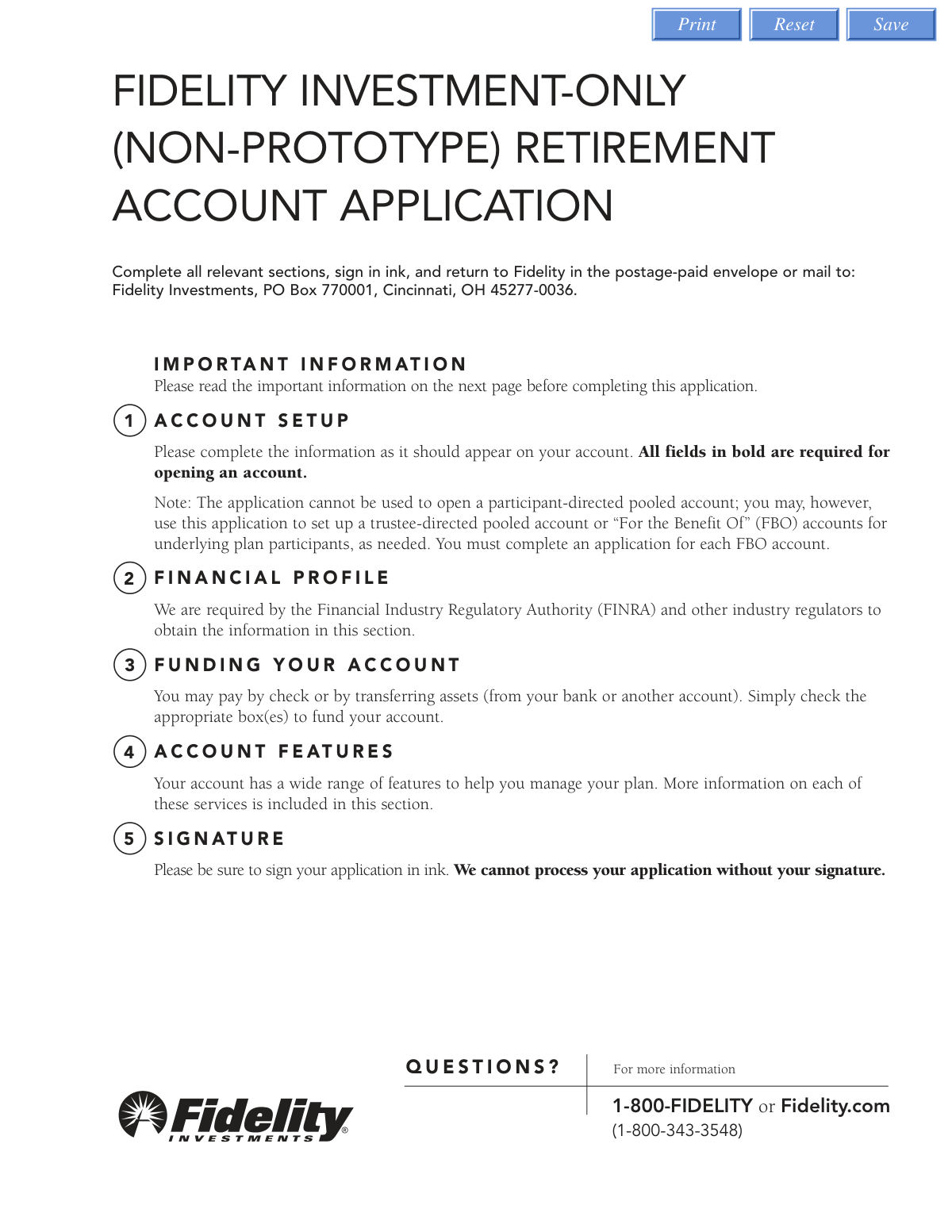
What is the Fidelity Investment-Only (Non-Prototype) Retirement Account Application used for?
Who needs to complete this application?
What documents do I need to attach when submitting this application?
Can I use this application to open a participant-directed pooled account?
What is the minimum initial deposit required to open this account?
What types of retirement plans qualify for this account?
What information is required for each plan trustee on the application?
What happens if a trustee is a foreign citizen?
What account features are available with this Non-Prototype Retirement Account?
Does Fidelity provide tax reporting or recordkeeping services for this account?
Where do I send the completed application?
Can AI tools like Instafill.ai help me fill out this form?
How can I fill out this form online using Instafill.ai?
What if the PDF version of this form is not fillable?
What is the Financial Profile section, and why is it required?
Get your Fidelity Non-Prototype Retirement Account Application filled out by AI
$0 today. Cancel before Nov 3 and you pay nothing.
Other forms like this one
retirement forms: Form SSA-1-BK, Application for Retirement Benefits, Form 8880, Credit for Qualified Retirement Savings Contributions, Nationwide Retirement Solutions Participant Distribution Request Form (PNF-0875M9, TRAC Version, 01/2025), Nationwide Retirement Solutions Participant Distribution Request Form (PNF-0875M9, TRAC Version, 01/2025), Momentum Wealth Retirement Income Option Application (WIS060E), One-Time Withdrawal — Defined Contribution Retirement Plan, Fidelity One-Time Withdrawal Form — Nonretirement, One-Time Withdrawal – Investment-Only (Non-Prototype) Retirement Account, Automatic Withdrawals—Defined Contribution Retirement Plan, Fidelity Automatic Withdrawals — Nonretirement, Beneficiaries — Nonretirement Transfer on Death, The Church of the Nazarene 403(b) Retirement Savings Plan Beneficiary Designation Form, Beneficiaries – Defined Contribution Retirement Plan, Transfer Shares as a Gift — Nonretirement, Schwab Personal Choice Retirement Account® (PCRA) Limited Power of Attorney (LPOA) Form For a Participant, Vanguard Asset Transfer Authorization Form for the Emory University Retirement Plan, Retirement Transfer Between Existing Vanguard Accounts, Gift of Nonretirement Assets to Existing Vanguard Account Form, Vanguard Taking a Loan from Your Retirement Plan, Vanguard 403(b)(7) ERISA Retirement Plan Distribution Request (Retirement / Severance from Employment / Disability)
investment forms: Form 3468, Investment Credit, Form 8960, Net Investment Income Tax, How to Transfer Assets from Morgan Stanley to Fidelity Investments (Fidelity Stock Plan Services Guide), Fidelity Investments Transfer/Rollover/Exchange Form, Fidelity Investments Standing Transfer Instructions Form, One-Time Withdrawal – IRA, Fidelity Investments, Fidelity Investments Transfer/Rollover Form, Special Tax Notice: Your Rollover Options - Fidelity Investments, Fidelity Investments® Beneficiary Distribution Form, Fidelity Investments Distribution Form, One-Time Withdrawal – Investment-Only (Non-Prototype) Retirement Account, Fidelity Investments Withdrawal — One-Time, Fidelity Investments Withdrawals—529 College Savings Plan, Fidelity Investments Change of Account Ownership — Mutual Fund Only Accounts, Fidelity Investments 403(b) Beneficiary Designation, Fidelity Investments Qualified Plan Beneficiary Designation, Fidelity Investments 403(b)/401(a) Beneficiary Designation, Fidelity Investments Qualified Plan Beneficiary Designation, Fidelity Investments Earnings Automatic Withdrawal Plan — IRA, HSA Bank Investment Account Transfer Form
investment account forms: One-Time Withdrawal – Investment-Only (Non-Prototype) Retirement Account, Fidelity Investments Change of Account Ownership — Mutual Fund Only Accounts, HSA Bank Investment Account Transfer Form, Fidelity Investment-Only (Non-Prototype) Retirement Account Application, Voya Investment Management Traditional, Roth, Rollover, and SEP Individual Retirement Account (IRA) Application and Adoption Agreement, Voya Investment Management Account Maintenance Form (Includes Substitute Form W-9), U.S. Bancorp Investments Account Transfer Form, Fidelity Investments Account Application/Enrollment Form and Beneficiary Designation, Fidelity Investments 403(b) Custodial Account Application, New York Life Investments Funds Individual Retirement Account Application and NYLIFE Securities LLC Investor Profile, 529 Plan Account Application, 529 Plan Account Transfer Form, Account Application for Merrill West Virginia Residents - The Hartford SMART529, Account Opening Form for Professional Clients (Institutions, Companies, Intermediaries and Eligible Counterparties), Action Required Letter of Authorization - Merrill Lynch, AwardChoice Limited Individual Investor Account Form, Beneficiary Designation Form - Merrill Lynch, BlackRock IRA Rollover Certification Form, BlackRock New Account Application For Non-Retirement Accounts, Bolton Global Capital Journal Request (Form AS0020)
Fidelity forms: Fidelity Funds Account Transfer of Assets Form, Fidelity Stock Plan Services (SPS) Transfer Request Form, How to Transfer Assets from Morgan Stanley to Fidelity Investments (Fidelity Stock Plan Services Guide), Fidelity Investments Transfer/Rollover/Exchange Form, Fidelity Investments Standing Transfer Instructions Form, Fidelity Charitable 144/145 Contribution Form, One-Time Withdrawal – IRA, Fidelity Investments, Fidelity Investments Transfer/Rollover Form, Fidelity Advisor 403(b) Distribution Request Form, Fidelity Advisor IRA Distribution Request for Automatic Rollover Accounts, Special Tax Notice: Your Rollover Options - Fidelity Investments, Fidelity Charitable Letter of Authorization, Fidelity Advisor Trading Authorization and Indemnification, Fidelity NetBenefits Send a Document Form, Fidelity NetBenefits Auditor's Guide: An Overview of Fidelity's 2024 Plan Year Reporting Package, Fidelity NetBenefits Distribution - Recurring Payments, Fidelity Investments® Beneficiary Distribution Form, Fidelity Investments Distribution Form, Fidelity One-Time Withdrawal Form — Nonretirement, Fidelity Investments Withdrawal — One-Time
retirement account forms: Fidelity Investment-Only (Non-Prototype) Retirement Account Application, One-Time Withdrawal – Investment-Only (Non-Prototype) Retirement Account, Schwab Personal Choice Retirement Account® (PCRA) Limited Power of Attorney (LPOA) Form For a Participant, Retirement Transfer Between Existing Vanguard Accounts, Gift of Nonretirement Assets to Existing Vanguard Account Form, Inherited Retirement Account Beneficiary Identification Form, Account Reduction Loan Application 401(a) Plan, Electrical Workers Local Union No. 369 Retirement Plan, 401(k) Retirement Account Conversion to Empower Frequently Asked Questions, Housing Agency Retirement Trust Form #190, Request to Withdraw a Rollover Account, ADP Retirement Services: Your retirement account and the C.A.R.E.S. Act, ADP IMPORTANT INFORMATION: Your retirement account and the C.A.R.E.S. Act, Request for a Qualified Charitable Distribution (QCD) from a Brokerage Individual Retirement Account (IRA), Request for qualified charitable distribution from individual retirement account, Request for a Charitable Distribution from an Individual Retirement Account (IRA), Voya Investment Management Traditional, Roth, Rollover, and SEP Individual Retirement Account (IRA) Application and Adoption Agreement, Individual Retirement Account (IRA) Distribution Request Form, SIMPLE Individual Retirement Account (IRA) Distribution Request Form, Authorization to transfer funds from a bank retirement account, Qualified Retirement Plan and 403(b)(7) Custodial Account Distribution Request Form, Individual Retirement Account (IRA) — Qualified Charitable Distribution Form
investment application forms: Fidelity Investment-Only (Non-Prototype) Retirement Account Application, SEC Application for an Order under Section 17(b) of the Investment Company Act of 1940 (File No. 812-11000), Voya Investment Management Traditional, Roth, Rollover, and SEP Individual Retirement Account (IRA) Application and Adoption Agreement, Fidelity Advisor Investment-Only Retirement Plan Master Application, Options Application - Fidelity Investments, Fidelity Investments Account Application/Enrollment Form and Beneficiary Designation, Fidelity Investments 403(b) Custodial Account Application, Fidelity Charitable Investment Advisor Program Application, Application form for Trust investment, Pomona Investment Fund Investor Initial Application (Class A & Class I Shares), BlackRock Private Investments Fund Subscription Agreement and Application, Pomona Investment Fund Investor Subsequent Application (Class A & Class I Shares), Application Form Franklin Templeton Investment Funds, New York Life Investments Funds Individual Retirement Account Application and NYLIFE Securities LLC Investor Profile, Corporate Investor Application and Agreement - SEI, Northern Trust Institutional Investor Application, Vanguard Wholesale Funds - Application Form – Associations, Vanguard Wholesale Funds - Application Form – Companies, Application Form: Individual Investor | Monthly Liquidity – Retail Hedge Fund
account application forms: Brokerage Corestone Account Application, Schwab One® Account Application for Personal Accounts, Schwab IRA Account Application, Individual 401(k) Account Application, Fidelity Investment-Only (Non-Prototype) Retirement Account Application, Account Reduction Loan Application 401(a) Plan, Electrical Workers Local Union No. 369 Retirement Plan, Account Reduction Loan Application 403(b) Plan, Account Reduction Loan Application 401(a) Plan, Voya Investment Management Traditional, Roth, Rollover, and SEP Individual Retirement Account (IRA) Application and Adoption Agreement, Form F1C, Account Application Supplemental, Form 3115, Application for Change in Accounting Method, Fidelity Advisor IRA Application for Automatic Rollover Accounts, Fidelity Advisor Entity New Account Application, Fidelity Mutual Fund Account Application, Fidelity Institutional CHET Advisor 529 Plan New Account Application, Fidelity Investments Account Application/Enrollment Form and Beneficiary Designation, Organizational Giving Account® Application, Fidelity Investments 403(b) Custodial Account Application, Charles Schwab IRA Account Application, Schwab One® Account Application for Incorporated Organizations
UK investment forms: Triple Point Venture VCT plc | Investor Application Form, Form 3468, Investment Credit, Form 8960, Net Investment Income Tax, How to Transfer Assets from Morgan Stanley to Fidelity Investments (Fidelity Stock Plan Services Guide), Fidelity Investments Transfer/Rollover/Exchange Form, Fidelity Investments Standing Transfer Instructions Form, One-Time Withdrawal – IRA, Fidelity Investments, Fidelity Investments Transfer/Rollover Form, Special Tax Notice: Your Rollover Options - Fidelity Investments, Fidelity Investments® Beneficiary Distribution Form, Fidelity Investments Distribution Form, One-Time Withdrawal – Investment-Only (Non-Prototype) Retirement Account, Fidelity Investments Withdrawal — One-Time, Fidelity Investments Withdrawals—529 College Savings Plan, Fidelity Investments Change of Account Ownership — Mutual Fund Only Accounts, Fidelity Investments 403(b) Beneficiary Designation, Fidelity Investments Qualified Plan Beneficiary Designation, Fidelity Investments 403(b)/401(a) Beneficiary Designation, Fidelity Investments Qualified Plan Beneficiary Designation, Fidelity Investments Earnings Automatic Withdrawal Plan — IRA
Let AI fill out your Fidelity Non-Prototype Retirement Account Application
Your trial starts once a card is added. You pay nothing before Nov 3.
Our AI already knows this form, all 188 fields of it. Skip the typing: tell it about yourself, or upload what you have, and it fills the whole form in seconds.
- AI fills every field on all 9 pages, checkboxes included
- No typing into boxes: answer a few questions, or upload a document you already have, an old copy of this form, a photo of a document
- The AI checks the answers; you review and change anything before you download
- Download the finished PDF, print it, or sign it online
- Encrypted, and never used to train AI
Cancel before Nov 3 and you pay nothing.
A card is needed to start the trial. Cancel in two clicks from your account.
Terms · Privacy