Fill out Empower Retirement forms
with AI.
Empower Retirement forms are essential documents used by plan participants and administrators to manage retirement assets effectively. These forms facilitate critical financial actions, ranging from account withdrawals and rollovers to the payment of administrative service fees. Because these transactions often involve significant sums of money and complex IRS regulations, completing the paperwork accurately is vital to ensure compliance and avoid unnecessary tax penalties or processing delays.
By continuing, you acknowledge Instafill's Privacy Policy and agree to get occasional product update and promotional emails.
About Empower Retirement forms
Participants typically encounter these forms during major career transitions or when they need to access their savings for specific life events. For instance, an employee leaving a company might need to process a 401(k) distribution, while a plan representative might use specific request forms to authorize payments to third-party administrators or legal counsel. Managing these documents requires attention to detail, as they capture sensitive data regarding payout methods, tax withholding preferences, and fund sources.
To streamline the administrative burden, tools like Instafill.ai use AI to fill these forms in under 30 seconds while handling your data accurately and securely. This technology converts static documents into interactive experiences, making it much easier to complete complex financial paperwork without the frustration of manual data entry.
Every form on this page can be completed without typing. Instafill is form filling software that reads a PDF and fills it for you — including flat and scanned documents that carry no fillable fields at all.
Forms in This Category
The forms in this category have a median Form Complexity Index of 48/100 (Moderate), measured across 3 forms by field count, input difficulty, length, conditional logic and structure. See how it is calculated.
| Form Name | Pages | FCI | |
|---|---|---|---|
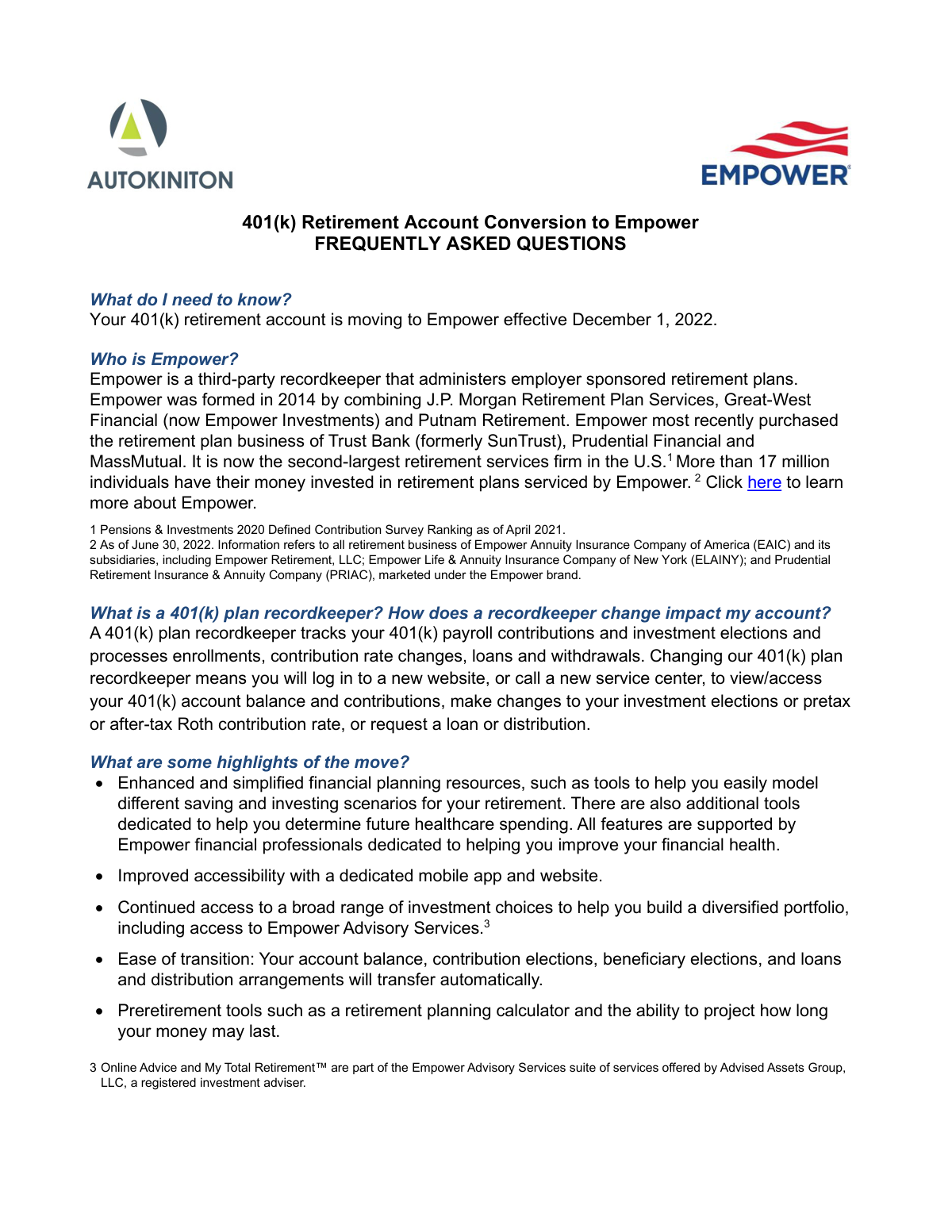
| 1. | 401(k) Retirement Account Conversion to Empower Frequently Asked Questions | 1 | – |
| 2. | Empower Retirement Payment Request Form | 1 | Moderate 48 |
| 3. | Empower Retirement Plan Withdrawal Request Form | 1 | – |
- Enterprise-grade security & data encryption
- 99%+ accuracy powered by AI
- 1,000+ forms from all industries
- Complete forms in under 60 seconds
How to Choose the Right Form
Navigating retirement paperwork can be complex, whether you are managing your personal 401k assets or handling administrative tasks for a company plan. Choosing the right Empower Retirement form depends on your role and the specific financial action you intend to take.
For Individual Participants Withdrawing Funds
If you are an employee or a former employee looking to access the money in your retirement account, use the Empower Retirement Plan Withdrawal Request Form. This is the primary document for requesting distributions, whether you need a one-time lump sum or recurring installments. It allows you to specify tax withholding preferences and the reason for the withdrawal—such as a hardship distribution, separation from service, or reaching retirement age—ensuring your request meets IRS regulations.
For Plan Administrators and Employers
If you are an authorized representative of a retirement plan and need to pay external service providers using plan assets, you should select the Empower Retirement Payment Request Form. This form is specifically designed for business-related transactions where funds are used to pay Third-Party Administrators (TPAs), auditors, or legal counsel. It requires a signature from an authorized plan representative to confirm that the expense is legitimate and reasonable according to the plan's rules.
For Users Transitioning to Empower
If your company has recently switched recordkeepers and your 401k is being moved to the Empower platform, you may not need a fillable form immediately. Instead, consult the 401(k) Retirement Account Conversion to Empower Frequently Asked Questions. This document provides the necessary context for the transition process, helping you understand how to access your new account, what happens to your existing balance, and how to manage your investments during the blackout period.
By selecting the document that matches your specific role—either as a participant seeking funds or an administrator managing plan costs—you can ensure your request is processed accurately and without unnecessary delays.
Form Comparison
| Form | Primary Purpose | Who Files It | Key Information Included |
|---|---|---|---|
| Empower Retirement Plan Withdrawal Request Form | Requesting distributions or lump-sum withdrawals from an active retirement account. | Individual retirement plan participants or account holders. | Withdrawal amount, payout method, and federal tax withholding preferences. |
| Empower Retirement Payment Request Form | Authorizing payments from plan assets to professional service providers. | Authorized plan representatives or designated company employers. | Payee identity, payment frequency, and specific fund source details. |
| 401(k) Retirement Account Conversion to Empower Frequently Asked Questions | Providing guidance for accounts being moved to Empower recordkeeping. | Employees whose retirement plan recordkeeper is currently changing. | Transition timelines, account management steps, and new platform features. |
Tips for Empower Retirement forms
AI-powered tools like Instafill.ai can complete these financial forms in under 30 seconds with high accuracy, ensuring your data stays secure during the process. This is a massive time-saver for individuals managing multiple retirement account documents or complex withdrawal requests.
One of the most common errors is entering an incorrect plan ID or account number, which can halt the processing of your withdrawal or payment. Always refer to your latest Empower statement to ensure these digits are perfectly accurate before finalizing the form.
When requesting a withdrawal, the tax withholding section determines how much is sent to the IRS versus your bank account. Take a moment to understand the default rates and adjust them if necessary to avoid a large tax bill or a smaller-than-expected payout at the end of the year.
Opting for Electronic Funds Transfer (EFT) instead of a physical check can save several days in transit and processing time. Ensure your routing and account numbers are verified through your bank to prevent funds from being sent to the wrong institution.
Payment request forms often require the signature of an authorized plan representative to confirm the legitimacy of the expense. Submitting a form without the proper administrative sign-off or a missing signature will result in an immediate rejection by Empower's processing department.
Always save a copy of your completed forms before sending them to Empower for processing. This provides a clear paper trail for your financial records and makes it much easier to resolve any discrepancies that might arise during a plan transition or account conversion.
Frequently Asked Questions
These forms are essential documents used to manage your 401(k) or other retirement accounts handled by Empower. They facilitate various financial transactions such as withdrawing funds, authorizing payments to service providers, or managing account transitions during a recordkeeper change.
Your choice depends on your specific goal: use the Withdrawal Request Form if you are taking money out of your plan, and use the Payment Request Form if you are an authorized representative paying a service provider from plan assets. For those transitioning an existing 401(k) to Empower, reviewing the conversion FAQ is the best first step to understand the process.
Yes, AI tools like Instafill.ai can be used to fill out these forms in under 30 seconds by accurately extracting data from your source documents. These tools can also convert static, non-fillable PDFs into interactive forms, making the process much more efficient than manual entry.
This form is required whenever a participant needs to access their retirement savings, whether for a hardship withdrawal, a loan, or a distribution after leaving an employer. It ensures that the payout method and tax withholdings are handled according to federal regulations and specific plan rules.
This form typically requires the signature of an authorized plan representative to confirm that the expense is legitimate and reasonable. It is used to pay third-party administrators, auditors, or legal counsel directly from the plan's assets rather than the employer's general funds.
Processing times vary depending on the complexity of the request and the specific rules of your employer's retirement plan. While filling the forms takes less than a minute with AI tools, Empower generally processes distributions and payments within a few business days to a few weeks after receiving all required documentation.
You will generally need your personal identification details, your plan or account number, and specific instructions regarding the transaction amount or payout method. If you are requesting a payment to a third party, you will also need the payee's contact and banking information.
Yes, most retirement plan distributions are subject to federal and sometimes state income tax withholding. The withdrawal forms include sections where you must specify your withholding preferences to ensure compliance with IRS regulations and avoid unexpected tax liabilities.
During a recordkeeper conversion, you should review the conversion FAQ document provided to understand the 'blackout period' and how to set up your new online account. You may also need to fill out updated beneficiary or contribution forms once the transition is complete to ensure your account settings remain accurate.
Many Empower forms can be uploaded through their participant portal or submitted via secure email once they have been filled out and signed. Using digital tools to prepare the documents ensures that they are legible and complete, which helps prevent administrative delays in processing your request.
Automation is possible through AI-powered services like Instafill.ai, which can map data from your existing records directly into the correct fields on the PDF. This reduces the risk of manual errors and significantly speeds up the time it takes to prepare documents like payment or withdrawal requests.
Glossary
- Form Complexity Index
- Instafill’s 0–100 measure of how much effort a form takes to complete, calculated deterministically from the form’s own structure rather than estimated. It combines the number of fillable fields (the largest factor), how difficult those fields are to complete based on their type, the number of pages that contain fields, the amount of conditional “fill-only-if” logic, and how many sections the form is divided into, then adds modifiers for tables and repeating lists, bundled instruction pages, and dense page layouts. A higher score means the form is harder to fill out by hand. The forms in this category have a median Form Complexity Index of 48/100 (Moderate). See exactly how it is calculated.
- Distribution
- The formal process of withdrawing funds from a retirement account, which can be taken as a one-time payment or periodic installments.
- Recordkeeper
- The organization, such as Empower, responsible for tracking contributions, investment performance, and processing participant transactions for a retirement plan.
- Rollover
- The movement of retirement savings from one qualified plan or IRA to another to avoid immediate taxes and penalties.
- Tax Withholding
- The amount of a retirement distribution held back and sent directly to the IRS or state tax authorities as a prepayment of income tax.
- TPA (Third Party Administrator)
- An external service provider hired to manage the administrative aspects of a retirement plan, such as ensuring the plan complies with federal laws.
- Blackout Period
- A temporary window during a plan conversion or transition where participants are unable to make changes to their investments or request withdrawals.
- Plan Sponsor
- The employer or organization that establishes and maintains the retirement plan for its employees.
- Asset Mapping
- The process used during a plan conversion where funds from an old retirement provider are automatically moved into the most similar investment options at the new provider.