Fill out plan sponsor forms
with AI.
Plan sponsor forms are the administrative backbone of employer-sponsored retirement programs. They facilitate the complex communication between employers, financial institutions, and plan participants. These documents are essential for maintaining regulatory compliance, authorizing administrative access, and ensuring that retirement assets are managed according to the plan’s guidelines. Without these forms, critical actions like processing contributions or approving disbursements would stall, directly impacting the financial health of the workforce.
By continuing, you acknowledge Instafill's Privacy Policy and agree to get occasional product update and promotional emails.
About plan sponsor forms
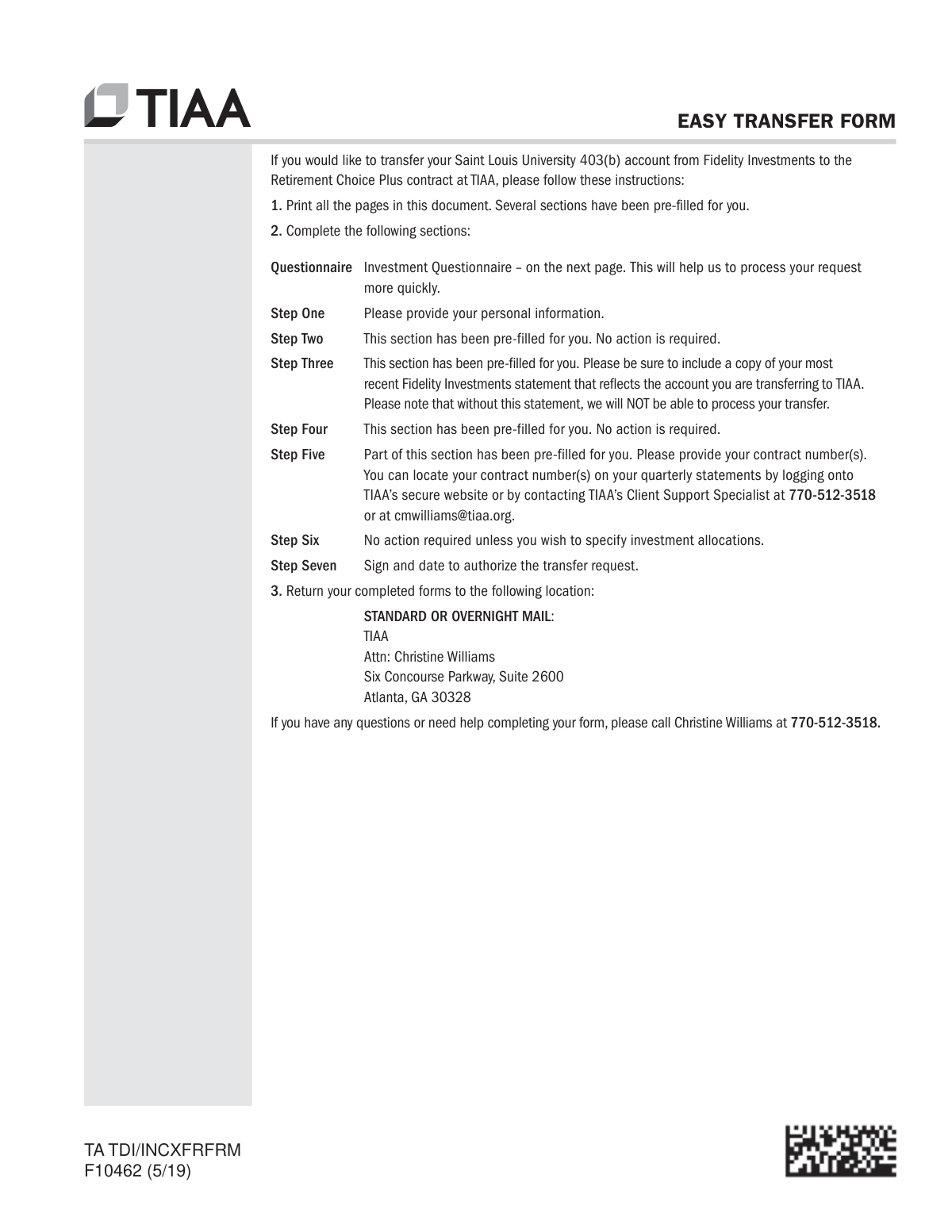
Typically, these forms are handled by plan administrators, HR professionals, or individual employees seeking to consolidate their retirement savings. For example, the Empower Plan Service Center Authorization Form is used to grant administrative access to retirement portals, while the TIAA Easy Transfer Form (F10462) helps individuals move funds from previous employers into their current plan. Whether you are setting up new administrative permissions or assisting an employee with a rollover, these documents require precise data entry to ensure funds are moved securely and access is granted to the correct personnel.
Managing a high volume of these technical documents can be time-consuming and prone to manual errors. Tools like Instafill.ai use AI to fill these plan sponsor forms in under 30 seconds, handling complex financial and personal data with high accuracy and security. This automation allows plan sponsors to focus more on strategic benefits management rather than the repetitive task of manual data entry.
Every form on this page can be completed without typing. Instafill is form filling software that reads a PDF and fills it for you — including flat and scanned documents that carry no fillable fields at all.
Forms in This Category
The forms in this category have a median Form Complexity Index of 45/100 (Basic), measured across 4 forms by field count, input difficulty, length, conditional logic and structure. See how it is calculated.
- Enterprise-grade security & data encryption
- 99%+ accuracy powered by AI
- 1,000+ forms from all industries
- Complete forms in under 60 seconds
How to Choose the Right Form
Managing a retirement plan involves two primary tasks: administrative oversight and asset consolidation. Choosing the right form depends on whether you are setting up system access for a plan administrator or moving funds into a specific employer-sponsored account.
Administrative Access and Plan Management
If you are a plan sponsor or a designated third party who needs to manage the day-to-day operations of a retirement plan on the Empower platform, you need the Empower Plan Service Center Authorization Form (PSC Plan Sponsor Username Request Form). This form is essential for:
- Requesting a username and password for the Plan Service Center (PSC).
- Authorizing individuals to process online contributions and view plan reports.
- Gaining the necessary permissions to approve participant disbursements and manage data.
Consolidating Retirement Assets into TIAA
The remaining forms in this category are dedicated to moving funds from external financial institutions into a TIAA-managed employer plan. While they may have slightly different titles, they all facilitate the consolidation of retirement savings.
Select the Easy Transfer Form: Moving Funds to an Employer-Sponsored Retirement Plan at TIAA or Form F10462 if you need to:
- Consolidate savings from a previous 401(k), 403(b), or 457(b) into your current TIAA account.
- Authorize TIAA to initiate a direct transfer or rollover from another financial provider.
- Centralize your retirement assets to make long-term management and investment tracking simpler.
Note: The documents titled Form F10462, Moving Funds to an Employer-Sponsored Retirement Plan at TIAA and Moving Funds to an Employer-Sponsored Retirement Plan at TIAA are variations of the same core transfer authorization. You can use any of these versions to start the process of moving your retirement balance to your employer-sponsored TIAA plan. Using Instafill.ai ensures these multi-page documents are completed accurately, reducing the risk of transfer delays.
Form Comparison
| Form | Primary Purpose | Who Files It | Key Requirement |
|---|---|---|---|
| Empower Plan Service Center Authorization Form (PSC Plan Sponsor Username Request Form) | Authorize administrative access to the retirement plan management portal. | Plan sponsors or authorized third-party administrators. | Plan identification and specific access level permissions. |
| Easy Transfer Form: Moving Funds to an Employer-Sponsored Retirement Plan at TIAA | Consolidate retirement assets from external accounts into TIAA. | Employees or plan participants moving retirement funds. | External account details and financial institution information. |
| Form F10462, Moving Funds to an Employer-Sponsored Retirement Plan at TIAA | Authorize TIAA to request a direct rollover from another provider. | Individual account holders consolidating retirement savings. | Current provider's name, account number, and asset type. |
| Moving Funds to an Employer-Sponsored Retirement Plan at TIAA | Transfer assets into employer-sponsored 401(k), 403(b), or 457(b) plans. | Retirement plan participants aiming to centralize their assets. | Signature for authorization and recipient plan details. |
Tips for plan sponsor forms
Incorrect account numbers are the leading cause of delays in fund transfers and access authorizations. Double-check your employer’s plan ID and your personal account numbers against your latest statement before finalizing the form to ensure a smooth transition.
AI-powered tools like Instafill.ai can complete these complex plan sponsor forms in under 30 seconds with high accuracy. Your sensitive data stays secure during the process, making it a reliable and efficient way to handle multiple retirement documents simultaneously.
Many plan sponsor forms require signatures from both the participant and the plan administrator or an authorized representative. Review the authorization section carefully to ensure all parties have signed, as missing signatures will result in the form being rejected by the institution.
When moving funds to an employer-sponsored plan like TIAA, you must submit a separate form for each financial institution you are transferring from. Keeping these requests organized by institution helps you track the status of each rollover and ensures no assets are left behind.
When requesting access to portals like Empower’s Plan Service Center, clearly specify the exact level of authorization needed for each user. This prevents security risks and ensures that third parties only have access to the specific data necessary for their administrative tasks.
Always save a completed copy of your transfer or authorization forms for your own records before submitting them. Having a digital backup allows you to quickly reference account details or resubmit information if the receiving institution requests clarification later.
Handwritten forms often lead to processing errors due to illegible text, especially when dealing with long alphanumeric plan codes. Using a digital filling tool ensures all text is clear and professional, which significantly reduces the risk of manual data entry errors by the processing department.
Frequently Asked Questions
These forms are used by employers and plan administrators to manage retirement accounts, grant portal access, and facilitate the movement of assets. They ensure that the correct individuals have authorization to view participant data and process contributions or disbursements.
You should use the Empower Plan Service Center (PSC) Authorization Form to request a username and specific access levels for individuals. This allows authorized users to process online contributions, view participant data, and manage administrative tasks within the Empower system.
You will need to complete the 'Moving Funds to an Employer-Sponsored Retirement Plan' form, also known as TIAA Form F10462. This document authorizes TIAA to contact your previous financial institution to initiate a direct transfer or rollover of your assets into your current plan.
Yes, AI tools like Instafill.ai can automatically fill out these retirement and plan sponsor forms in under 30 seconds. The technology accurately extracts data from your source documents and places it into the correct fields on the PDF form.
While manual entry can take 15 to 20 minutes depending on the complexity of the account details, using an AI-powered service like Instafill.ai allows you to complete these forms in less than 30 seconds. This process significantly reduces errors and ensures that complex account numbers are entered accurately.
You generally need your current TIAA account information, the account number from your previous financial institution, and the specific amount or percentage you wish to transfer. It is also helpful to have the contact information for the institution currently holding your funds to ensure a smooth transfer.
Typically, an authorized representative of the plan sponsor, such as a company executive or a designated plan administrator, must sign this form. This ensures that only vetted individuals are granted access to sensitive employee financial data and plan management tools.
A direct transfer moves funds directly between financial institutions, while a rollover may involve funds being sent to you first before being deposited into the new plan. The TIAA forms in this category are designed to facilitate these movements while maintaining the tax-deferred status of your retirement savings.
Once the forms are filled and signed, they are usually submitted directly to the financial institution, such as Empower Retirement or TIAA, via their secure online portals, fax, or mail. Always check the specific instructions on the form to ensure you are sending it to the correct processing department for your specific plan.
These specific forms are tailored for plans managed by Empower or TIAA, such as 401(k), 403(b), and 457(b) plans. If your employer uses a different provider, you would likely need to search for forms specific to that financial institution's administrative requirements.
Glossary
- Form Complexity Index
- Instafill’s 0–100 measure of how much effort a form takes to complete, calculated deterministically from the form’s own structure rather than estimated. It combines the number of fillable fields (the largest factor), how difficult those fields are to complete based on their type, the number of pages that contain fields, the amount of conditional “fill-only-if” logic, and how many sections the form is divided into, then adds modifiers for tables and repeating lists, bundled instruction pages, and dense page layouts. A higher score means the form is harder to fill out by hand. The forms in this category have a median Form Complexity Index of 45/100 (Basic). See exactly how it is calculated.
- Plan Sponsor
- The entity, typically an employer or organization, that establishes and maintains a retirement plan for the benefit of its employees.
- Plan Service Center (PSC)
- A secure online portal used by plan sponsors and authorized third parties to manage retirement plan administration, process contributions, and view participant data.
- Direct Transfer
- The movement of retirement funds directly from one financial institution to another, which avoids tax withholding and penalties because the money is never in the participant's possession.
- Rollover
- The process of moving assets from one tax-advantaged retirement account, such as a 401(k) or 403(b), into another eligible retirement plan or an IRA.
- 403(b) Plan
- A retirement savings plan for employees of public schools and certain tax-exempt organizations, such as non-profits and hospitals.
- 457(b) Plan
- A tax-advantaged deferred compensation plan available to state and local government employees and certain non-profit executives.
- Third-Party Administrator (TPA)
- An outside firm hired by a plan sponsor to handle the day-to-day administrative tasks of a retirement plan, such as processing claims or ensuring compliance.
- Consolidation
- The act of combining multiple retirement accounts from different previous employers into a single current retirement plan to simplify account management.