Yes! You can use AI to fill out Carer Allowance - Medical Report for a person 16 years or over (SA332a)
The SA332a, Carer Allowance Medical Report, is a crucial Australian government form used to detail the medical condition and care requirements of an individual aged 16 or over. This assessment helps Centrelink determine if the person's carer is eligible for the Carer Allowance payment by providing a comprehensive overview of the patient's physical, cognitive, and behavioral needs. Today, this form can be filled out quickly and accurately using AI-powered services like Instafill.ai, which can also convert non-fillable PDF versions into interactive fillable forms.
SA332a is part of the
CAR forms, carer forms, Medi-Cal forms, medical forms, medical report forms, L.A. Care forms and VA medical forms categories on Instafill.
Our AI automatically handles information lookup, data retrieval, formatting, and form filling.
It takes less than a minute to fill out SA332a using our AI form filling.
Securely upload your data. Information is encrypted in transit and deleted immediately after the form is filled out.
Form specifications
| Form name: | Carer Allowance - Medical Report for a person 16 years or over (SA332a) |
| Number of fields: | 187 |
| Number of pages: | 9 |
| Filled form examples: | Form SA332a Examples |
| Language: | English |
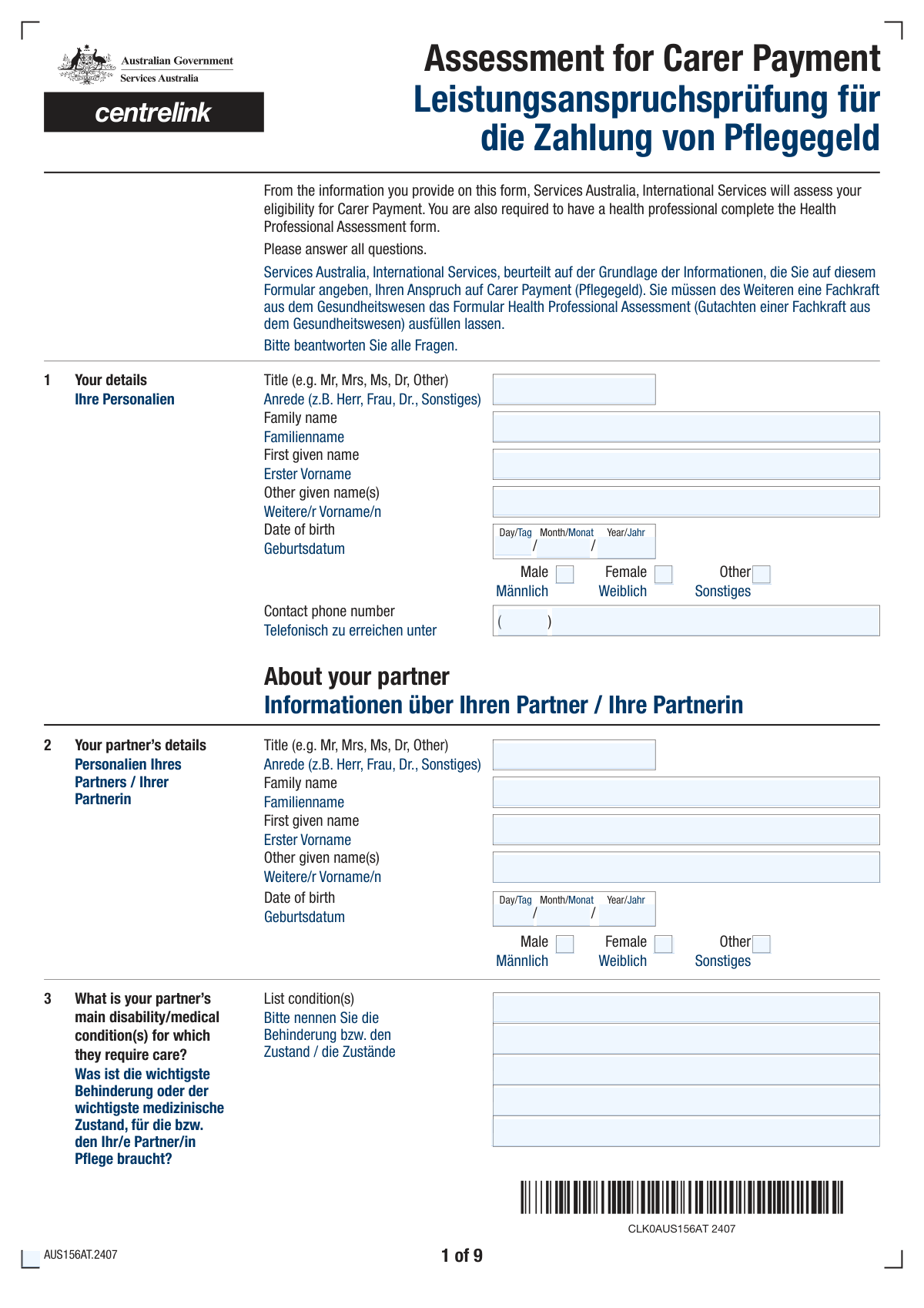
More forms in CAR forms
Instafill Demo: How to fill out PDF forms in seconds with AI
How to Fill Out SA332a Online for Free in 2026
Are you looking to fill out a SA332A form online quickly and accurately? Instafill.ai offers the #1 AI-powered PDF filling software of 2026, allowing you to complete your SA332A form in just 37 seconds or less.
Follow these steps to fill out your SA332A form online using Instafill.ai:
- 1 Navigate to Instafill.ai and upload the SA332a form or choose it from the platform's library of official documents.
- 2 Enter your personal details and your partner's information, including names, date of birth, and contact details.
- 3 Provide a detailed description of your partner's main disability or medical condition and specify the care arrangements, such as hospitalization or overnight stays.
- 4 Complete the extensive functional assessment questionnaire, answering questions about your partner's abilities related to mobility, personal care, cognition, and behavior.
- 5 Use the AI-powered assistant to clarify any complex medical or behavioral questions and ensure your answers are consistent and accurate.
- 6 Carefully review all the entered information, paying close attention to the detailed assessment sections.
- 7 Electronically sign and date the form before downloading the completed SA332a, ready for submission to the relevant health professional and Centrelink.
Our AI-powered system ensures each field is filled out correctly, reducing errors and saving you time.
Why Choose Instafill.ai for Your Fillable SA332a Form?
Speed
Complete your SA332a in as little as 37 seconds.
Up-to-Date
Always use the latest 2026 SA332a form version.
Cost-effective
No need to hire expensive lawyers.
Accuracy
Our AI performs 10 compliance checks to ensure your form is error-free.
Security
Your personal information is protected with bank-level encryption.
Frequently Asked Questions About Form SA332a
This form is used to assess the level of care you provide for your partner due to their disability, medical condition, or terminal illness. It helps determine eligibility for support services or payments by detailing your partner's needs and your role as a carer.
You should complete this form if you are providing ongoing personal care and support for your partner who has a significant disability, medical condition, or is terminally ill.
The form has a simplified path for partners who are terminally ill with a life expectancy of 3 months or less. Answering 'Yes' to this question bypasses the lengthy assessment of daily activities to streamline the application process.
When answering questions about your partner's abilities, choose the option that reflects their typical or most frequent level of need. Consider their condition over an average week to provide the most accurate picture of the care they require.
'With some help' usually means your partner needs supervision, prompting, or minor physical assistance. 'With a lot of help' implies they need significant, direct physical support from you to complete the task.
If your partner is hospitalized, you must provide the date of hospitalization and the expected release date. You will also need to specify if you provide care in the hospital and if they will return to your care upon release.
This refers to any regular arrangements where your partner stays away from home overnight, such as for respite care, shared care with another family member, medical treatment, or educational programs.
These questions help build a complete picture of the care required, as managing challenging behaviors can be a significant part of a carer's responsibilities. Answering honestly provides a more accurate assessment of the overall support needed.
Provide the most accurate date you can recall. If you are unsure of the exact day, an approximate month and year is usually acceptable, but try to be as precise as possible.
Yes, services like Instafill.ai use AI to help you complete forms faster and more accurately. They can auto-fill personal details and guide you through complex sections, which is especially helpful for a long form like this.
You can upload the PDF form to the Instafill.ai platform. The AI will make the document interactive, allowing you to easily type your answers into the correct fields and save your progress.
You can use a service like Instafill.ai to solve this problem. It can convert flat, non-fillable PDFs into interactive forms that you can easily complete on your computer.
You will need your personal details, your partner's personal details, and a thorough understanding of their medical condition and daily care needs. It may be helpful to have medical documents or notes on hand for reference.
Compliance SA332a
Validation Checks by Instafill.ai
1
Applicant's Date of Birth Validity
This check ensures that the 'Date of Birth Day', 'Month', and 'Year' fields for the applicant combine to form a valid calendar date. It also verifies that the date is in the past and results in a plausible age (e.g., over 16). This is crucial for identity verification and eligibility assessment. If the date is invalid or in the future, the system should display an error and prevent submission until corrected.
2
Partner's Date of Birth Validity
This validation confirms that the 'Partner's Birth Day', 'Month', and 'Year' fields create a legitimate calendar date that is not in the future. This is essential for accurately recording the partner's details and assessing any age-related aspects of their care. An invalid date would corrupt the record, so the form should reject submissions with invalid or future dates for the partner.
3
Gender Selection Exclusivity
This check validates that for both the applicant and their partner, only one gender option ('Male', 'Female', 'Other') is selected. It is logically impossible to select multiple options for a single individual. This rule ensures data integrity and prevents contradictory information. If more than one option is checked, an error message should prompt the user to select only one.
4
Mutually Exclusive Yes/No Selections
This rule applies to all question pairs where 'Yes' and 'No' are presented as separate checkboxes, such as 'Partner Hospitalization Status' and 'Personal Care Details'. The validation ensures that a user can only select one of the two options, not both or neither if the question is mandatory. This prevents logical contradictions in the submitted data. A failed check should highlight the conflicting answers and require the user to make a single choice.
5
Conditional Hospitalization Date Requirement
This check enforces conditional logic by verifying that if 'Yes' is selected for 'Partner Hospitalization Status', then the 'Hospitalisation Day', 'Month', and 'Year' fields are all filled in. These fields are mandatory to understand the context of the hospitalization. If the 'Yes' box is checked but the date is missing, the submission should be blocked with a message indicating the required fields.
6
Hospital Release Date Chronology
This validation performs a logical comparison between the 'Date of Hospitalisation' and the 'Expected Release Date'. It ensures that the expected release date is on or after the hospitalization date. A release date prior to admission is a logical impossibility and indicates a data entry error. If this check fails, the system must alert the user to correct the date sequence.
7
Terminal Illness Section Logic
This check validates the complex conditional logic surrounding the 'Terminal Illness Status' question. If 'Yes' is selected, the detailed care assessment sections (e.g., 'Showering/Bathing Ability', 'Eating Ability') must be disabled or hidden, while the final signature fields become mandatory. Conversely, if 'No' is selected, those detailed care sections become mandatory, and the final signature section is disabled. This ensures the correct data path is followed based on this critical status.
8
Personal Care Question Prerequisite
This validation ensures that the 'Personal Care Details' ('Yes'/'No') question can only be answered if the 'Partner's Main Condition' text field has been filled. This enforces the intended form flow, where providing care details is contingent on first defining the condition for which care is needed. If the condition is not described, the personal care question should be disabled or trigger an error if answered.
9
Overnight Stay Details Dependency
This rule checks that if a reason for an overnight stay is selected (e.g., 'Treatment', 'Shared Care'), the corresponding details fields are completed. For instance, if the 'Treatment' checkbox is ticked, the 'Number of Nights for Treatment' and 'Treatment Start Date' fields must be filled. This ensures that selecting a category is followed by providing the necessary specific data. A failure would prompt the user to complete the details for the selected reason.
10
In-Hospital Care Description Mandate
This validation ensures that if the user checks 'Yes' for 'In-Hospital Care Details', the corresponding 'Description of Care Provided' text area must not be empty. This is important to gather specific information about the care being provided, which is the purpose of the question. If the box is checked but the description is left blank, an error should be triggered, requiring the user to provide details.
11
Signature Requirement for Terminal Illness Declaration
This check verifies that if 'Yes' is selected for 'Terminal Illness Status', the 'Signature' field and the associated 'Day', 'Month', and 'Year' of signing are mandatory. This section likely constitutes a formal declaration or attestation, making the signature and date legally or procedurally critical. The form cannot be submitted without this information if the condition is met.
12
Phone Number Format and Completeness
This validation ensures that both the 'Phone Number Area Code' and 'Phone Number' (main part) fields are filled and contain only numeric characters. It confirms that a complete, well-formed phone number has been provided for contact purposes. Incomplete or improperly formatted numbers hinder communication. If the fields contain non-numeric characters or are empty, an error message should guide the user to enter a valid phone number.
13
Applicant Name Completeness
This check verifies that the 'Family Name' and 'First Given Name' fields for the applicant are not empty. These fields are fundamental for identifying the individual submitting the form and are almost always required for record-keeping. Submitting a form without a primary identifier is not useful. If these fields are empty, the system should prevent submission and flag them as required.
14
Care Start Date Chronology
This validation ensures the 'Care Start Date' is a valid date that occurs after the partner's date of birth and before the current date. It is logically impossible for care to begin before someone is born or to start in the future. This check prevents significant data entry errors and ensures the timeline of events is coherent. An invalid sequence should trigger an error requiring the user to correct the dates.
Common Mistakes in Completing SA332a
This form heavily uses conditional logic, where fields should only be filled if a specific previous answer is given (e.g., 'Fill only if 'Yes' is 'Yes''). A frequent mistake is either missing these instructions and leaving required sections blank, or filling in sections that should be skipped. This creates an incomplete or contradictory application, causing significant processing delays or outright rejection. To avoid this, carefully read the instructions for each field; AI-powered tools like Instafill.ai can automatically show or hide relevant sections based on your answers, ensuring you only fill out what's necessary.
A critical question determines if the partner is terminally ill, which dictates which of two large, mutually exclusive sections of the form to complete. A common and severe error is answering this question and then filling out the wrong corresponding section, for example, answering 'No' but completing the questions meant for a 'Yes' answer. This invalidates a huge portion of the submission and requires starting over. It is crucial to answer this question accurately and then meticulously follow the instructions to complete only the appropriate subsequent sections.
The form splits all dates (e.g., Date of Birth, Hospitalisation Date) into separate Day, Month, and Year fields. Users often forget to fill in all three parts for each date, or enter them in an inconsistent format (e.g., '05' vs 'May'). This creates invalid data that can halt the application process or lead to incorrect records. Always double-check that all three components of every date are filled in correctly before submitting.
The form has parallel sections for the applicant ('Your Details') and the person receiving care ('Your Partner's Details'), with many identical fields like name and date of birth. It is surprisingly common for applicants under stress to accidentally enter their own information in the partner's section or vice-versa. This fundamental error invalidates the entire application and requires a complete refilling. To prevent this, consciously check the section heading for every field you complete. Using a tool like Instafill.ai can help by populating data from saved profiles, reducing the risk of this manual entry error.
The section on overnight stays has multiple checkboxes for the reason (e.g., Treatment, Shared Care) and corresponding fields for the number of nights and start dates. A frequent error is to check a reason but forget to fill in the associated details, or to fill in details for a reason that wasn't checked. This creates an inconsistent record that can lead to follow-up questions and delays. To avoid this, ensure that for every 'Reason for Overnight Stay' you check, you also complete all the related date and duration fields.
In several sections, such as 'In-Hospital Care Details,' checking 'Yes' to a question requires providing a mandatory written explanation in a subsequent text box. Applicants often check the 'Yes' box but then fail to provide the necessary details in the 'Description of Care Provided' field. This is treated as an incomplete answer and will delay processing until the missing information is supplied. Always scan ahead to see if a 'Yes' answer triggers a requirement for a written explanation.
Many questions ask the carer to rate their partner's ability using subjective terms like 'Sometimes,' 'Often,' 'With some help,' or 'With a lot of help.' Carers may interpret these terms differently across the form, leading to answers that seem inconsistent (e.g., rating 'Dressing Ability' as 'With some help' but 'Grooming' as 'Cannot do this' when the level of aid is similar). This can paint a confusing picture of the care needs and may trigger a more intensive review. Try to be as consistent as possible in your interpretation of these terms throughout the form.
The field 'Partner's Main Condition' asks for a description of the disability or medical condition. People often provide very brief, vague ('illness'), or overly technical jargon-filled answers that are not useful for assessment. This can lead to follow-up requests for more information, delaying the process. It's best to provide a clear, concise description using commonly understood medical terms and focus on how the condition impacts the need for care.
The form asks for a phone number to be split into an 'Area Code' and a 'Main Part,' a format that is confusing for modern mobile numbers which often don't have a traditional area code. Users may enter the first few digits of their mobile number in the area code field or leave it blank, leading to an invalid contact number. To avoid this, clarify the expected format or enter the first 3-4 digits as the area code and the rest as the main number. AI form-fillers like Instafill.ai can help by recognizing standard phone number formats and populating the fields correctly, and can also make the form fillable if it's a non-fillable PDF.
Saved over 80 hours a year
“I was never sure if my IRS forms like W-9 were filled correctly. Now, I can complete the forms accurately without any external help.”
Kevin Martin Green
Your data stays secure with advanced protection from Instafill and our subprocessors

Robust compliance program
Transparent business model
You’re not the product. You always know where your data is and what it is processed for.
ISO 27001, HIPAA, and GDPR
Our subprocesses adhere to multiple compliance standards, including but not limited to ISO 27001, HIPAA, and GDPR.
Security & privacy by design
We consider security and privacy from the initial design phase of any new service or functionality. It’s not an afterthought, it’s built-in, including support for two-factor authentication (2FA) to further protect your account.
Fill out SA332a with Instafill.ai
Worried about filling PDFs wrong? Instafill securely fills carer-allowance-medical-report-for-a-person-16-years-or-over-sa332a forms, ensuring each field is accurate.



