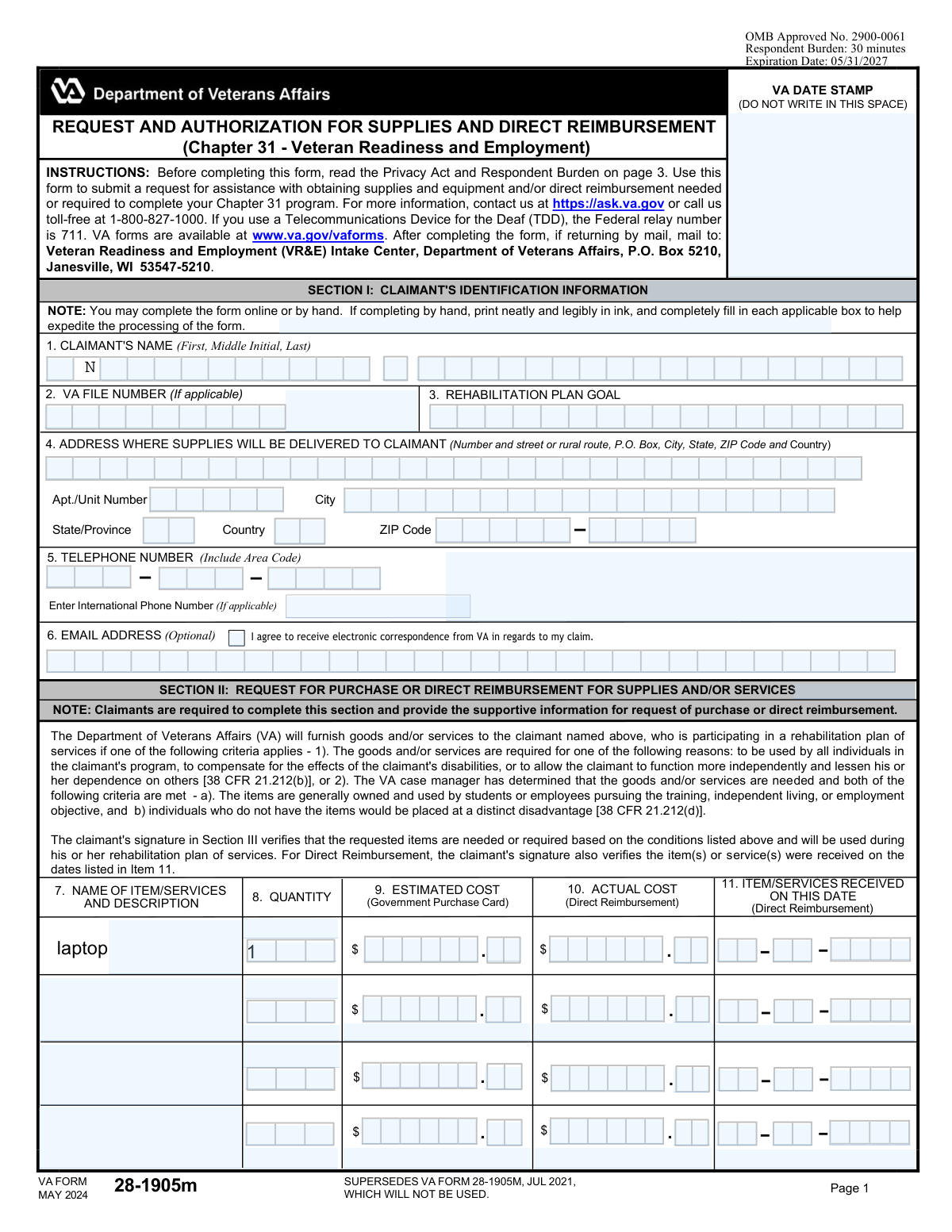
Yes! You can use AI to fill out Form N-400, Application for Naturalization

Form N-400, Application for Naturalization, is a document filed with U.S. Citizenship and Immigration Services (USCIS) by a lawful permanent resident to apply for U.S. citizenship. This comprehensive form documents the applicant's eligibility, including residency, moral character, and attachment to the U.S. Constitution, making its accurate completion crucial. Today, this form can be filled out quickly and accurately using AI-powered services like Instafill.ai, which can also convert non-fillable PDF versions into interactive fillable forms.
Our AI automatically handles information lookup, data retrieval, formatting, and form filling.
It takes less than a minute to fill out N-400 using our AI form filling.
Securely upload your data. Information is encrypted in transit and deleted immediately after the form is filled out.

Form specifications

Form name: Form N-400, Application for Naturalization
Number of fields: 227
Number of pages: 3
Language: English
main-image

Instafill Demo: How to fill out PDF forms in seconds with AI

How to Fill Out N-400 Online for Free in 2026

Are you looking to fill out a N-400 form online quickly and accurately? Instafill.ai offers the #1 AI-powered PDF filling software of 2026, allowing you to complete your N-400 form in just 37 seconds or less.
Follow these steps to fill out your N-400 form online using Instafill.ai:
  1. 1 Navigate to Instafill.ai and upload your Form N-400, or select it from their library of official documents.
  2. 2 Use the AI assistant to answer questions about your personal information, eligibility, and contact details.
  3. 3 Provide your complete residence and employment history for the past five years, letting the AI format the dates and addresses correctly.
  4. 4 Detail your marital history, information about your children, and any overseas travel.
  5. 5 Carefully answer the series of 'Yes/No' questions regarding your background, affiliations, and moral character, using the AI's guidance for clarity.
  6. 6 Review all the auto-filled information for accuracy, make any necessary corrections, and then e-sign the application.
  7. 7 Download the completed, signed Form N-400, ready for submission to USCIS.

Our AI-powered system ensures each field is filled out correctly, reducing errors and saving you time.

Why Choose Instafill.ai for Your Fillable N-400 Form?

Speed

Complete your N-400 in as little as 37 seconds.

Up-to-Date

Always use the latest 2026 N-400 form version.

Cost-effective

No need to hire expensive lawyers.

Accuracy

Our AI performs 10 compliance checks to ensure your form is error-free.

Security

Your personal information is protected with bank-level encryption.

Frequently Asked Questions About Form N-400

This form is used to collect detailed information for a comprehensive application. Based on the number of fields, it is likely for a business license, loan application, or a government program that requires extensive personal and financial details.

The primary applicant must complete the form. The multiple sections suggest that information for co-applicants, business partners, or other household members may also be required, so ensure all relevant parties contribute their information.

You should have personal identification, contact information, financial records, employment history, and any other relevant documents for all individuals being included in the application. Preparing these documents beforehand will save you significant time.

You only need to complete the fields and sections that apply to your specific situation. If a question is not applicable, it is best practice to enter 'N/A' (Not Applicable) to show that you have reviewed it.

The 'choicebutton' fields represent questions with pre-set answers, such as 'Yes/No' or other multiple-choice options. You must select the button that corresponds to the correct answer for your situation.

If you are filling out the form electronically, you can simply correct the entry. If you are filling it out by hand, it is best to start with a fresh copy or use correction fluid neatly, as messy forms can be rejected.

Submission instructions are typically found on the first or last page of the form. Check for details on whether to mail it, submit it online through a portal, or deliver it in person.

Processing times can vary widely depending on the receiving organization and the complexity of the application. Refer to the official website or instruction booklet for the most accurate processing time estimates.

Yes, services like Instafill.ai use AI to auto-fill form fields accurately from your saved profile, which can save a lot of time and help prevent errors on long, repetitive forms.

Simply upload the PDF to the Instafill.ai platform. You can then type directly into the fields, and the AI assistant can help you auto-fill your information to complete the form in minutes.

If your PDF is a flat, non-fillable scan, you can use a tool like Instafill.ai. It automatically converts any PDF into an interactive, fillable form that you can easily complete and sign online.

Common errors include leaving required fields blank, providing inconsistent information across different sections, and forgetting to sign and date the form. Always double-check your entire application before submission.

It is highly likely that a complex form like this requires supporting documents, such as proof of identity, financial statements, or other certificates. Check the form's instructions for a complete list of required attachments.

Compliance N-400
Validation Checks by Instafill.ai

1
Row Completeness Check
Ensures that if any field in a data entry row is filled, all other required fields in that same row are also completed. For example, if a value is entered in `textbox_0_2_ceeb8114` (Description), then `textbox_0_0_b1c9469b` (Date) and `textbox_0_4_4409d3c6` (Amount) must not be empty. This prevents incomplete or orphaned data records from being submitted, ensuring data integrity. If validation fails, the user is prompted to complete the row or clear it entirely.
2
Date Field Format and Validity
Validates that the first column of each section (e.g., `textbox_0_0_b1c9469b`, `textbox_1_0_4bc99dc3`) contains a valid date, expecting a MM/DD/YYYY format. This check ensures that date information is standardized and can be correctly processed by backend systems for reporting and sorting. An invalid format or a non-existent date like '02/30/2023' will trigger an error, requiring the user to correct the entry.
3
Numeric Value Validation for Financial Columns
Verifies that columns designated for numerical data (e.g., columns 4, 5, and 6, such as `textbox_0_4_4409d3c6`) contain only valid numeric characters, including decimals where appropriate. This is crucial for preventing calculation errors and data corruption in financial or quantitative fields. Non-numeric entries will be rejected, and the user will be instructed to enter a valid number.
4
Line Item Total Calculation Logic
Performs a logical check to ensure that the value in a 'Total' column is the correct product of 'Quantity' and 'Unit Price' columns. For instance, the value in `textbox_1_6_f8c1e3a2` must equal the value of `textbox_1_4_b89fe5ed` multiplied by `textbox_1_5_d3ed4dfc`. This validation is critical for maintaining financial accuracy and preventing manual calculation errors. A mismatch will flag the row for review and correction.
5
Mandatory Section Choice Selection
Ensures that for each completed section, a selection is made from the associated choice buttons (e.g., one of `choicebutton_1_99_a881e325` through `choicebutton_1_103_cdc1635f`). These choices may represent the status or outcome of the section's data. Failing to make a selection would leave the record in an ambiguous state, so the submission is blocked until a choice is made.
6
Description Field Character Limit
Checks that the text entered into description fields (e.g., `textbox_0_2_ceeb8114`, `textbox_1_2_1d526234`) does not exceed a predefined character limit, such as 255 characters. This validation prevents data truncation in the database and ensures that descriptions do not break the layout of user interfaces or reports. If the limit is exceeded, the user is notified and must shorten their text.
7
Chronological Order of Entries
Validates that the date entered in each row is the same as or later than the date in the preceding row. For example, the date in `textbox_1_0_4bc99dc3` must be greater than or equal to the date in `textbox_0_0_b1c9469b`. This is essential for forms that log events or transactions sequentially, like timesheets or activity logs. An out-of-order date will trigger a warning, asking the user to confirm or correct the sequence.
8
Conditional Field Requirement Based on Selection
Makes a field mandatory only if a specific condition is met, such as selecting a particular option. For example, if the user selects `choicebutton_2_50_a3c432bf` (representing an 'Other' or 'Exception' status), the adjacent text field `textbox_2_48_e6b811d4` (for comments/explanation) must be filled out. This ensures that necessary context is provided for non-standard entries. The form cannot be submitted until the conditional field is completed.
9
Prevention of Negative Monetary Values
Ensures that fields representing monetary amounts, quantities, or costs (e.g., columns 4, 5, and 6) do not contain negative numbers. This is a critical business rule for most applications where such values should logically be positive or zero. If a negative value is entered, an error message is displayed, and the user must input a non-negative number.
10
Cross-Section Grand Total Verification
Validates that a summary field correctly calculates the sum of values from a specific column across all sections. For example, the value in a grand total field like `textbox_2_47_50e0cdf3` must equal the sum of all values in column 5 (e.g., `textbox_0_5_346a5a30` + `textbox_1_5_d3ed4dfc`). This check ensures the overall summary is accurate and consistent with the line-item details. Any discrepancy will halt submission and require a data review.
11
At Least One Complete Row Submission
Verifies that the form is not submitted empty by requiring at least one full row of data to be entered in the first section. This means at least the primary fields of the first row (e.g., `textbox_0_0_b1c9469b` and `textbox_0_2_ceeb8114`) must be filled. This prevents the creation of blank records in the system. An attempt to submit an empty form will result in an error message prompting the user to add data.
12
Unique ID Field Validation
Checks that the value entered in a designated identifier column (e.g., `textbox_0_1_6d18747d`) is unique across all rows within the submission. This is crucial for fields that serve as a primary key, such as an invoice number or product SKU, to prevent duplicate records. If a duplicate value is detected, the system will highlight the conflicting entries and require the user to provide a unique identifier.

Common Mistakes in Completing N-400

Inconsistent Date Formatting

Users often enter dates in various formats like MM-DD-YY or DD/MM/YYYY, when a specific MM/DD/YYYY format is required. This inconsistency can cause data validation errors and lead to processing delays or outright rejection of the form. To avoid this, carefully check for any format instructions (e.g., 'Use MM/DD/YYYY') and apply it consistently across all date fields.

Omitting Full Legal Name

Applicants frequently use a nickname or omit their middle name/initial when the form requires a full legal name as it appears on official documents. This can lead to failed identity verification checks and requires follow-up correspondence to correct the information, delaying the entire process. Always reference a government-issued ID to ensure you are providing your complete and accurate legal name.

Leaving Mandatory Fields Blank

On a large form with hundreds of textboxes, it is very easy to accidentally overlook and skip a required field. This is one of the most common reasons for immediate rejection, as automated systems often discard incomplete submissions. To prevent this, perform a final review of the entire form before submitting, specifically looking for empty spaces. AI-powered tools like Instafill.ai can also help by highlighting required fields you may have missed.

Transposing Numbers in ID Fields

When entering long strings of numbers for fields like Social Security Numbers, bank accounts, or driver's licenses, it is common to accidentally transpose digits (e.g., entering '12354' instead of '12345'). Such an error can completely invalidate the form, as it leads to a critical data mismatch for identity or financial verification. Avoid this by slowly entering the number and then reading it back to yourself, comparing it against your source document.

Incomplete Address Information

A frequent mistake is omitting crucial parts of an address, such as the apartment, suite, or unit number, or forgetting the ZIP code. This often happens when people are filling out their address from memory and forget the secondary designator. An incomplete address will result in returned mail and can cause significant delays in communication or verification. Always double-check that both Address Line 1 and Address Line 2 (if applicable) are filled out correctly.

Ignoring Conditional Logic from Checkboxes

This form contains choice buttons (e.g., Yes/No questions), which often dictate whether subsequent sections should be filled out or skipped. People make mistakes by either checking 'No' and filling out the following fields anyway, or checking 'Yes' and forgetting to provide the required additional details. This creates confusion and can render the application incomplete. Pay close attention to instructions like 'If Yes, complete Section B'.

Using Unofficial Abbreviations

Applicants often use common abbreviations for street names ('St.' for Street), states, or even employer names to save time. However, processing systems may require the full, unabbreviated text for accurate data matching and validation, causing errors if abbreviations are used. Unless the form explicitly permits it, always write out the full words to avoid database lookup failures.

Inconsistent Information Across Sections

Given the form's multiple large sections, users sometimes provide slightly different information for the same data point, such as spelling a name differently or using two different phone numbers. This inconsistency raises red flags during review and may require manual intervention to clarify, slowing down the process. Using an autofill tool can help ensure that recurring information like your name and address is entered consistently every time.

Data Misalignment in Non-Fillable PDFs

If this form is a non-fillable PDF, users often struggle to align their typed text perfectly within the designated boxes or lines. This can result in data that is difficult to read or is misinterpreted by automated scanning (OCR) software, leading to significant errors. To avoid this, use a service like Instafill.ai that can convert a flat PDF into an interactive, fillable form, ensuring your data is perfectly aligned and legible.

Incorrectly Formatting Monetary Values

When asked for financial information, people may include currency symbols (like '$') or commas when they are not supposed to, or conversely, forget to include cents. For example, entering '$1,500' instead of '1500.00' can break automated calculations or data entry systems. Always check the field's instructions or examples to see the exact format required for numbers and currency.
Saved over 80 hours a year

“I was never sure if my IRS forms like W-9 were filled correctly. Now, I can complete the forms accurately without any external help.”

Kevin Martin Green

Your data stays secure with advanced protection from Instafill and our subprocessors

Robust compliance program

Transparent business model

You’re not the product. You always know where your data is and what it is processed for.

ISO 27001, HIPAA, and GDPR

Our subprocesses adhere to multiple compliance standards, including but not limited to ISO 27001, HIPAA, and GDPR.

Security & privacy by design

We consider security and privacy from the initial design phase of any new service or functionality. It’s not an afterthought, it’s built-in, including support for two-factor authentication (2FA) to further protect your account.

Fill out N-400 with Instafill.ai

Worried about filling PDFs wrong? Instafill securely fills form-n-400-application-for-naturalization-3 forms, ensuring each field is accurate.