
Yes! You can use AI to fill out Centrelink - Real Estate Details (Mod R)
Don't type 186 fields by hand. Tell our AI about yourself, or upload a document you already have, and it fills every field in seconds. You check it, then download, print or sign.
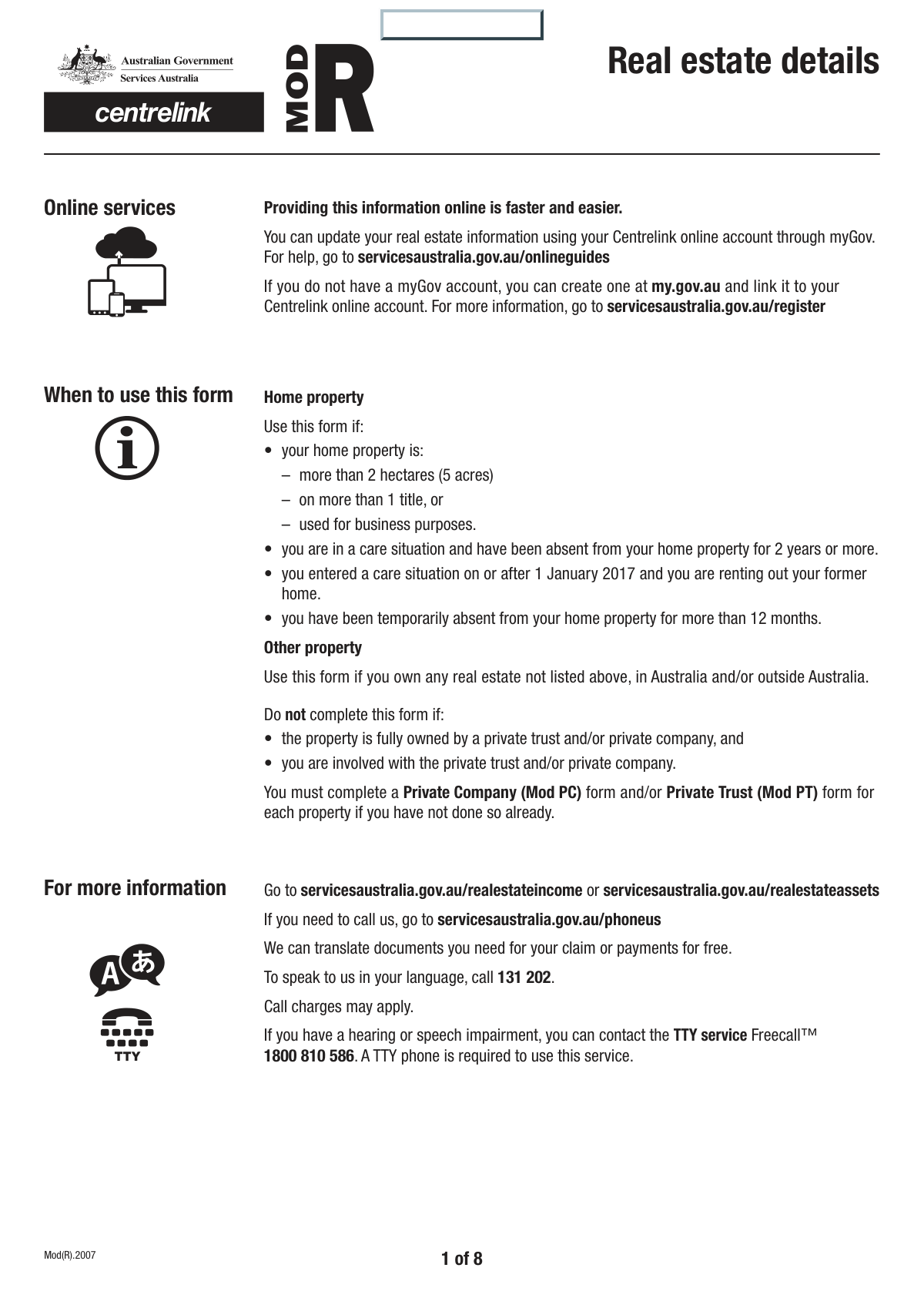
The AI does the filling. You just check it.
No typing into boxes, nothing to install.
What this form asks for
The AI fills all of it, from your answers or your documents.
The AI checks your answers before you download
14 checks built for this form, so a wrong date or a missing answer is caught before anyone else sees it.
This validation checks that if 'No' is selected for the 'Property Ownership Inquiry', the subsequent sections required for privately owned properties are filled out. These sections include 'Legal Property Description', 'Estimated Current Market Value', and others. This is crucial as these sections are conditionally required, and failure to complete them would result in an incomplete application for non-company-owned properties.
This validation ensures that whenever an 'Other' checkbox is selected (e.g., 'Q7_Other' Property Type, 'Other' Property Ownership Acquisition), the corresponding text field for details is not left empty. This prevents ambiguity and ensures complete data capture for non-standard entries. If the detail field is empty, the user is prompted to provide the necessary information before submission.
This check calculates the sum of 'Your Percentage Owned', 'Partner's Percentage Owned', and 'Percentage Owned by Other Entity'. The total must equal exactly 100%. This ensures the full ownership of the property is accounted for and prevents logical errors in asset allocation. A failure would indicate a miscalculation or incomplete ownership data, requiring the user to correct the percentages.
Validates that the 'Date of Birth' is a real calendar date, is in the past, and corresponds to a reasonable age for a property owner (e.g., over 18 years old). This prevents data entry errors like future dates or typos that result in an impossible age. An invalid entry would block submission until corrected, ensuring data integrity for the applicant's profile.
This validation verifies that all four parts of the 'Customer Reference Number' are filled in. This number is critical for correctly identifying the customer and linking the form to the correct account in the system. An incomplete number would prevent the form from being processed correctly, so the user must fill all four fields.
This check is triggered if 'Yes' is selected for 'Business Use of Home Property'. It ensures that the 'Value of Rooms or Buildings Used for Business' field is populated with a valid, positive monetary value. This is essential for accurately assessing the business use of a property for financial and tax purposes. If the value is missing, the form is considered incomplete.
And 8 more checks
- Australian Postcode and Suburb Consistency
- Household Contents Ownership Share Sum
- Mandatory Property Type Selection
- Valid Annual Rental Duration
- Ownership Duration Logical Consistency
- Signature Date Chronology and Validity
- Conditional Document Checklist Validation
- Contact Information for Property Inspection
Let AI fill out your Mod R
No typing. Every field filled in seconds, checked, ready to sign.
How to Fill Out Mod R Online for Free in 2026
What the AI walks you through.
- Navigate to Instafill.ai and upload or select the Centrelink Mod R form.
- Provide your personal identification details, such as your name, date of birth, and Customer Reference Number, allowing the AI to populate these fields.
- Enter the details for each property you own, including the address, type, current market value, and legal description.
- Answer the detailed questions about each property's use, such as whether it's your primary residence, used for business, or generates rental income.
- Declare any financial details related to the properties, including mortgage amounts, loan details, and any income received.
- Use the platform to attach digital copies of required supporting documents, such as council rate notices, title deeds, and loan agreements.
- Review all the information populated by the AI for accuracy, then digitally sign and download the completed Mod R form, ready for submission to Centrelink.
Common Mistakes in Completing Mod R
The ones the AI is built to catch.
Misinterpreting Property Ownership Structure
Confusing Street Address with Legal Property Description
Using Purchase Price for Current Market Value
Ignoring Conditional Question Logic
Incomplete Count of Owned Properties
Ownership Percentages Not Totaling 100%
Mismatch Between Checklist and Attached Documents
Entering Full Reference Number in a Single Field
Inconsistent Property Area Units
Failing to Complete Dependent 'Other' Fields
Frequently Asked Questions About Mod R
Is it really free for 7 days?
Can I fill other forms too?
How do I cancel?
How does the AI fill out Mod R?
What happens to my information?
How complex is Mod R to fill out?
What is the purpose of this real estate details form?
What should I do if my property is owned by a private company or trust?
Do I need to declare properties I own overseas?
How do I find the 'legal property description' for my property?
How should I estimate the 'current market value' of my property?
What documents do I need to submit with this form?
I own multiple properties. Do I need to fill out a form for each one?
What qualifies as using my home property for 'business purposes'?
Why do I need to provide my partner's ownership details?
Can I use an AI tool to help fill out this form?
How can I fill this form online using Instafill.ai?
The PDF version of this form I have is not fillable. What can I do?
Who needs to sign the declaration at the end of the form?
Get your Mod R filled out by AI
$0 today. Cancel before Nov 4 and you pay nothing.
Other forms like this one
real estate forms: Form 593, Real Estate Withholding, Form 1099-S, Proceeds From Real Estate Transactions, Inland Residential Real Estate Services LLC Application for Lease (Form 4301, Rev. 11/14), New licence application – Form 1–1 (IND), Application for an individual’s licence (Real estate agent, property auctioneer, resident letting agent, motor dealer, chattel auctioneer, field agent), Texas Real Estate Commission (TREC) One to Four Family Residential Contract (Resale) (TREC No. 20-18), City of Harvey Real Estate Transfer Declaration & Application (with Certificate for Exemption), Alaska Residential Real Estate Purchase Agreement, Form 21, Residential Purchase and Sale Agreement, Form L-4260, Property Transfer Affidavit, Form TC201, Income and Expense Schedule for Rent Producing Properties, Memorandum of Contract, Notice of Transfer Forms Packet, Oklahoma Real Estate Commission Tenancy Guidelines (01-01-2026), Oklahoma Real Estate Commission Residential Property Condition Disclosure Exemption Form (RPCD EXEMPTION FORM), Oklahoma Real Estate Commission Residential Lease, Oklahoma Real Estate Commission Tenant Flood Notice (01-01-2026), Oklahoma Real Estate Commission Property Data Form (Residential), Oklahoma Real Estate Commission Pet Addendum, Oklahoma Real Estate Commission Lease Application, Oklahoma Real Estate Commission Keys and Re-Keying Addendum
Centrelink forms: SU599 Assurer's statement to Centrelink, Centrelink Confirmation of Personal and Study Details, Centrelink Form SY041 - Verification of your family circumstances: Unreasonable to live at home, Centrelink Special Disability Trust Details Form, Centrelink Form SY015 - Verification of 'Unreasonable to Live at Home', ABSTUDY Claim for Fares Allowance, ABSTUDY Private Boarding Details and Payment Direction
estate forms: Form 593, Real Estate Withholding, Form 1099-S, Proceeds From Real Estate Transactions, Inland Residential Real Estate Services LLC Application for Lease (Form 4301, Rev. 11/14), New licence application – Form 1–1 (IND), Application for an individual’s licence (Real estate agent, property auctioneer, resident letting agent, motor dealer, chattel auctioneer, field agent), Judicial Council of California Form DE-111, Petition for Probate (Probate—Decedents Estates), Texas Real Estate Commission (TREC) One to Four Family Residential Contract (Resale) (TREC No. 20-18), City of Harvey Real Estate Transfer Declaration & Application (with Certificate for Exemption), Judicial Council of California Form DE-120, Notice of Hearing—Decedent's Estate or Trust, Form DE-160/GC-040, Inventory and Appraisal (Declaration of Representative/Guardian/Conservator or Small Estate Claimant and Declaration of Probate Referee), Judicial Council of California Form DE-120, Notice of Hearing—Decedent's Estate or Trust, Fidelity Change of Account Ownership — Mutual Fund Only Accounts (Changing to a Trust, Estate, Guardian, or Conservator Account), Fidelity Change of Account Registration — Changing to a Trust, Estate, Guardian, or Conservator Brokerage Account, Valuing Your Estate Worksheet (from Vanguard's 'Understanding the basics of estate planning' guide), Alaska Residential Real Estate Purchase Agreement, Merrill Edge Self-Directed Trust and Estate Cash Management Account (CMA Account) Account Application Booklet and Agreements, Affidavit for Collection of Personal Property California Probate Code Section 13100, Oklahoma Real Estate Commission Tenancy Guidelines (01-01-2026), Oklahoma Real Estate Commission Residential Property Condition Disclosure Exemption Form (RPCD EXEMPTION FORM), Oklahoma Real Estate Commission Residential Lease, Oklahoma Real Estate Commission Tenant Flood Notice (01-01-2026)
PA state forms: Form 1095-A, Health Insurance Marketplace Statement, Form W-2, Wage and Tax Statement, Form 593, Real Estate Withholding, Form 8938, Statement of Specified Foreign Financial Assets, Form CMS-2567, Statement of Deficiencies, Form 1098, Mortgage Interest Statement, Form 1098-T, Tuition Statement, Form 1099-S, Proceeds From Real Estate Transactions, Form 1098-E, Student Loan Interest Statement, Form DS-3053, Statement of Consent, Form DS-86, Statement of Non-Receipt of a U.S. Passport, Form DS-86, Statement of Non-Receipt of a U.S. Passport, Form 108, Statement of Intention, Form 107, Statement of Financial Affairs, Form 121, Statement About Your SSNs, Form 122A-1, Chapter 7 Statement of Current Monthly Income, Center for Infertility & Reproductive Surgery – New Patient Questionnaire and Patient/Guarantor Statement (Brigham and Women’s Hospital, Department of Obstetrics and Gynecology), Adult Travel Document Application for Stateless and Protected Persons in Canada (16 years of age or over) (PPTC 190), Form W-8IMY (Rev. October 2021), Certificate of Foreign Intermediary, Foreign Flow-Through Entity, or Certain U.S. Branches for United States Tax Withholding and Reporting, Form W-2, Wage and Tax Statement (2025)
NJ state forms: Form 1095-A, Health Insurance Marketplace Statement, Form W-2, Wage and Tax Statement, Form 593, Real Estate Withholding, Form 8938, Statement of Specified Foreign Financial Assets, Form CMS-2567, Statement of Deficiencies, Form 1098, Mortgage Interest Statement, Form 1098-T, Tuition Statement, Form 1099-S, Proceeds From Real Estate Transactions, Form 1098-E, Student Loan Interest Statement, Form DS-3053, Statement of Consent, Form DS-86, Statement of Non-Receipt of a U.S. Passport, Form DS-86, Statement of Non-Receipt of a U.S. Passport, Form 108, Statement of Intention, Form 107, Statement of Financial Affairs, Form 121, Statement About Your SSNs, Form 122A-1, Chapter 7 Statement of Current Monthly Income, Center for Infertility & Reproductive Surgery – New Patient Questionnaire and Patient/Guarantor Statement (Brigham and Women’s Hospital, Department of Obstetrics and Gynecology), Adult Travel Document Application for Stateless and Protected Persons in Canada (16 years of age or over) (PPTC 190), Form W-8IMY (Rev. October 2021), Certificate of Foreign Intermediary, Foreign Flow-Through Entity, or Certain U.S. Branches for United States Tax Withholding and Reporting, Form W-2, Wage and Tax Statement (2025)
state ID forms: Application for Renewal or Duplicate of Alabama Driver License or ID card, Form 1095-A, Health Insurance Marketplace Statement, Form W-2, Wage and Tax Statement, Form 593, Real Estate Withholding, Form 8938, Statement of Specified Foreign Financial Assets, Form CMS-2567, Statement of Deficiencies, Form 1098, Mortgage Interest Statement, Form 1098-T, Tuition Statement, Form 1099-S, Proceeds From Real Estate Transactions, Form 1098-E, Student Loan Interest Statement, Form DS-3053, Statement of Consent, Form DS-86, Statement of Non-Receipt of a U.S. Passport, Form 108, Statement of Intention, Form 107, Statement of Financial Affairs, Form 121, Statement About Your SSNs, Form 122A-1, Chapter 7 Statement of Current Monthly Income, Center for Infertility & Reproductive Surgery – New Patient Questionnaire and Patient/Guarantor Statement (Brigham and Women’s Hospital, Department of Obstetrics and Gynecology), Adult Travel Document Application for Stateless and Protected Persons in Canada (16 years of age or over) (PPTC 190), Form W-8IMY (Rev. October 2021), Certificate of Foreign Intermediary, Foreign Flow-Through Entity, or Certain U.S. Branches for United States Tax Withholding and Reporting, Form W-2, Wage and Tax Statement (2025)
ETA forms: ETA Form 9061, Work Opportunity Tax Credit Individual Characteristics Form (ICF), Form UD-100, Complaint—Unlawful Detainer, 2420 - Served by Publication/Posting Forcible Detainer - Notice by Posting (CCM 0086), Oregon Practitioner Credentialing Application (including Attachment A: Professional Liability Action Detail), Judicial Council of California Form UD-105, Answer—Unlawful Detainer, Murrieta Police Department Citizen Complaint Form (California Penal Code § 148.6 Advisory Statement), Judicial Council of California Form UD-150, Request/Counter-Request to Set Case for Trial—Unlawful Detainer, Judicial Council of California Form UD-105, Answer—Unlawful Detainer, Louisiana Secretary of State – Notice of Change of Registered Office and/or Change of Registered Agent (Domestic Limited Liability Company) (R.S. 12:1308) (Form SS983, Rev. 01/24), Judicial Council of California Form UD-150, Request/Counter-Request to Set Case for Trial—Unlawful Detainer, TIAA-CREF Funds IRA 60-Day Rollover Request (Retail Class Only), TIAA-CREF Funds IRA Distribution Form (Retail Class Only), TIAA-CREF Funds Beneficiary Designation Form (Retail Class Only), Vanguard Personal Investor – Unregulated Trust details – Account information update, Application Form: Individual Investor | Monthly Liquidity – Retail Hedge Fund, Application Form: Legal Entities | Retail Hedge Fund - Fundrock, Application Form: Individual Investor | Retail Hedge Fund, Fundrock Application Form: Legal Entities | Monthly Liquidity – Retail Hedge Fund, Form C8, Confidential contact details, Judicial Council of California Form UD-100, Complaint—Unlawful Detainer
Let AI fill out your Mod R
Your trial starts once a card is added. You pay nothing before Nov 4.
Our AI already knows this form, all 186 fields of it. Skip the typing: tell it about yourself, or upload what you have, and it fills the whole form in seconds.
- AI fills every field on all 8 pages, checkboxes included
- No typing into boxes: answer a few questions, or upload a document you already have, an old copy of this form, a photo of a document
- The AI checks the answers; you review and change anything before you download
- Download the finished PDF, print it, or sign it online
- Encrypted, and never used to train AI
Cancel before Nov 4 and you pay nothing.
A card is needed to start the trial. Cancel in two clicks from your account.
Terms · Privacy