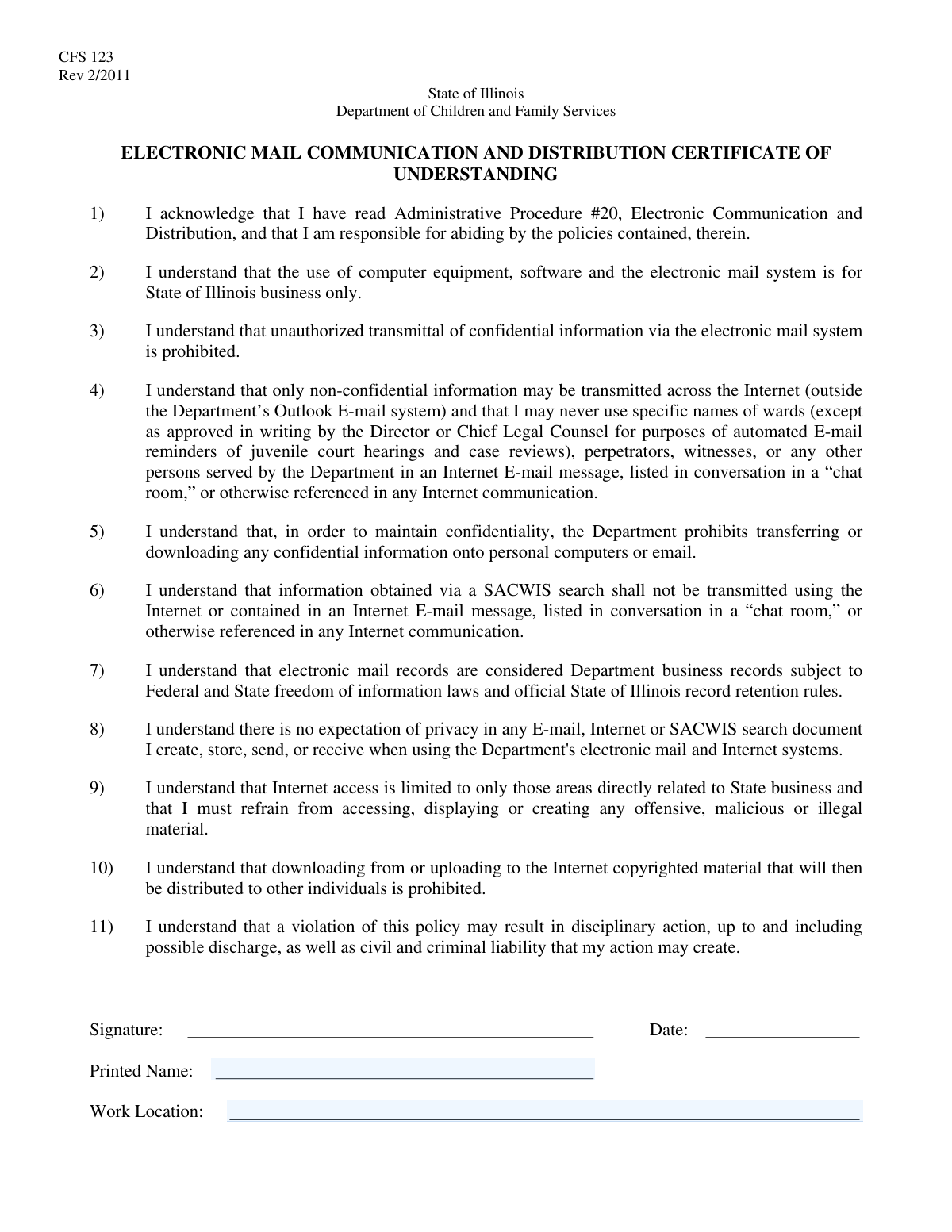
Yes! You can use AI to fill out Employee Information & Work Location Form
The Employee Information & Work Location Form is a standard internal document used by businesses to officially record an employee's full name and their assigned place of work. This information is crucial for administrative, payroll, and logistical purposes, ensuring company records are accurate and up-to-date. Today, this form can be filled out quickly and accurately using AI-powered services like Instafill.ai, which can also convert non-fillable PDF versions into interactive fillable forms.
Employee Info Form is part of the
employee forms category on Instafill.
Our AI automatically handles information lookup, data retrieval, formatting, and form filling.
It takes less than a minute to fill out Employee Info Form using our AI form filling.
Securely upload your data. Information is encrypted in transit and deleted immediately after the form is filled out.
Form specifications
| Form name: | Employee Information & Work Location Form |
| Number of fields: | 2 |
| Number of pages: | 1 |
| Filled form examples: | Form Employee Info Form Examples |
| Language: | English |
Instafill Demo: How to fill out PDF forms in seconds with AI
How to Fill Out Employee Info Form Online for Free in 2026
Are you looking to fill out a EMPLOYEE INFO FORM form online quickly and accurately? Instafill.ai offers the #1 AI-powered PDF filling software of 2026, allowing you to complete your EMPLOYEE INFO FORM form in just 37 seconds or less.
Follow these steps to fill out your EMPLOYEE INFO FORM form online using Instafill.ai:
- 1 Navigate to Instafill.ai and upload or select the Employee Information & Work Location Form.
- 2 Allow the AI to scan the document and identify the required fields like 'Printed Name' and 'Work Location'.
- 3 Provide your full legal name when prompted by the AI assistant.
- 4 Enter your designated work location, which could be a specific office address or a remote designation.
- 5 Carefully review all the information auto-filled by the AI to ensure it is correct and complete.
- 6 Download, print, or securely share the completed form directly from the platform.
Our AI-powered system ensures each field is filled out correctly, reducing errors and saving you time.
Why Choose Instafill.ai for Your Fillable Employee Info Form Form?
Speed
Complete your Employee Info Form in as little as 37 seconds.
Up-to-Date
Always use the latest 2026 Employee Info Form form version.
Cost-effective
No need to hire expensive lawyers.
Accuracy
Our AI performs 10 compliance checks to ensure your form is error-free.
Security
Your personal information is protected with bank-level encryption.
Frequently Asked Questions About Form Employee Info Form
This form is used to officially record your full name and designated work location for administrative and personnel records. It ensures the organization has the most current information on file.
This form is typically required for all new employees during onboarding, as well as for current employees who have a change in their assigned work location. Please check with your HR department if you are unsure.
You will need to provide your full printed name and the specific address or name of your assigned work location. No additional documents are required to complete these fields.
Please use your full legal name as it appears on official identification. It is best to avoid using nicknames or abbreviations to ensure accuracy in official records.
If you are a remote employee, you should enter 'Remote' or your home address, depending on company policy. Please confirm the preferred format with your supervisor or HR.
If you split your time between multiple sites, you should list your primary or main office as your work location. Consult your manager to determine which location to specify on the form.
Once completed, you should submit this form to your direct supervisor or the Human Resources department. Refer to your onboarding materials or ask your manager for specific submission instructions.
If your work location changes, you are required to fill out and submit a new copy of this form. This ensures that company records remain accurate and up-to-date.
Yes, services like Instafill.ai use AI to help you accurately auto-fill form fields, which can save time and reduce errors. This is especially helpful for longer or more complex documents.
To fill this form online, upload the document to the Instafill.ai platform. The AI will make the fields interactive, allowing you to easily type your name and work location before downloading the completed PDF.
If you have a flat, non-fillable PDF, you can use a tool like Instafill.ai to make it interactive. Simply upload the file, and the service will convert it into a fillable form you can complete on your computer.
For any questions or clarification regarding this form, please contact your manager or a representative from the Human Resources (HR) department.
Compliance Employee Info Form
Validation Checks by Instafill.ai
1
Ensures Printed Name is Provided
This validation confirms that the 'Printed Name' field is not submitted empty or containing only whitespace. It is a critical completeness check because a name is a primary identifier for the individual submitting the form. If this validation fails, the form submission is rejected with a message prompting the user to enter their full name.
2
Validates Character Set for Printed Name
This check ensures the 'Printed Name' field contains only alphabetic characters, hyphens, apostrophes, and spaces, preventing the entry of numbers or special symbols. This is important for data integrity and to prevent potential script injection attacks. A failed validation would return an error asking the user to enter a valid name.
3
Verifies Full Name Structure
As the field requests a 'full printed name,' this validation checks for the presence of at least one space, suggesting that both a first and last name have been entered. This helps ensure the user has followed instructions and provided complete information for official records. If the check fails, a warning might suggest the user provide their full name.
4
Enforces Minimum Length for Printed Name
This validation ensures that the 'Printed Name' field contains a minimum number of characters (e.g., 3) after trimming whitespace. This prevents nonsensical or accidental single-character entries and improves data quality by ensuring the submitted name is reasonably plausible. Submissions with names shorter than the minimum threshold will be rejected.
5
Enforces Maximum Length for Printed Name
This check limits the number of characters allowed in the 'Printed Name' field to a reasonable maximum (e.g., 100 characters). This is important to prevent buffer overflow errors in the database and to reject nonsensically long or malicious inputs. If a user enters a name exceeding the limit, the submission will be blocked.
6
Detects Placeholder Text in Printed Name
This validation scans the 'Printed Name' field for common placeholder values like 'N/A', 'Test', 'John Doe', or gibberish patterns. Such entries indicate that the user may not have entered their actual name, compromising data accuracy. If a placeholder is detected, the form should be rejected with a message requesting the user's real name.
7
Ensures Work Location is Provided
This validation confirms that the 'Work Location' field is not left blank. The work location is essential for HR, payroll, and logistical purposes, so its absence would make the form incomplete. A failed validation will prevent form submission and prompt the user to specify their designated work location.
8
Enforces Minimum Length for Work Location
This check ensures the 'Work Location' field has a minimum number of characters (e.g., 5) to be considered a valid entry. This helps filter out accidental or meaningless inputs like a single letter or number. It serves as a basic plausibility check to improve the quality of location data.
9
Enforces Maximum Length for Work Location
This validation restricts the length of the 'Work Location' field to a defined maximum (e.g., 255 characters). This protects the system's database from oversized entries and potential security vulnerabilities. Submissions exceeding the character limit will be rejected.
10
Detects Generic Text in Work Location
This check identifies and rejects common non-specific entries such as 'Remote', 'Home Office', 'TBD', or 'N/A' if business rules require a specific physical company site. This is crucial for systems that manage on-site resources and security access. If a generic term is used, the system should ask the user to provide a specific company-designated office.
11
Validates Work Location Against a List of Known Sites
This is a logical validation that compares the user's entry in the 'Work Location' field against a master list of official company locations. This ensures data consistency and standardization, which is vital for reporting and system integrations. If the entry does not match a known location, the system could either reject it or suggest the closest match from the list.
12
Checks for Extraneous Whitespace in Printed Name
This validation checks for and removes any leading or trailing spaces from the 'Printed Name' input. Extraneous whitespace can cause issues with data sorting, searching, and matching in backend systems. This check is crucial for maintaining clean and consistent data and should happen automatically before processing.
Common Mistakes in Completing Employee Info Form
This error occurs when an individual's printed handwriting is difficult to read, often due to rushing. Illegibility can lead to the name being misspelled in official records, causing significant delays in processing, payroll issues, or problems with identity verification. To avoid this, print slowly and clearly in block letters, or use a digital form-filling tool that types the information for perfect clarity; if the form is a non-fillable PDF, a tool like Instafill.ai can make it fillable first.
Applicants often use a familiar nickname (e.g., 'Mike' for 'Michael') or an initial instead of their full first name, failing to match their legal documents. This creates discrepancies that can fail background checks or cause issues with legal and financial paperwork. Always use your full legal name as it appears on your government-issued ID; AI-powered tools like Instafill.ai can store and populate your legal name correctly every time to ensure consistency.
People are accustomed to signing forms and may automatically sign in a field that explicitly asks for a 'Printed Name'. A signature is often stylized and illegible, making it useless for data entry and potentially invalidating the section. Always read the field label carefully; if it says 'Print', use clear, separate block letters, not a cursive signature.
The instruction 'full printed name' requires your complete legal name, including any middle names or initials. Omitting this information can lead to failed identity verification if other systems require the full name for a match, causing delays in onboarding or security clearance. To prevent this, always provide your name exactly as it appears on official documents like your driver's license or social security card.
Employees may use internal jargon, abbreviations, or vague terms like 'Headquarters,' 'Main Campus,' or 'Building 7' for the work location. This information is meaningless for external administrative purposes like tax withholding or emergency services, which require a full, specific street address. Always enter the complete and official street address of your designated office, not an internal nickname or code.
When working remotely, many people mistakenly enter their home address as their 'designated work location.' However, companies often require the official address of the corporate entity or a specific regional office for legal, tax, and payroll registration purposes. Clarify with HR what specific address should be used, as using an incorrect one can lead to state tax compliance issues for both you and the employer.
This common mistake involves leaving out crucial parts of the address, such as the suite number, city, state, or ZIP code. An incomplete address makes the location data unusable for mail, legal filings, or system records, requiring follow-up and delaying form processing. Double-check that you have provided every component of the full street address; smart tools like Instafill.ai can help by auto-completing and validating addresses to ensure they are complete and correctly formatted.
A Post Office Box is a mailing address, not a physical location where work is performed, and the two are often confused. Forms requiring a 'work location' need a physical street address for tax jurisdiction, emergency response, and legal compliance reasons. Never use a P.O. Box in this field; always provide the actual street address of the building where you are assigned to work.
A simple slip-up where an individual writes their last name first and their first name last, contrary to the expected format. This common data entry error can cause records to be misfiled alphabetically and create mismatches in automated systems that search by last name. To avoid this, pause and read the field's implicit structure or use a form-filling tool that populates fields correctly based on stored profile data.
An employee who has recently transferred offices or is part of a company that moved may enter their old work address out of habit. This leads to incorrect HR, payroll, and tax records, potentially causing mail to be misdirected or incorrect local taxes to be withheld. Always verify your current, official work location before filling out the form, especially if you have recently changed roles or your company has undergone organizational changes.
Saved over 80 hours a year
“I was never sure if my IRS forms like W-9 were filled correctly. Now, I can complete the forms accurately without any external help.”
Kevin Martin Green
Your data stays secure with advanced protection from Instafill and our subprocessors
Robust compliance program
Transparent business model
You’re not the product. You always know where your data is and what it is processed for.
ISO 27001, HIPAA, and GDPR
Our subprocesses adhere to multiple compliance standards, including but not limited to ISO 27001, HIPAA, and GDPR.
Security & privacy by design
We consider security and privacy from the initial design phase of any new service or functionality. It’s not an afterthought, it’s built-in, including support for two-factor authentication (2FA) to further protect your account.
Fill out Employee Info Form with Instafill.ai
Worried about filling PDFs wrong? Instafill securely fills employee-information-work-location-form forms, ensuring each field is accurate.