Fill out permit forms
with AI.
Permit forms are the essential gateway to legal compliance for a wide range of activities, from physical construction to personal identification. These documents ensure that projects meet safety standards, zoning laws, and environmental regulations before work begins. Whether you are seeking a residential building permit for a home renovation or a mechanical permit for HVAC and electrical upgrades, these forms provide local and state authorities with the technical details necessary to approve your project and schedule the required inspections. Properly documenting these details is critical for maintaining the safety and integrity of the built environment.
By continuing, you acknowledge Instafill's Privacy Policy and agree to get occasional product update and promotional emails.
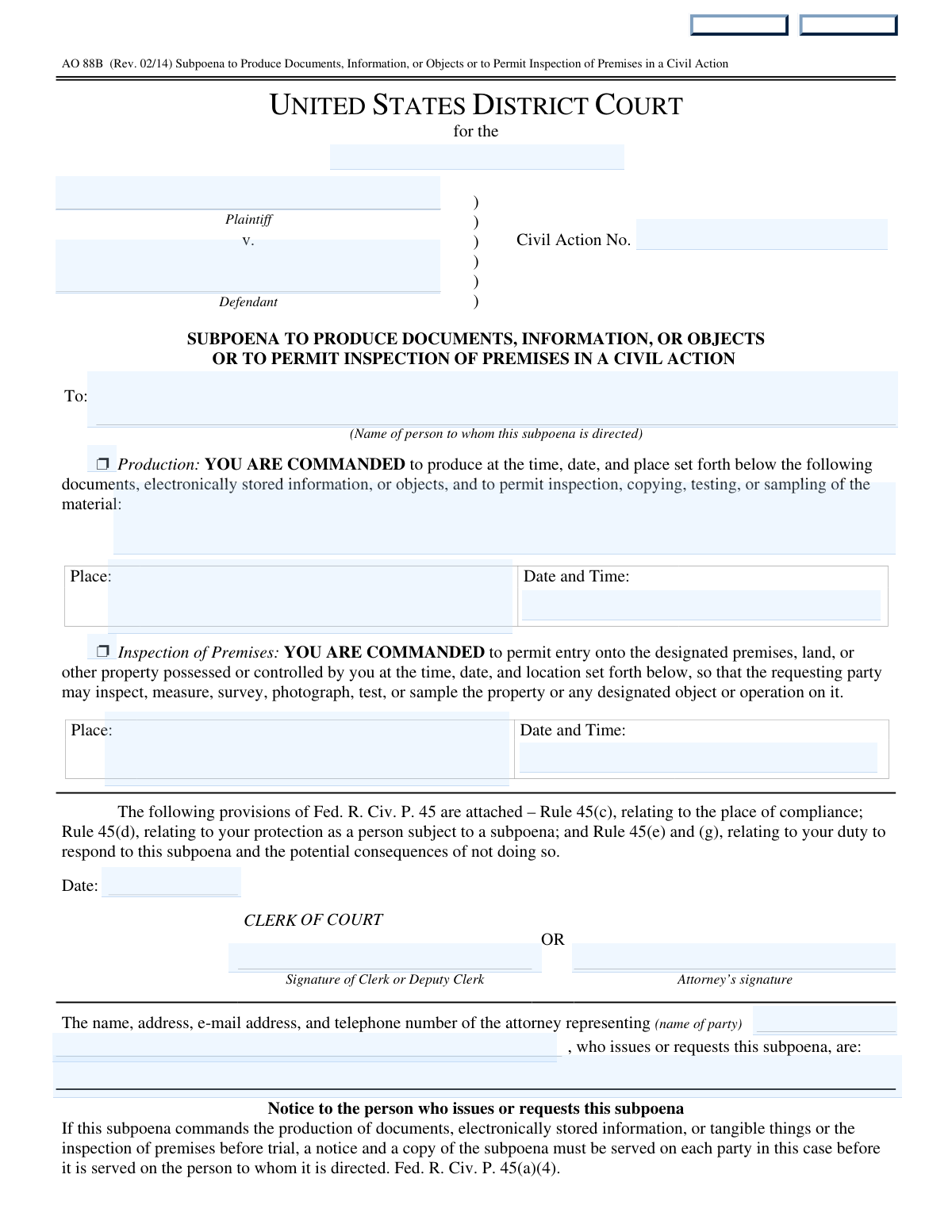
About permit forms
A diverse group of people typically interacts with these forms, including homeowners, licensed contractors, and individuals seeking personal credentials. For example, a developer might need to submit a non-residential building permit package for a new commercial site, while a prospective driver might need to complete applications for a learner permit or license. In every case, the goal is to establish accountability and verify that the applicant meets specific legal or safety criteria. Filling out these detailed documents accurately is vital to avoid delays in processing or the rejection of an application.
Navigating complex paperwork can be a significant hurdle, but modern technology has simplified the process. Tools like Instafill.ai use AI to fill these forms in under 30 seconds, handling your data accurately and securely to save you valuable time. This allows you to move past the administrative phase of your project or application more quickly and with greater confidence in the accuracy of your submission.
Every form on this page can be completed without typing. Instafill is form filling software that reads a PDF and fills it for you — including flat and scanned documents that carry no fillable fields at all.
Forms in This Category
The forms in this category have a median Form Complexity Index of 65/100 (Complex), measured across 18 forms by field count, input difficulty, length, conditional logic and structure. See how it is calculated.
- Enterprise-grade security & data encryption
- 99%+ accuracy powered by AI
- 1,000+ forms from all industries
- Complete forms in under 60 seconds
How to Choose the Right Form
Selecting the correct permit depends primarily on your geographic location and the specific nature of the activity you are undertaking. Whether you are breaking ground on a new building or applying for a driver’s license, use the categories below to find your document.
Local Building & Construction Permits
If you are starting a new project or modifying an existing structure, choose the form specific to your municipality and project type:
- Virginia Projects: Use the County of Louisa Department of Community Development – New Non-Residential Building Permit Package for new commercial construction. For existing projects or trade-specific work in a different area, use the Fauquier County Department of Community Development – Building Trades Permit or Amendment to Existing Permit Application.
- North Carolina Residential: The City of Raleigh Residential Permit Application is the standard choice for home construction, accessory structures, or utility service within Raleigh city limits.
- Toronto/Ontario Design: If you are submitting a permit in Toronto, you will likely need Application Schedule 1: Designer Information to disclose the qualified individuals responsible for the design work.
Specialized Trade & Industrial Permits
For work involving specific building systems or industrial operations, select a specialized form:
- HVAC, Plumbing, and Electrical: The Application for Mechanical Permit is used to authorize specific system installations, repairs, or removals at a job site.
- Industrial Waste: Facilities in Kansas City, Missouri, must use the KC Water Industrial User Wastewater Discharge Permit Application to ensure compliance with local sewage and environmental standards.
Personal & Travel Permits
This category also includes permits for legal status and identification:
- Education: Use the Document Checklist for a Study Permit (IMM 5483) to ensure you have all required documents for a Canadian study permit application.
- Driving & Identification: If you are applying for a learner permit or license, choose the form for your state: State of Connecticut Form R-229 for Connecticut residents or Form D1, Driver License, Permit or Identification Card Transaction Application for those in Alaska.
Form Comparison
| Form | Primary Purpose | Targeted User | Permit Category |
|---|---|---|---|
| County of Louisa Department of Community Development – New Non-Residential Building Permit Package | Requesting zoning review and permits for new non-residential structures. | Property owners or commercial contractors in Louisa County. | Commercial Construction |
| Application Schedule 1: Designer Information (City of Toronto Building Permit Application) | Disclosing designer identity and certifying code compliance for projects. | Registered designers, architects, or qualified individuals in Toronto. | Professional Design Certification |
| Fauquier County Department of Community Development – Building Trades Permit or Amendment to Existing Permit Application (Residential or Commercial) | Applying for building trade permits or amending existing construction permits. | Contractors or property owners in Fauquier County, Virginia. | Residential and Commercial Trades |
| Application for Mechanical Permit | Authorizing specific HVAC, electrical, plumbing, or fire protection work. | Specialized trade contractors or licensed building professionals. | Mechanical and Building Systems |
| Document Checklist for a Study Permit (IMM 5483) | Ensuring all required documents are included for study permit applications. | International students applying to study in Canada. | Immigration and Education |
| City of Raleigh Residential Permit Application (Revision 08-20-2025) | Obtaining permits for residential building, site impacts, or renovations. | Residential contractors or homeowners in the City of Raleigh. | Residential Construction |
| KC Water Industrial User Wastewater Discharge Permit Application | Requesting authorization to discharge industrial wastewater into public sewers. | Industrial facility operators in Kansas City, Missouri. | Environmental and Industrial Utility |
| State of Connecticut Form R-229, Application for a Non-Commercial Learner Permit and/or Driver License | Applying for a non-commercial learner permit or driver license. | Individuals seeking driving privileges in the State of Connecticut. | Personal Transportation |
| Form D1, Driver License, Permit or Identification Card Transaction Application | Requesting a driver license, instruction permit, or identification card. | Residents of Alaska seeking state-issued driving or ID credentials. | Identification and Licensing |
Tips for permit forms
Building and construction permits often require specific tax map numbers, zoning districts, and setback measurements that are unique to your property. Double-check your local GIS or property records before you start to ensure these identifiers are 100% accurate. Incorrect property data is one of the most common reasons for a permit application to be rejected during the initial intake process.
Whether you are filing for an HVAC, electrical, or general building permit, you will almost certainly need the state and local license numbers for all contractors involved. Collect these credentials, along with their expiration dates and insurance details, before you begin filling out the form. Having this information ready prevents the need to pause your application to track down external documentation.
Permit forms are often just one part of a larger package that includes site plans, proof of funds, or letters of acceptance. Use the provided document checklist to organize your attachments in the exact order requested by the agency. This level of organization helps the reviewing official navigate your file easily, which can lead to faster approval times.
Many municipal permit forms use the estimated cost of construction or the specific 'work items' to calculate your permit fees. Be as precise as possible with these valuations to ensure you are paying the correct amount and to avoid delays caused by fee discrepancies. Overestimating can lead to unnecessary costs, while underestimating may trigger a request for additional documentation.
Dealing with multiple permit applications can be time-consuming, but AI-powered tools like Instafill.ai can complete these forms in under 30 seconds with high accuracy. Your data stays secure during the entire process, allowing you to focus on the project itself rather than the paperwork. This is a practical way to manage high volumes of forms for different job sites or trades.
Many permit forms, particularly those for non-residential buildings or complex designs, require specific signatures from the property owner or a certified designer. Ensure that all declarations and schedules are signed and dated by the appropriate parties before submission. A single missing signature on a secondary schedule can stall the entire permitting process for weeks.
Frequently Asked Questions
Permit forms are official documents used to request legal authorization from a government agency or regulatory body to perform a specific action, such as construction, driving, or discharging wastewater. They ensure that the proposed activity complies with local laws, safety standards, and environmental regulations.
Generally, you need a building permit form for any new construction, major renovations, structural changes, or significant alterations to mechanical, electrical, or plumbing systems. Minor repairs or cosmetic changes like painting often do not require a permit, but it is always best to check with your local building department first.
While the property or business owner is ultimately responsible for ensuring permits are obtained, contractors often handle the application process for construction and trade permits. For personal permits, such as driver licenses or study permits, the individual applicant is responsible for providing accurate information and supporting documentation.
Yes, AI tools like Instafill.ai can fill out complex permit forms in under 30 seconds by accurately extracting and placing data from your source documents into the required fields. This technology helps eliminate manual entry errors and ensures that all sections of the form are completed consistently.
Using automated platforms, you can complete most permit applications in less than a minute. AI-powered services like Instafill.ai streamline the process by identifying the necessary data points and populating the form automatically, which is significantly faster than traditional manual typing.
Most permit applications require additional documentation such as site plans, professional design specifications, proof of insurance, or contractor license information. For specialized permits like study or driver permits, you may also need to provide identification, proof of residency, or financial statements.
You should select a form based on the location of the project and the type of work being performed. For example, a residential project in Raleigh would require a different application than a commercial project in Louisa County, and HVAC work often requires a specific mechanical permit distinct from a general building permit.
Starting work without the proper permits can lead to legal penalties, fines, and orders to stop construction or even demolish completed work. Additionally, unpermitted work can cause issues with insurance coverage and may complicate the future sale of a property or business.
In many jurisdictions, permit applications and the information contained within them are considered public records and may be accessible to the public upon request. However, certain sensitive personal information, such as social security numbers or private financial data, is typically redacted or protected according to local privacy laws.
Completed forms are usually submitted to the specific department overseeing the activity, such as a local Department of Community Development, a Division of Motor Vehicles, or an environmental agency. Many jurisdictions now offer online portals for digital submission, though some may still require physical mail or in-person delivery.
Glossary
- Form Complexity Index
- Instafill’s 0–100 measure of how much effort a form takes to complete, calculated deterministically from the form’s own structure rather than estimated. It combines the number of fillable fields (the largest factor), how difficult those fields are to complete based on their type, the number of pages that contain fields, the amount of conditional “fill-only-if” logic, and how many sections the form is divided into, then adds modifiers for tables and repeating lists, bundled instruction pages, and dense page layouts. A higher score means the form is harder to fill out by hand. The forms in this category have a median Form Complexity Index of 65/100 (Complex). See exactly how it is calculated.
- Setback
- The minimum required distance between a building or structure and the property line, road, or other designated boundaries.
- Valuation
- The estimated total cost of a construction project, including labor and materials, which is used by local governments to calculate permit fees.
- Disturbed Area
- The specific portion of a property where the natural soil or vegetation is cleared, excavated, or graded during the construction process.
- Impervious Surface
- Any hard surface, such as a roof, driveway, or patio, that prevents rainwater from soaking into the ground and increases stormwater runoff.
- BCIN (Building Code Identification Number)
- A unique identification number assigned to registered design professionals in Ontario to certify that they are qualified to submit building plans.
- Trade Permit
- A specialized permit required for specific technical work, such as electrical, plumbing, or HVAC installations, often separate from a general building permit.
- Change of Use
- A legal classification used when the intended purpose of a building or space changes, such as converting a residential home into a commercial business.
- PAL/TAL (Provincial or Territorial Attestation Letter)
- A mandatory document issued by a Canadian province or territory that must be included with most new study permit applications.
- Industrial User (IU)
- A facility or business that discharges non-domestic wastewater into a public sewer system, often requiring specific environmental permits.