Yes! You can use AI to fill out Form W-9, Request for Taxpayer Identification Number and Certification

Form W-9, Request for Taxpayer Identification Number and Certification, is an IRS document used by businesses to collect essential taxpayer information from vendors and independent contractors they hire. This information, including the Taxpayer Identification Number (TIN), is necessary for the business to report payments made to the vendor to the IRS, and completing it accurately is crucial to avoid backup withholding. Today, this form can be filled out quickly and accurately using AI-powered services like Instafill.ai, which can also convert non-fillable PDF versions into interactive fillable forms.
W-9 is part of the taxpayer identification forms category on Instafill.
Our AI automatically handles information lookup, data retrieval, formatting, and form filling.
It takes less than a minute to fill out W-9 using our AI form filling.
Securely upload your data. Information is encrypted in transit and deleted immediately after the form is filled out.

Form specifications

Form name: Form W-9, Request for Taxpayer Identification Number and Certification
Number of fields: 104
Number of pages: 11
Language: English
main-image

Instafill Demo: How to fill out PDF forms in seconds with AI

How to Fill Out W-9 Online for Free in 2026

Are you looking to fill out a W-9 form online quickly and accurately? Instafill.ai offers the #1 AI-powered PDF filling software of 2026, allowing you to complete your W-9 form in just 37 seconds or less.
Follow these steps to fill out your W-9 form online using Instafill.ai:
  1. 1 Navigate to Instafill.ai and upload your Form W-9, or select it from their library of templates.
  2. 2 Provide your personal or business information, including your name as shown on your tax return, business name (if different), and address.
  3. 3 Select your federal tax classification, such as individual/sole proprietor, C Corporation, S Corporation, or LLC, and provide any additional details if required.
  4. 4 In Part I, enter your Taxpayer Identification Number (TIN), which is either your Social Security Number (SSN) or Employer Identification Number (EIN).
  5. 5 Review the certifications in Part II, which attest that your TIN is correct and you are not subject to backup withholding.
  6. 6 Electronically sign and date the form to certify the information provided is accurate under penalty of perjury.
  7. 7 Download the completed Form W-9 and provide it to the person or entity that requested it.

Our AI-powered system ensures each field is filled out correctly, reducing errors and saving you time.

Why Choose Instafill.ai for Your Fillable W-9 Form?

Speed

Complete your W-9 in as little as 37 seconds.

Up-to-Date

Always use the latest 2026 W-9 form version.

Cost-effective

No need to hire expensive lawyers.

Accuracy

Our AI performs 10 compliance checks to ensure your form is error-free.

Security

Your personal information is protected with bank-level encryption.

Frequently Asked Questions About Form W-9

This packet is used to set up your company as an official vendor in the City of Banning's finance system. This allows the city to issue purchase orders and make payments to you for future goods or services.

Any business, contractor, or individual who intends to provide goods or services to the City of Banning and receive payment must complete this packet. It is a required step to be entered into their payment system.

You must submit the completed Vendor Masterfile Sheet and an IRS Form W-9. Depending on your business, you may also need to provide a City of Banning Business Tax Certificate and a Certificate of Liability Insurance.

Yes, a completed and signed Form W-9 is required for all new vendors to be set up for payment. You only need to return the first page of the W-9 provided in the packet.

You are required to obtain a Business Tax Certificate only if you are conducting business within the city limits of Banning. If your business operates entirely outside of Banning, this may not apply to you.

Proof of liability insurance is required if your work involves performing any services on-site for the City of Banning. The specific requirements, including coverage limits and endorsements, are listed in the packet.

You can submit your completed documents by emailing them to the city employee who requested them or by mailing them to the City of Banning Finance Department at the address on the cover letter.

The primary address is your main business location, while the remittance address is where payments should be mailed. You only need to fill out the remittance address section if it is different from your primary business address.

Contractors must provide their State Contractor's License number and proof of Worker's Compensation. When calculating the business tax, you should only include the number of employees working on projects within the City of Banning.

On the Form W-9, a sole proprietor can use either their Social Security Number (SSN) or an Employer Identification Number (EIN) if they have one. The Business Tax Certificate Application notes that a Federal ID is not required for sole proprietors, so you would use your SSN there.

Yes, services like Instafill.ai use AI to accurately auto-fill form fields, which can save you time and help reduce errors when completing the packet.

You can use a service like Instafill.ai to upload the PDF packet and fill it out electronically. The platform allows you to type directly into the fields, add your signature, and then download the completed documents for submission.

If the PDF is not interactive, you can use a tool like Instafill.ai to convert it into a fillable form. This allows you to easily type your information into the correct fields instead of printing and filling it out by hand.

Compliance W-9
Validation Checks by Instafill.ai

1
W-9 Taxpayer Identification Number (TIN) Format and Type Validation
This check ensures the Taxpayer Identification Number provided in Part I of the W-9 is correctly formatted. It verifies that a Social Security Number (SSN) follows a XXX-XX-XXXX structure or an Employer Identification Number (EIN) follows a XX-XXXXXXX structure. It also confirms that only one of the two fields (SSN or EIN) is filled, preventing ambiguity. Failure to provide a correctly formatted TIN can lead to IRS processing errors and potential backup withholding.
2
W-9 Name and TIN Consistency Check
Validates that the name entered on Line 1 of the W-9 corresponds logically with the type of TIN provided. For example, if an 'Individual/sole proprietor' is checked, the TIN is typically an SSN, whereas a 'C Corporation' must provide an EIN. This check is crucial for preventing mismatches that would cause the IRS to reject information returns, leading to payment delays and compliance issues for the vendor.
3
W-9 Federal Tax Classification Completeness
Ensures that exactly one box for federal tax classification is checked in Section 3 of the W-9 form. Furthermore, if the 'Limited liability company' box is checked, it validates that the specific tax classification (C, S, or P) is also entered. This is vital for correct tax reporting, and failure to provide complete and unambiguous classification information will halt the vendor setup process.
4
W-9 Certification Signature and Date Presence
Verifies that the 'Signature of U.S. person' and 'Date' fields in Part II of the W-9 are both completed. The signature legally certifies the provided information under penalty of perjury, and the date establishes when the certification was made. An unsigned or undated W-9 is invalid for tax purposes and will be rejected, preventing vendor activation and payment.
5
Business Tax Application Ownership and Federal ID Logic
This validation enforces the rule stated on the Business Tax Certificate Application: 'A Federal ID Number Is Required For All Business Types except Sole Proprietor'. If the ownership structure is checked as Corporation, Limited Liability Corp., Partnership, or Trust, the 'Federal ID No.' field must be populated. This ensures the city collects the necessary tax information for business entities, and failure will result in an incomplete application.
6
Business Tax Application Location Address Type
Checks the 'Business Location' field on the Business Tax Certificate Application to ensure it is a physical street address and not a P.O. Box, as explicitly prohibited on the form. A physical location is necessary for zoning, inspection, and emergency service purposes. Submitting a P.O. Box will cause the application to be rejected for non-compliance with city requirements.
7
Business Tax Application Contractor License Verification
If the 'Contractor' box is checked under 'Business Type', this validation confirms that the 'State Lic. No.' and 'Expiration date' fields are filled. This is critical for ensuring the vendor is legally permitted to perform contractor work within the city. An application from a contractor without this information will be considered incomplete and rejected pending submission of valid license details.
8
License Expiration Date Validity
This check applies to any license expiration date field, such as the one for contractors on the Business Tax Application. It validates that the entered date is a valid calendar date and is not in the past. This ensures the vendor holds a current, active license, which is a key compliance requirement for the city. An expired license would render the vendor ineligible to perform work.
9
Business Tax Application Signature Mandate
Confirms that the 'Signature' field in the applicant declaration section of the Business Tax Certificate Application is not empty. The form explicitly states that applications without a signature will not be processed. This signature is a legal attestation to the accuracy of the provided information, and its absence makes the entire application invalid.
10
Emergency Contact Requirement for In-Town Businesses
This is a conditional validation based on the 'Business Location' address. If the address is determined to be within the City of Banning, the check ensures the 'In Case of Emergency, Please Contact' section is fully completed (Name, Phone, Address). This information is vital for public safety and emergency responders. Failure to provide it for an in-town business will result in a rejected application.
11
Remittance Address Integrity
On the Vendor Master File, this check triggers if any field in the 'Remittance Address' section is populated. It then verifies that all required components of the remittance address (Name, Address, City, State, ZIP) are also filled. This prevents the system from storing partial, unusable address data and ensures payments are sent to the correct, complete address if it differs from the primary one.
12
Vendor Master File Contact Information Format
Validates that the 'Phone Number' and 'Email Address' fields on the Vendor Master File adhere to standard formats. The phone number should contain an area code and the correct number of digits, while the email must follow a '[email protected]' structure. This ensures the data is clean and that the city can reliably contact the vendor, preventing communication breakdowns.
13
Employee Count Consistency
On the Business Tax Certificate Application, this check verifies that the number entered in the 'No. of Employees' field is equal to the sum of the numbers in the 'No. of Professionals' and 'No. of Non Professionals' fields. This serves as a logical cross-check to catch simple data entry errors. An inconsistency would require the user to review and correct the counts before submission.
14
Application Type Selection
Ensures that at least one checkbox under 'Please Check One' on the Business Tax Certificate Application is selected (e.g., New Application, Change of Owner). This information is fundamental for routing the form and determining the correct processing workflow. An application without a selected type is ambiguous and cannot be processed correctly.

Common Mistakes in Completing W-9

W-9 Name and TIN Mismatch

Vendors often incorrectly enter their business or DBA name on Line 1 of the W-9 instead of the legal name associated with their Taxpayer Identification Number (TIN). This causes a mismatch in the IRS database, which can lead to backup withholding on payments and significant delays in vendor setup. To avoid this, always enter the name shown on your income tax return on Line 1 and use Line 2 for the business/DBA name.

Incorrect Federal Tax Classification for LLCs

A frequent error on the W-9 is the improper classification of a Limited Liability Company (LLC). Applicants either check the 'Limited liability company' box without specifying the tax classification (C, S, or P) or a single-member LLC owner incorrectly checks the LLC box instead of 'Individual/sole proprietor'. This mistake can lead to incorrect tax reporting and payment processing issues. Ensure you select the correct classification based on how your LLC files taxes.

Submitting an Incomplete Document Packet

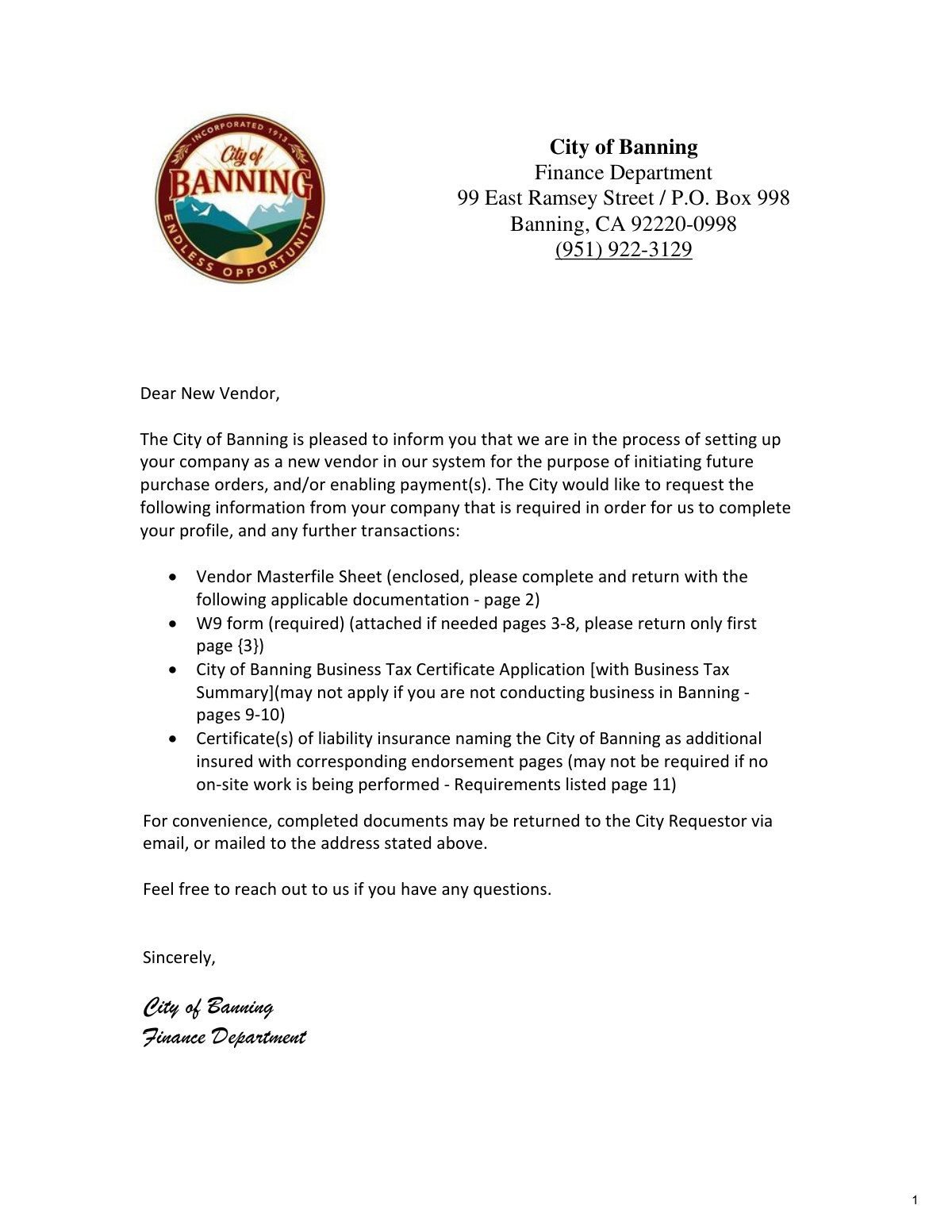
The cover letter clearly lists multiple required documents, including the Vendor Masterfile, W-9, Business Tax Certificate, and insurance forms. A common oversight is submitting only one form, such as the W-9, while neglecting the others. This results in an incomplete application that cannot be processed, delaying the ability to receive purchase orders or payments from the city.

Providing a Non-Compliant Certificate of Insurance

Vendors frequently submit a generic insurance certificate that fails to meet the city's specific requirements, such as naming the 'City of Banning' as additional insured with the required endorsement language and providing a waiver of subrogation for Workers' Compensation. This is a major cause of rejection and requires the vendor to go back to their insurance agent to obtain the correct endorsements. Carefully review the 'Summary of Vendor Insurance Requirements' page to ensure full compliance before submission.

Forgetting Signatures and Dates

Both the W-9 and the Business Tax Certificate Application require a signature and date to be considered valid. Forgetting to sign the certification on the W-9 or the declaration on the business tax form will render the submission invalid. This simple oversight halts the entire vendor onboarding process until a signed copy is provided.

Using a P.O. Box for Physical Business Location

On the Business Tax Certificate Application, applicants sometimes enter a P.O. Box for the 'Business Location' despite the form explicitly stating not to. The city requires a physical street address for zoning, inspection, and emergency service purposes. Using a P.O. Box will lead to the application's rejection and require resubmission with a valid physical address.

Omitting Required Personal Information on Tax Application

The Business Tax Certificate Application requires personal details for owners, such as a home address, Driver's License Number, and Social Security Number. Applicants may be hesitant to provide this information or may overlook these fields, but they are required for verification and compliance. Leaving these fields blank will result in an incomplete application that cannot be processed.

Overlooking the Separate Remittance Address

On the Vendor Master File sheet, many businesses fail to fill out the 'Remittance Address' section when their payment address differs from their physical address. This causes payments to be mailed to the wrong location, leading to lost checks and significant delays in receiving funds. If your company uses a lockbox or has a separate accounts receivable department, this section must be completed accurately.

Incorrect Calculation of Business Tax Fees

The Business Tax Summary provides different fee structures based on employee count, business type (e.g., professional, contractor), and other factors. Vendors often miscalculate the total fee due by misinterpreting the employee count, especially the specific rule for contractors, or by selecting the wrong business category. This results in an incorrect payment and requires correction before the certificate can be issued. AI-powered tools like Instafill.ai can help prevent such errors by guiding users through calculations.

Submitting Illegible or Handwritten Forms

While the forms can be printed and filled out, submitting a poorly handwritten application can lead to data entry errors by city staff. Illegible names, addresses, or license numbers can cause payment delays, returned mail, and compliance issues. To avoid this, it is best to type directly onto the forms. Since this packet is a non-fillable PDF, tools like Instafill.ai can convert it into a fillable version, ensuring all entries are clear and accurate.
Saved over 80 hours a year

“I was never sure if my IRS forms like W-9 were filled correctly. Now, I can complete the forms accurately without any external help.”

Kevin Martin Green

Your data stays secure with advanced protection from Instafill and our subprocessors

Robust compliance program

Transparent business model

You’re not the product. You always know where your data is and what it is processed for.

ISO 27001, HIPAA, and GDPR

Our subprocesses adhere to multiple compliance standards, including but not limited to ISO 27001, HIPAA, and GDPR.

Security & privacy by design

We consider security and privacy from the initial design phase of any new service or functionality. It’s not an afterthought, it’s built-in, including support for two-factor authentication (2FA) to further protect your account.

Fill out W-9 with Instafill.ai

Worried about filling PDFs wrong? Instafill securely fills form-w-9-request-for-taxpayer-identification-number-and-certification-3 forms, ensuring each field is accurate.