Fill out sponsor forms
with AI.
Sponsor forms are essential legal and financial documents used to establish a relationship where one party takes responsibility for another. In the professional world, this often involves plan sponsors managing retirement assets or employers authorizing access to service centers. These forms ensure that the right individuals have the authority to manage sensitive data, process contributions, and oversee distributions. Whether you are dealing with corporate retirement plans or personal financial transfers, accurate documentation is the foundation of a secure and compliant transition.
By continuing, you acknowledge Instafill's Privacy Policy and agree to get occasional product update and promotional emails.
About sponsor forms
Typically, these forms are required by HR managers, plan administrators, and individual employees looking to consolidate their financial future. For instance, someone moving funds to an employer-sponsored plan at TIAA would use these documents to authorize the transfer of assets from one institution to another. Similarly, third-party administrators often need specific authorization forms to gain access to plan service centers. Navigating these requirements can be complex, as they often demand precise account information and formal signatures to protect the integrity of the funds involved.
Completing these documents manually is often time-consuming and prone to clerical errors. Tools like Instafill.ai use AI to fill these forms in under 30 seconds, ensuring that data is handled accurately and securely throughout the process. By leveraging AI to manage the repetitive details of sponsor forms, users can focus on their financial planning rather than the paperwork.
Every form on this page can be completed without typing. Instafill is form filling software that reads a PDF and fills it for you — including flat and scanned documents that carry no fillable fields at all.
Forms in This Category
The forms in this category have a median Form Complexity Index of 50/100 (Moderate), measured across 6 forms by field count, input difficulty, length, conditional logic and structure. See how it is calculated.
- Enterprise-grade security & data encryption
- 99%+ accuracy powered by AI
- 1,000+ forms from all industries
- Complete forms in under 60 seconds
How to Choose the Right Form
Choosing the right sponsor form depends on whether you are managing a retirement plan on behalf of an organization or moving your personal retirement savings into an employer-sponsored account.
Managing Retirement Plan Administration
If you are an employer, plan sponsor, or authorized third party who needs to manage the day-to-day operations of a retirement plan, you need the Empower Plan Service Center Authorization Form (PSC Plan Sponsor Username Request Form). This form is specifically for:
- Digital Access: Requesting a username and credentials for the Empower Retirement™ Plan Service Center.
- Administrative Tasks: Authorizing individuals to process online contributions and access participant data.
- Disbursements: Granting authority to approve plan disbursements and manage plan assets.
Consolidating Retirement Savings
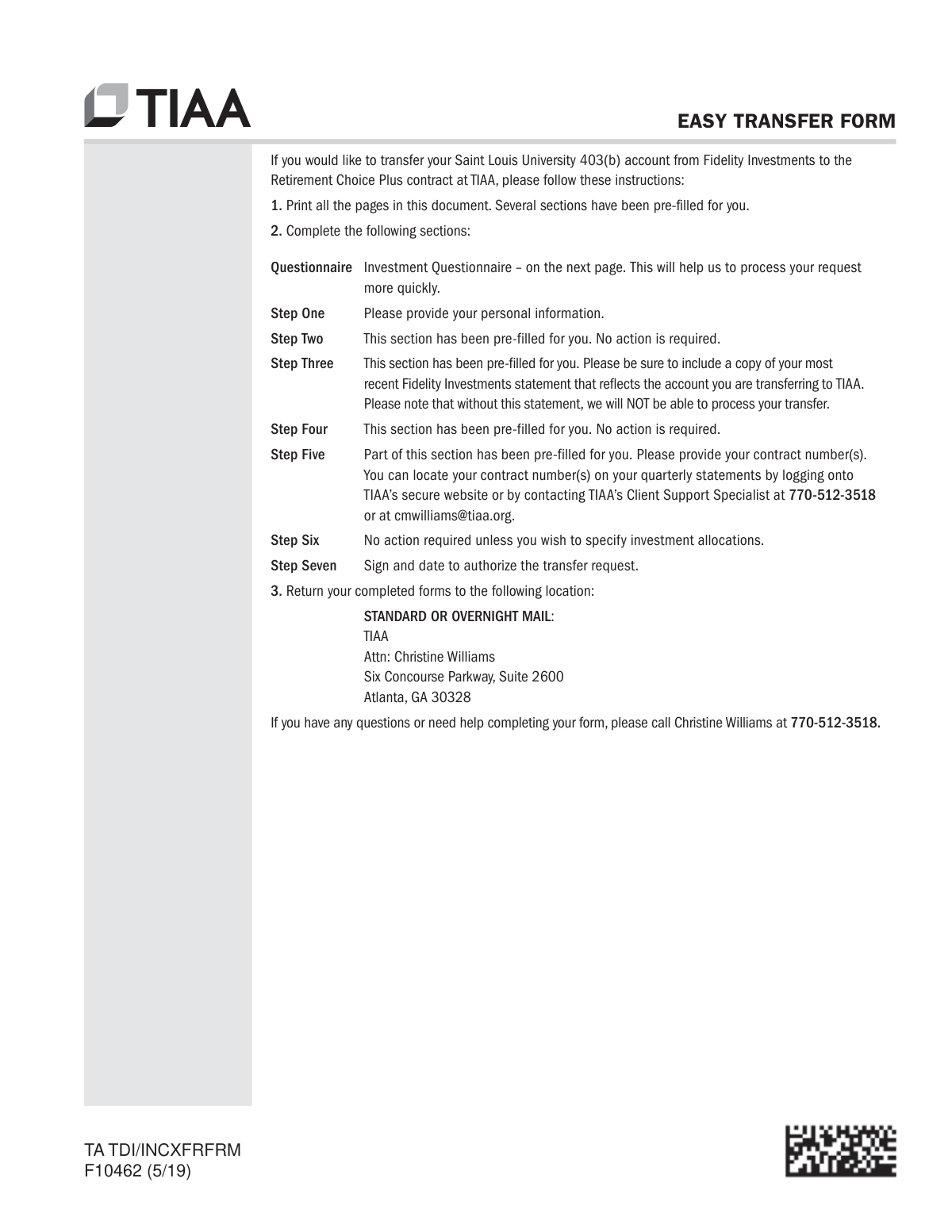
If you are an individual looking to move your retirement savings into a single employer-sponsored plan, you will likely need Form F10462. This form is listed under several names, including the Easy Transfer Form: Moving Funds to an Employer-Sponsored Retirement Plan at TIAA and the standard Moving Funds to an Employer-Sponsored Retirement Plan at TIAA.
Select any of these variations if you need to:
- Initiate a Rollover: Move assets from a previous employer’s 401(k), 403(b), or 457(b) into your current TIAA plan.
- Direct Transfers: Instruct a current financial institution to send retirement funds directly to TIAA.
- Asset Management: Simplify your financial planning by consolidating multiple accounts into one place.
Summary of Selection
- For Administrative Access: Use the Empower Plan Service Center Authorization Form if you are the plan administrator.
- For Moving Money: Use the TIAA Form F10462 variations if you are the account holder. All three TIAA listings serve the same primary function of authorizing a fund transfer.
Using Instafill’s AI tools, you can quickly complete these forms by uploading your plan details and letting the AI guide you through the required authorization fields.
Form Comparison
| Form | Primary Purpose | Target Institution | Key Action | Main Benefit |
|---|---|---|---|---|
| Empower Plan Service Center Authorization Form (PSC Plan Sponsor Username Request Form) | Authorizing administrative access for retirement plan management | Empower Retirement | Requesting usernames for plan sponsors or third parties | Enables online contribution processing and data management |
| Easy Transfer Form: Moving Funds to an Employer-Sponsored Retirement Plan at TIAA | Consolidating retirement funds into an employer-sponsored plan | TIAA | Instructing current institutions to move retirement assets | Simplifies asset management by centralizing retirement accounts |
| Form F10462, Moving Funds to an Employer-Sponsored Retirement Plan at TIAA | Requesting direct transfer or rollover of retirement savings | TIAA | Authorizing TIAA to pull funds from other institutions | Consolidates savings into a single TIAA retirement account |
| Moving Funds to an Employer-Sponsored Retirement Plan at TIAA | Initiating rollovers from external financial institutions to TIAA | TIAA | Transferring assets from 401(k), 403(b), or 457(b) plans | Streamlines retirement planning by housing funds in one place |
Tips for sponsor forms
Incorrect account or plan numbers are the most common reason for rejected transfers. Carefully verify every digit against your most recent statement to ensure funds are moved to the correct destination without administrative delays.
Before filling out the form, determine if you are performing a direct transfer, a rollover, or a plan-to-plan movement. Selecting the wrong category can lead to unintended tax consequences or the receiving institution rejecting the incoming funds.
Using AI-powered tools like Instafill.ai can help you complete these complex forms in under 30 seconds with high accuracy. Your sensitive financial data stays secure during the process, making it an ideal solution for those managing multiple sponsorship or transfer documents.
Many financial institutions require a physical signature or even a Medallion Signature Guarantee for high-value transfers. Check the specific instructions on the TIAA or Empower forms to see if a simple digital signature is sufficient or if additional authentication is needed.
Even if the new sponsor form is complete, your current financial provider may have its own requirements for releasing funds. Contact them in advance to see if they require their own specific paperwork to be filed alongside the transfer request.
When filling out Plan Sponsor Username Request forms, be specific about the level of access granted to third parties. Providing only the necessary permissions for disbursements or data viewing helps maintain the security and integrity of the retirement plan.
Always save a copy of the completed and signed PDF for your records before submitting it to the plan administrator. Having a digital backup allows you to quickly resolve discrepancies if the institution has questions about the information provided.
Frequently Asked Questions
Sponsor forms are typically used to manage employer-sponsored retirement accounts, such as 401(k) or 403(b) plans. They facilitate administrative tasks like granting website access to plan managers or initiating the transfer of funds from external accounts into the employer-sponsored plan.
This form is generally required by individuals who need administrative access to a retirement plan's service center, such as company HR representatives or third-party administrators. It ensures that only authorized personnel can manage plan data, process contributions, and approve disbursements.
To consolidate your savings, you typically need to complete a transfer or rollover form, such as TIAA Form F10462. This document authorizes your new plan provider to request funds directly from your previous financial institution, ensuring the assets are moved correctly into your current employer-sponsored account.
Yes, AI tools like Instafill.ai can fill these forms in under 30 seconds by accurately extracting data from your source documents and placing it into the correct fields. This technology can also convert static PDF versions into interactive, fillable documents to streamline your submission.
You will generally need to provide your personal identification details, your current employer’s plan information, and specific account details from the financial institution holding your old funds. Having your most recent account statement handy is helpful for ensuring all account numbers and addresses are accurate.
Companies often authorize multiple users to ensure that retirement plan management remains consistent if one employee is unavailable. This allows different team members, such as payroll clerks and HR managers, to handle specific tasks like uploading contribution files or viewing participant data.
While manual entry can take 10 to 15 minutes, using AI-powered services like Instafill.ai can complete these forms in under 30 seconds. The AI accurately identifies the required data from your source documents, ensuring that complex fields like account numbers and plan IDs are filled correctly.
Many employer-sponsored plans allow 'roll-ins' from traditional IRAs, provided the plan documents permit it. You should check with your current plan administrator and use the appropriate transfer form to initiate the request and confirm any potential tax implications.
No, while the term 'sponsor forms' can refer to immigration documents like the I-864, the forms in this specific category are financial documents for employer-sponsored retirement plans. Always verify the form number and the issuing organization, such as TIAA or Empower, to ensure you are using the correct document.
A direct transfer moves funds between two accounts of the same type without the money being paid to you directly, which usually avoids tax withholding. A rollover involves moving funds between different types of retirement accounts, which may have specific tax reporting requirements depending on how the funds are handled.
Completed forms are usually submitted directly to the retirement plan provider, such as TIAA or Empower, either through their secure online portal or by mail. If the form requires a signature from your current employer or plan administrator, you should provide it to your HR department first before final submission.
Glossary
- Form Complexity Index
- Instafill’s 0–100 measure of how much effort a form takes to complete, calculated deterministically from the form’s own structure rather than estimated. It combines the number of fillable fields (the largest factor), how difficult those fields are to complete based on their type, the number of pages that contain fields, the amount of conditional “fill-only-if” logic, and how many sections the form is divided into, then adds modifiers for tables and repeating lists, bundled instruction pages, and dense page layouts. A higher score means the form is harder to fill out by hand. The forms in this category have a median Form Complexity Index of 50/100 (Moderate). See exactly how it is calculated.
- Public Charge
- A legal term used by the U.S. government to describe a person who is primarily dependent on government financial assistance. Immigration officers assess whether a foreign national is likely to become a public charge when deciding on visa or entry eligibility.
- Sponsor (Supporter)
- A U.S. citizen, national, or lawful resident who agrees to provide financial support to a foreign national during their temporary stay in the United States. On Form I-134, this person is also referred to as the 'supporter.'
- Beneficiary
- The foreign national who will receive financial support from the sponsor during their temporary stay in the U.S. The beneficiary's personal and immigration details must be included on Form I-134.
- USCIS
- U.S. Citizenship and Immigration Services, the federal agency that oversees lawful immigration to the United States. USCIS administers Form I-134 and other immigration-related forms.
- Declaration of Financial Support
- A formal, signed statement in which a sponsor commits to providing financial resources to a foreign national so they do not rely on U.S. government assistance during their visit. Form I-134 serves as this declaration.
- Domicile
- The country or place where a person has their permanent legal home. On Form I-134, the sponsor must confirm their U.S. domicile to establish eligibility to act as a financial supporter.
- Federal Poverty Guidelines
- Income thresholds published annually by the U.S. Department of Health and Human Services, used to determine whether a sponsor's income is sufficient to support a beneficiary. Sponsors on Form I-134 are typically expected to demonstrate income at or above a certain percentage of these guidelines.
- Means-Tested Benefits
- Government assistance programs available only to individuals whose income or assets fall below a certain level, such as Medicaid or food stamps. A key purpose of Form I-134 is to help ensure the beneficiary will not need to apply for these benefits.