Compliance CMS-855S
Validation Checks by Instafill.ai
1
National Provider Identifier (NPI) Format and Consistency Validation
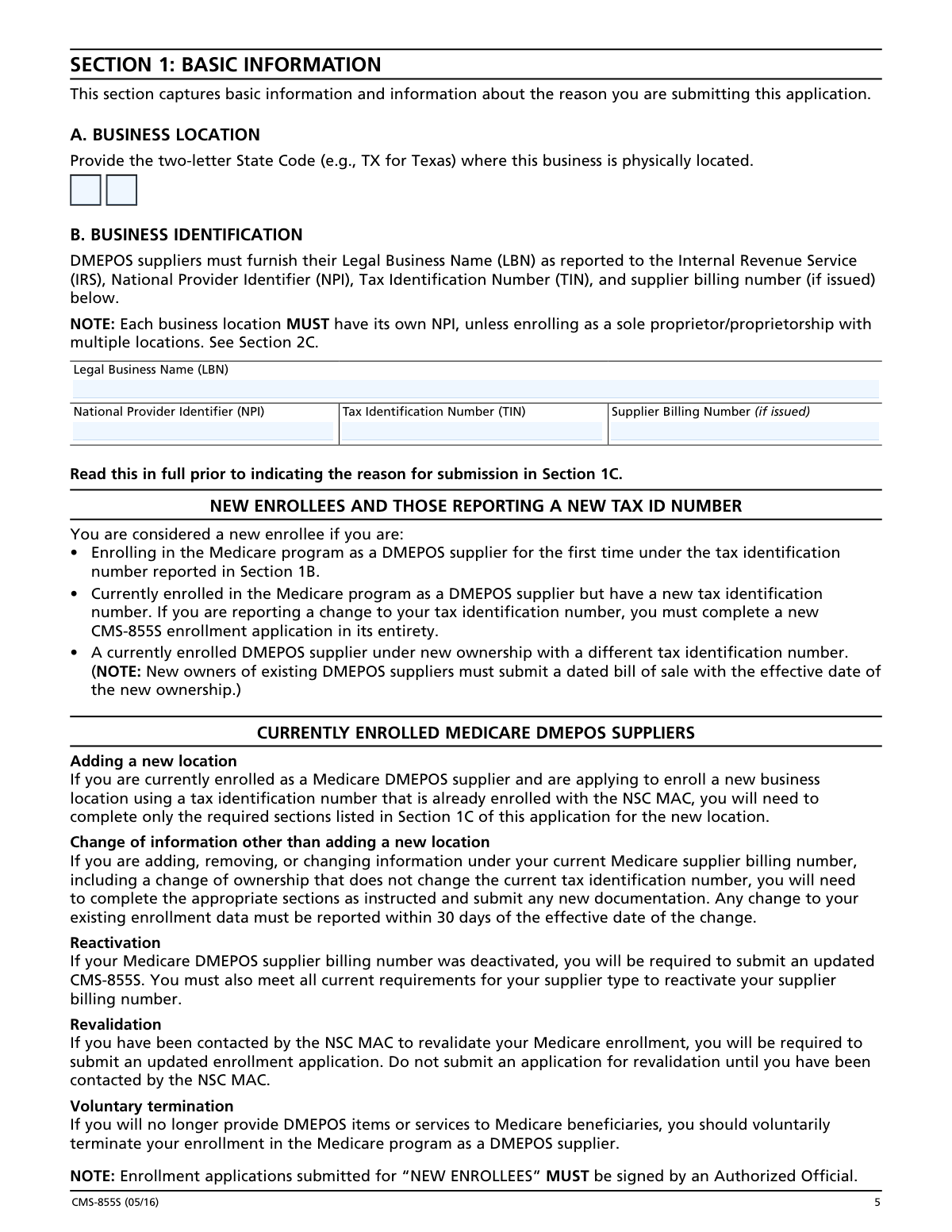
Validates that the NPI entered in Section 1B is exactly 10 digits in length and contains only numeric characters, as required by the National Plan and Provider Enumeration System (NPPES). This check also verifies that the NPI matches the Legal Business Name (LBN) and Tax Identification Number (TIN) on file with NPPES, since the form explicitly states these must match exactly in both PECOS and NPPES. If the NPI is missing, incorrectly formatted, or does not correspond to the LBN and TIN provided, the application will be rejected and enrollment will be delayed.
2
Tax Identification Number (TIN) Format and IRS Consistency Check
Validates that the TIN provided in Section 1B is in the correct format — either a 9-digit Employer Identification Number (EIN) formatted as XX-XXXXXXX for organizational suppliers, or a 9-digit Social Security Number (SSN) formatted as XXX-XX-XXXX for sole proprietors. The check also confirms that the Legal Business Name associated with the TIN matches exactly what is reported to the IRS, as required by the form instructions. Mismatches between the TIN and LBN will result in application denial or processing delays, and may trigger IRS discrepancy issues.
3
Legal Business Name Matches IRS Documentation
Verifies that the Legal Business Name (LBN) entered in Section 1B is identical to the name as registered with the Internal Revenue Service and as it appears on the IRS Form CP-575 or equivalent IRS-issued document submitted with the application. The form explicitly warns that the LBN, TIN, and NPI must match exactly across PECOS and NPPES. Any abbreviation, variation in punctuation, or discrepancy in spelling between the application and IRS records will cause the application to be flagged for correction or rejected outright.
4
Business Location Address is a Valid Physical Street Address (No P.O. Box)
Checks that the Business Location Address in Section 2A is a specific physical street address as recorded by the United States Postal Service, and that no P.O. Box has been entered in the street address field. Per the form instructions, a P.O. Box is not acceptable as a business location address because DMEPOS suppliers must maintain a physical facility accessible to the public. If a P.O. Box is detected in the address line, the application must be returned for correction, as this would indicate non-compliance with DMEPOS supplier standard #7 requiring a physical facility.
5
Hours of Operation Meet Minimum 30-Hour Weekly Requirement
Validates that the total hours open to the public per week, as entered in Section 2B, meets the minimum threshold of 30 hours per week as required by DMEPOS supplier standard #30 (42 C.F.R. section 424.57(c)(30)). The check sums all daily open hours entered across Sunday through Saturday and compares the total to the 30-hour minimum. Exceptions apply only for physicians, physical and occupational therapists, or suppliers working with custom-made orthotics and prosthetics, or those who have checked 'By Appointment Only' and qualify for the exemption. Failure to meet this requirement will result in denial of billing privileges.
6
Date Format Validation for All Date Fields (mm/dd/yyyy)
Ensures that all date fields throughout the application — including business start date, termination date, accreditation effective and expiration dates, insurance policy dates, surety bond dates, ownership acquired/ended dates, and all signature dates — are entered in the required mm/dd/yyyy format and represent valid calendar dates. This check verifies that month values are between 01 and 12, day values are appropriate for the given month, and year values are reasonable (not in the future for historical events, not in the past for future-dated items). Invalid date formats are a common cause of application processing delays.
7
Comprehensive Liability Insurance Minimum Coverage Amount Validation
Verifies that the comprehensive liability insurance policy reported in Section 5 provides coverage of at least $300,000 per incident, as mandated by 42 C.F.R. section 424.57(c)(10). The check also confirms that the policy is not expired by comparing the policy expiration date against the application submission date, and that the NSC MAC is listed as a certificate holder on the policy. Malpractice insurance is explicitly noted as not meeting this requirement. Failure to maintain the required insurance at all times results in retroactive revocation of the Medicare supplier billing number and potential overpayment collection.
8
Accreditation Status and Expiration Date Consistency Check
Validates that if the supplier has indicated they are accredited in Section 3B, the accreditation effective date is prior to the accreditation expiration date, and that the expiration date has not already passed as of the application submission date. The check also confirms that the name of the accrediting organization is provided and that the accreditation covers the specific products and services listed in Section 3D, as required by DMEPOS supplier standard #22. If the accreditation is expired or does not cover the products and services being billed, the supplier will be ineligible to receive Medicare payments for those items.
9
Social Security Number Format Validation for Sole Proprietors and Individual Owners
Checks that any Social Security Number (SSN) entered — whether in Section 4A for sole proprietors or in Section 9A for individual owners and managing employees — follows the standard 9-digit format (XXX-XX-XXXX) and does not contain all zeros, repeated sequences, or other invalid patterns. The form requires SSNs for all individuals with ownership or managing control interest, and these are stored in PECOS. Additionally, the check ensures that sole proprietors do not attempt to use both an SSN and an EIN simultaneously, as the form explicitly states only one number may be used to bill Medicare.
10
At Least One Owner and One Managing Employee Reported
Verifies that the application includes at least one owner or controlling entity reported in Section 8 (Organizations) and/or Section 9 (Individuals), and that at least one managing employee is also reported in these sections. The form explicitly states the supplier MUST have at least one owner or officer/director and one managing employee reported. An individual owner may serve as the managing employee to satisfy both requirements simultaneously. If either the owner or managing employee information is missing, the application is incomplete and will not be processed, potentially delaying enrollment or revalidation.
11
Authorized Official Signature Presence and Validity for New Enrollments
Confirms that Section 15B contains at least one original signature from an Authorized Official for all new enrollment applications, reactivations, and revalidations, as the form states these applications will be rejected and returned unprocessed without an Authorized Official signature. The check also verifies that the signature date is present and in the correct mm/dd/yyyy format, and that the Authorized Official is reported in Section 9 of the application. Stamped, faxed, photocopied, or undated signatures are explicitly not accepted and will result in the application being returned without processing.
12
Reason for Submission Selection and Required Sections Completeness Check
Validates that exactly one reason for submission has been selected in Section 1C, and that all sections required for that specific submission type have been completed. For example, new enrollees must complete all sections, while those adding a new location with an existing TIN need only complete sections 1–7, 9 (managing employee only), 11, 12, and either 14 or 15. For voluntary terminations, an effective date of termination must be provided. If the selected reason for submission does not align with the sections completed, or if required sections are left blank, the application will be considered incomplete and returned for correction.
13
Surety Bond Information Completeness and Date Consistency
For suppliers who are required to obtain a surety bond under 42 C.F.R. section 424.57(d), this check validates that Section 6 is fully completed with the legal business name and TIN of the surety bond company, the bond amount, bond number, and effective date. If a new bond is being reported, the cancellation date of the current bond must also be provided and must be after the effective date of the new bond to ensure continuous coverage. The check also verifies that the surety bond has been signed by a Delegated or Authorized Official and that a copy is included with the application. Missing or inconsistent surety bond information will result in application denial.
14
Final Adverse Legal Action Disclosure Completeness
Verifies that Section 7C has been answered with either YES or NO for both the supplier entity (Section 7C) and for each organization (Section 8B) and individual (Section 9B) reported in the application. If YES is selected for any party, the check confirms that the required details are provided: the specific final adverse legal action, the date it occurred, the federal or state agency or court that imposed the action, and the resolution if any. Supporting documentation must also be indicated as attached. All final adverse legal actions must be reported regardless of whether records were expunged or appeals are pending, and failure to disclose constitutes grounds for denial or revocation.
15
Delegated Official Eligibility and Authorization Consistency
Validates that any Delegated Official listed in Section 14 is also reported as an individual in Section 9 of the application, and that the individual meets the eligibility criteria — specifically that they have an ownership or control interest in the supplier or are a W-2 managing employee, as independent contractors cannot serve as delegated officials. The check also confirms that the Authorized Official's signature assigning the delegation is present and dated, and that the delegated official's own signature and date are included. Additionally, the check verifies that the delegated official is not attempting to further delegate their authority, as only authorized officials may delegate.
16
Electronic Funds Transfer (EFT) Agreement Requirement for New Enrollees
Confirms that new enrollees have indicated the inclusion of a completed Form CMS-588 Electronic Funds Transfer Authorization Agreement with a voided check in Section 12, as Medicare issues all routine payments via EFT and this form is mandatory for new enrollments. The check also verifies that the remittance/special payments mailing address in Section 4D has been completed or that the supplier has indicated correspondence should go to the business location or correspondence address. Missing EFT documentation is one of the most common causes of enrollment processing delays and will prevent the supplier from receiving Medicare payments upon approval.