Yes! You can use AI to fill out Bechtel Trust & Thrift Plan Rollover Process
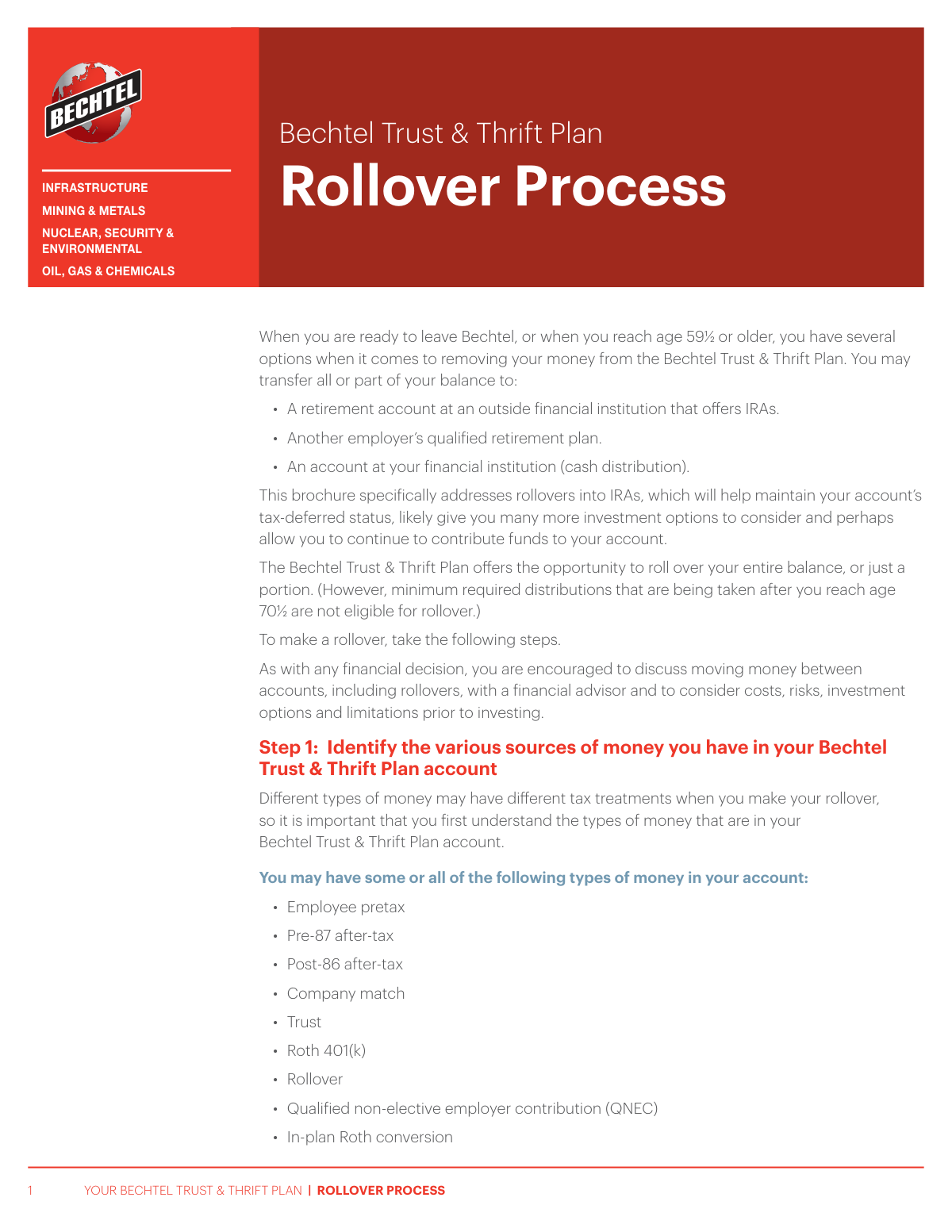
The Bechtel Trust & Thrift Plan Rollover Process is a guide for participants on how to move their retirement savings to an IRA or another qualified plan. It details the options, tax implications, and steps required to initiate a rollover with Empower Retirement, which is crucial for maintaining the tax-deferred status of funds. This process may involve paperwork, and today, forms like the Separation From Employment Withdrawal Request can be filled out quickly and accurately using AI-powered services like Instafill.ai, which can also convert non-fillable PDF versions into interactive fillable forms.
Bechtel Rollover Process Guide is part of the
trust forms, rollover forms and Bechtel forms categories on Instafill.
Rather not fill this in by hand? Instafill is an online form filler that completes PDF forms automatically — upload the blank form, answer a few questions, and the AI fills every field.
Form specifications
| Form name: | Bechtel Trust & Thrift Plan Rollover Process |
| Number of pages: | 1 |
| Language: | English |
Our AI automatically handles information lookup, data retrieval, formatting, and form filling.
It takes less than a minute to fill out Bechtel Rollover Process Guide using our AI form filling.
Securely upload your data. Information is encrypted in transit and deleted immediately after the form is filled out.
Instafill Demo: How to fill out PDF forms in seconds with AI
How to Fill Out Bechtel Rollover Process Guide Online for Free in 2026
Are you looking to fill out a BECHTEL ROLLOVER PROCESS GUIDE form online quickly and accurately? Instafill.ai offers the #1 AI-powered PDF filling software of 2026, allowing you to complete your BECHTEL ROLLOVER PROCESS GUIDE form in just 37 seconds or less.
Follow these steps to fill out your BECHTEL ROLLOVER PROCESS GUIDE form online using Instafill.ai:
- 1 Navigate to Instafill.ai and upload the required form for the rollover, such as the Separation From Employment Withdrawal Request or W-8BEN.
- 2 Use the AI assistant to automatically identify and label all fields on the form, including personal information, account details, and rollover instructions.
- 3 Provide your personal details like name, address, and account number, and let the AI accurately populate the corresponding fields.
- 4 Enter the specific rollover information, such as the amount, type of rollover (traditional or Roth), and the receiving financial institution's details.
- 5 Carefully review all the auto-filled information for accuracy, ensuring it aligns with the decisions made following the Bechtel Rollover Process guide.
- 6 Digitally sign the form to authorize the request and download the completed document for submission to Empower Retirement or your financial advisor.
Our AI-powered system ensures each field is filled out correctly, reducing errors and saving you time.
Why Choose Instafill.ai for Your Fillable Bechtel Rollover Process Guide Form?
Speed
Complete your Bechtel Rollover Process Guide in as little as 37 seconds.
Up-to-Date
Always use the latest 2026 Bechtel Rollover Process Guide form version.
Cost-effective
No need to hire expensive lawyers.
Accuracy
Our AI performs 10 compliance checks to ensure your form is error-free.
Security
Your personal information is protected with bank-level encryption.
Frequently Asked Questions About Bechtel Rollover Process Guide
This process allows you to move your money from the Bechtel Trust & Thrift Plan to another retirement account, like an IRA or a new employer's plan, when you leave Bechtel or reach age 59½. This helps maintain your account's tax-deferred status and can provide more investment options.
You are eligible to roll over your funds if you are leaving your job at Bechtel or if you have reached age 59½ or older. Beneficiaries of a plan participant may also be eligible but have different requirements.
First, identify your money sources on trustandthrift.com and open an IRA with a financial institution. Then, call Empower Retirement at 800-477-6221 with your new account information to initiate the rollover.
Be prepared to provide the rollover amount, the type of rollover (traditional or Roth), your new IRA account number, and the name and address of your new financial institution.
Many rollovers can be started with just a phone call to Empower. However, depending on the specifics of your request, you may be required to complete a 'Separation From Employment Withdrawal Request' or other paperwork.
Log on to trustandthrift.com, navigate to the Trust & Thrift Plan, and click the 'Balance' link. This page will display a list of your money sources and their vested amounts.
Yes, you can request a partial rollover and specify that after-tax money be taken first. Just ensure the amount you request does not exceed the total after-tax funds in your account.
Beneficiaries have similar rollover options but require additional documentation. You must contact Empower at 800-477-6221 to request a specific Beneficiary Distribution Form to proceed.
Yes, different tax laws may apply, and you may need to submit a Form W-8BEN. Contact Empower before you start the process to discuss your specific circumstances and requirements.
No, any minimum required distributions you are taking after you reach age 70½ are not eligible for rollover.
It depends on your goal. To maintain tax-deferred status on pretax money, you must roll it into a traditional IRA, and to get tax-free growth on after-tax money, you'll need to open a Roth IRA for those funds.
Yes, services like Instafill.ai use AI to accurately auto-fill form fields on your rollover paperwork, which can save you time and help avoid errors.
Simply upload your form, such as the 'Separation From Employment Withdrawal Request,' to the Instafill.ai platform. The AI will identify the fields and help you fill them out quickly and accurately online.
You can use a service like Instafill.ai, which can convert flat, non-fillable PDFs into interactive, fillable forms. This allows you to easily type your information directly into the document before printing.
Compliance Bechtel Rollover Process Guide
Validation Checks by Instafill.ai
1
Rollover Amount vs. Vested Balance
This check verifies that the requested rollover dollar amount is a positive numerical value and does not exceed the participant's total vested account balance. It is crucial for preventing overdrafts and ensuring the transaction is financially sound. If the requested amount is invalid or exceeds the available funds, the request will be rejected and the user will be prompted to enter a valid amount.
2
Destination Institution Name Completeness
This validation ensures that the name of the third-party financial institution receiving the rollover is provided and is not left blank. This information is essential for correctly addressing the rollover check and ensuring the funds are sent to the intended company. A failure in this check will halt the process until a valid institution name is supplied.
3
IRA Account Number Presence and Format
This check confirms that the destination IRA account number field is not empty and contains a plausible string of alphanumeric characters. The account number is critical for ensuring the funds are deposited into the correct individual retirement account upon receipt by the financial institution. An invalid or missing account number will cause the transaction to fail and require user correction to prevent lost or misapplied funds.
4
Payee Name Consistency Check
This validation verifies that the name of the institution to whom the check should be made payable is provided and is consistent with the destination institution's name. This is a critical step to prevent fraud and ensure the check is negotiable only by the correct entity (e.g., 'Financial Institution FBO John Doe'). If the payee name is missing or mismatched, the request is flagged for manual review or rejected.
5
Age or Employment Status Eligibility
This check validates that the participant meets the plan's eligibility criteria for a distribution, which is either being age 59½ or older, or having a documented separation from employment with Bechtel. This rule ensures that the withdrawal complies with plan rules and federal regulations regarding penalty-free distributions. Requests from participants who do not meet these criteria may be rejected or flagged for review of potential penalties.
6
MRD Rollover Exclusion
For participants over age 70½, this validation confirms that the requested rollover amount does not include any Minimum Required Distributions (MRDs). Per IRS regulations, MRDs are not eligible for rollover and must be taken as a taxable distribution. Failure to separate MRD amounts will result in the rejection of the rollover request until it is corrected to exclude the MRD portion.
7
Roth 401(k) to Roth IRA Rollover Logic
This check enforces the rule that funds originating from a Roth 401(k) source can only be rolled over into a Roth IRA. This is a strict rule to maintain the tax-advantaged status of the funds. If a user attempts to roll Roth 401(k) money into a Traditional IRA, the system will block the transaction and display an error explaining the restriction.
8
Partial Rollover Amount vs. Source Balance
When a participant requests a partial rollover and specifies that funds be taken from a certain source first (e.g., after-tax money), this check verifies the requested amount does not exceed the total balance of that specified source. This prevents unintended withdrawals from other sources and ensures the transaction aligns with the participant's intent. If the amount is too high, the user will be notified to adjust the amount or their source selection.
9
Beneficiary Status Documentation Check
If the individual requesting the rollover is identified as a beneficiary, this validation confirms that the required 'Beneficiary Distribution Form' is on file or submitted with the request. This is a security and compliance measure to ensure the person has the legal right to access the funds. Without the proper documentation, the rollover process cannot proceed and will be placed on hold.
10
Non-U.S. Citizen Form W-8BEN Check
This check verifies that a Form W-8BEN is on file for any participant who is not a U.S. citizen. This form is required to certify foreign status and potentially claim benefits under a tax treaty, ensuring the correct tax withholding rate is applied to the distribution. If the form is missing, the request will be paused until the form is completed and submitted, as default withholding rates may otherwise apply.
11
Rollover Type Selection Completeness
This validation ensures the participant has explicitly selected the type of rollover being requested (i.e., to a Traditional IRA or a Roth IRA). This choice has significant and immediate tax implications, especially when rolling over pretax funds to a Roth IRA. An incomplete selection will prevent the form from being submitted, forcing the user to make a conscious choice.
12
Destination Institution Address Completeness
This check ensures that a full and valid mailing address, including street, city, state, and ZIP code, is provided for the destination financial institution. A complete address is mandatory for the physical delivery of the rollover check. If any part of the address is missing or appears invalid, the submission will be rejected to prevent the check from being lost or returned as undeliverable.
Common Mistakes in Completing Bechtel Rollover Process Guide
Users often call Empower Retirement to start the rollover process before they have opened the destination IRA account at their chosen financial institution. This mistake halts the process immediately, as the Empower representative cannot proceed without the new account details. To avoid this, always complete Step 3—opening your new IRA—before making the call, ensuring you have the account number and institution details ready.
A simple typographical error when providing the new IRA account number is a frequent and critical mistake. This can happen during a phone call or when filling out a withdrawal form. The consequences are severe, ranging from a failed transfer to, in the worst case, funds being sent to the wrong person's account, leading to significant delays and complex recovery efforts. Double-check the account number with your new institution before providing it.
People often assume the name of their new financial institution (e.g., 'Fidelity') is the same as the name the check should be made payable to (e.g., 'FMR Co. FBO John Doe'). Providing the wrong payee name will cause the receiving institution to reject the check. This forces a stop payment and re-issuance of a new check, delaying the rollover by several weeks. Always confirm the exact 'make check payable to' instructions from your new IRA provider.
The form specifies strict rules, such as Roth 401(k) money only being eligible for rollover into a Roth IRA. A common error is attempting to roll Roth 401(k) funds into a traditional IRA, which is not permitted. This mistake stems from not understanding the different tax treatments and results in a rejected request and processing delays. Carefully review the guidelines in Step 2 or consult a financial advisor to ensure your intended rollover is valid.
When requesting a partial rollover, users often try to select specific sources of money, such as 'only my company match funds.' However, the plan dictates a fixed, pro-rata withdrawal order from specific groups of funds (pretax, after-tax, or Roth). Your request will be processed according to these rules, not your specific instruction, which can lead to unintended funds being moved. Understand that you can only choose which *group* of funds to tap first, not the individual sources within it.
Many individuals call Empower without first logging into their account to understand the breakdown of their money (e.g., pretax, after-tax, Roth 401(k)). This lack of preparation makes it impossible to make an informed decision during the call, leading to confusion and potential tax consequences. Before calling, log on to trustandthrift.com to view your balance sources and vested amounts, as detailed in Step 1.
A frequent misunderstanding occurs when rolling pretax funds (like traditional 401(k) contributions) into a Roth IRA. While permissible, this is a taxable event, and the amount rolled over is treated as ordinary income for that year. Failing to account for this can result in a surprisingly large and unplanned tax bill. Always consult a tax professional to understand the full financial impact before converting pretax assets to a Roth account.
A beneficiary of a deceased participant's account may mistakenly try to follow the standard rollover process outlined for participants. However, beneficiaries have different requirements and must use a specific 'Beneficiary Distribution Form.' This error leads to delays, as they will be redirected to the correct process only after their status is identified. Beneficiaries should immediately state their status and ask for the appropriate forms when contacting Empower.
Non-U.S. citizens often overlook the special tax rules and documentation required for their distributions, including the need to submit a Form W-8BEN. Neglecting this step can lead to incorrect, and often higher, tax withholding rates and can delay the entire rollover process until the proper forms are received. If you are not a U.S. citizen, you must inform the representative and be prepared to complete additional tax paperwork.
The brochure states that while many rollovers can be done by phone, some may require a 'Separation From Employment Withdrawal Request' or other forms. A common mistake is assuming the process is entirely paperless. This can lead to unexpected delays when the user discovers they need to obtain, complete, and submit a form. Be prepared for the possibility of paperwork, which AI-powered tools like Instafill.ai can help manage by converting flat PDFs into fillable forms and ensuring data is entered correctly.
Saved over 80 hours a year
“I was never sure if my IRS forms like W-9 were filled correctly. Now, I can complete the forms accurately without any external help.”
Kevin Martin Green
Your data stays secure with advanced protection from Instafill and our subprocessors




Robust compliance program
Transparent business model
You’re not the product. You always know where your data is and what it is processed for.
ISO 27001, HIPAA, and GDPR
Our subprocesses adhere to multiple compliance standards, including but not limited to ISO 27001, HIPAA, and GDPR.
Security & privacy by design
We consider security and privacy from the initial design phase of any new service or functionality. It’s not an afterthought, it’s built-in, including support for two-factor authentication (2FA) to further protect your account.
Fill out Bechtel Rollover Process Guide with Instafill.ai
Worried about filling PDFs wrong? Instafill securely fills bechtel-trust-thrift-plan-rollover-process forms, ensuring each field is accurate.
