
Yes! You can use AI to fill out Gift of Nonretirement Assets to Existing Vanguard Account Form
Don't type 75 fields by hand. Tell our AI about yourself, or upload a document you already have, and it fills every field in seconds. You check it, then download, print or sign.
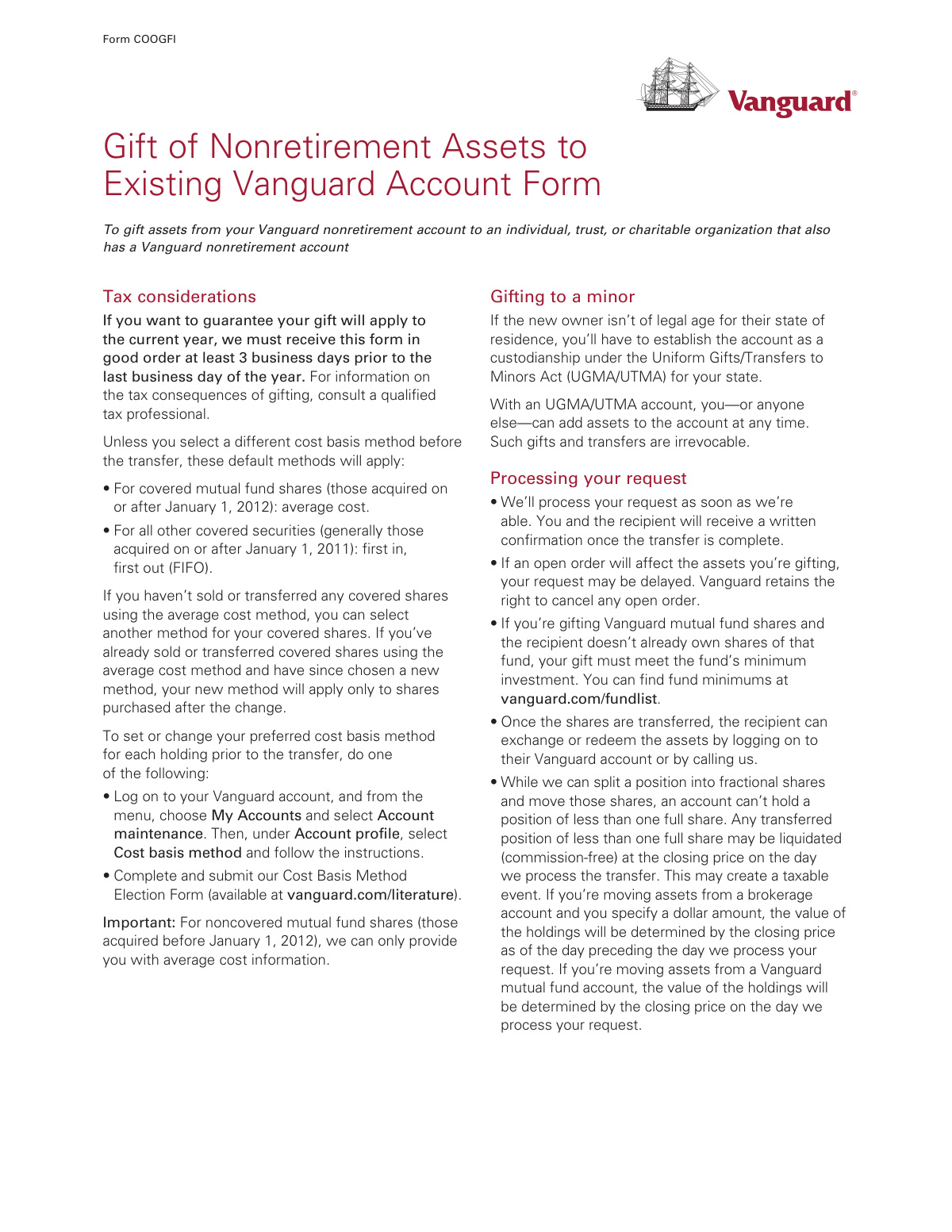
The AI does the filling. You just check it.
No typing into boxes, nothing to install.
What this form asks for
The AI fills all of it, from your answers or your documents.
The AI checks your answers before you download
14 checks built for this form, so a wrong date or a missing answer is caught before anyone else sees it.
Verifies that the account number provided in Section 1 is a valid Vanguard account number. The system should check that the number exists, is active, and corresponds to a nonretirement account as specified on the form. This is a critical first step to ensure the form is being submitted for a valid source account, preventing processing errors and potential fraud.
Ensures the name(s) of the account owner(s) listed in Section 1 match the registered owner(s) of the provided Vanguard account number. This validation is crucial for security and authorization, confirming that the person initiating the gift is the legitimate owner of the assets. A mismatch would halt the process pending identity verification.
Confirms that the recipient's account number in Section 3 corresponds to an existing, active Vanguard nonretirement account. The form explicitly states it is for gifting to existing accounts, so this check prevents rejections and delays that would occur if the recipient account doesn't exist or is of the wrong type (e.g., a retirement account). If the check fails, the form is considered not in good order.
Validates that the recipient's name provided in Section 3 matches the name registered to the recipient's Vanguard account number. This ensures the gift is being directed to the correct individual or entity, preventing misdirected assets. An error here could result in a gift to an unintended party, which is an irrevocable action.
Checks that the current account owner's account number in Section 1 is not identical to the recipient's account number in Section 3. Gifting assets to oneself within the same account is not a valid transaction and would indicate a misunderstanding of the form's purpose. This check prevents illogical and unnecessary processing requests.
For each asset listed in Section 2, this validation ensures that only one amount type is specified: 'All shares,' 'Number of shares,' or 'Dollar amount.' The form allows for only one method per asset to define the gift amount. If multiple options are selected for a single asset, the request is ambiguous and cannot be processed.
And 8 more checks
- Asset Ownership Verification
- Sufficient Asset Balance for Gift
- Exclusive Cost Basis Method Selection
- Signature Completeness Check
- Valid Signature Date
- Medallion Signature Guarantee Logic
- SSN/EIN Last 4 Digits Verification
- Fund Minimum Investment Requirement
Let AI fill out your COOGFI
No typing. Every field filled in seconds, checked, ready to sign.
How to Fill Out COOGFI Online for Free in 2026
What the AI walks you through.
- Navigate to Instafill.ai and upload or select the Vanguard Gift of Nonretirement Assets to Existing Vanguard Account Form.
- Use the AI assistant to provide your current account owner information in Section 1, including your name and Vanguard account number.
- In Section 2, specify the assets you wish to gift by entering the asset name or symbol and the amount (e.g., all shares, number of shares, or a specific dollar amount).
- Enter the recipient's information in Section 3, including their name and their Vanguard account number.
- Complete the authorization in Section 4. The AI can help you understand if a Medallion signature guarantee is required for your specific transfer.
- Review all the information auto-filled by the AI for accuracy, making any necessary corrections before finalizing the document.
- Download the completed form and mail it to the appropriate Vanguard address listed on the form.
Common Mistakes in Completing COOGFI
The ones the AI is built to catch.
Incorrect or Incomplete Account Numbers
Missing or Invalid Medallion Signature Guarantee
Ambiguous Gift Amount Specification
Ignoring Cost Basis Selection
Using the Form for an Ineligible Transfer
Incomplete or Mismatched Signatures
Providing Vague Asset Identifiers
Attempting to Gift to a Non-Existent Account
Failing to Meet Fund Minimums for New Holdings
Illegible Handwriting and Data Entry Errors
Frequently Asked Questions About COOGFI
Is it really free for 7 days?
Can I fill other forms too?
How do I cancel?
How does the AI fill out COOGFI?
What happens to my information?
How complex is COOGFI to fill out?
What is the purpose of the 'Gift of Nonretirement Assets' form?
Who should not use this form?
What information do I need about the person receiving the gift?
How do I specify the assets I want to gift in Section 2?
When is a Medallion signature guarantee required for this form?
Is there an alternative to the Medallion signature guarantee?
What is the deadline to submit this form for the current tax year?
How will I know when the gift transfer is complete?
What happens if I'm gifting shares of a fund the recipient doesn't already own?
Are there special rules for gifting assets to a minor?
What is a 'cost basis method' and how does it affect my gift?
Where do I mail the completed form?
Can I use an AI tool to help me fill out this Vanguard form?
The PDF form I downloaded is not fillable on my computer. What should I do?
How can I use Instafill.ai to complete this form online?
Get your COOGFI filled out by AI
$0 today. Cancel before Nov 2 and you pay nothing.
Other forms like this one
retirement forms: Form SSA-1-BK, Application for Retirement Benefits, Form 8880, Credit for Qualified Retirement Savings Contributions, Nationwide Retirement Solutions Participant Distribution Request Form (PNF-0875M9, TRAC Version, 01/2025), Nationwide Retirement Solutions Participant Distribution Request Form (PNF-0875M9, TRAC Version, 01/2025), Momentum Wealth Retirement Income Option Application (WIS060E), Fidelity Investment-Only (Non-Prototype) Retirement Account Application, One-Time Withdrawal — Defined Contribution Retirement Plan, Fidelity One-Time Withdrawal Form — Nonretirement, One-Time Withdrawal – Investment-Only (Non-Prototype) Retirement Account, Automatic Withdrawals—Defined Contribution Retirement Plan, Fidelity Automatic Withdrawals — Nonretirement, Beneficiaries — Nonretirement Transfer on Death, The Church of the Nazarene 403(b) Retirement Savings Plan Beneficiary Designation Form, Beneficiaries – Defined Contribution Retirement Plan, Transfer Shares as a Gift — Nonretirement, Schwab Personal Choice Retirement Account® (PCRA) Limited Power of Attorney (LPOA) Form For a Participant, Vanguard Asset Transfer Authorization Form for the Emory University Retirement Plan, Retirement Transfer Between Existing Vanguard Accounts, Vanguard Taking a Loan from Your Retirement Plan, Vanguard 403(b)(7) ERISA Retirement Plan Distribution Request (Retirement / Severance from Employment / Disability)
retirement account forms: Fidelity Investment-Only (Non-Prototype) Retirement Account Application, Fidelity Investment-Only (Non-Prototype) Retirement Account Application, One-Time Withdrawal – Investment-Only (Non-Prototype) Retirement Account, Schwab Personal Choice Retirement Account® (PCRA) Limited Power of Attorney (LPOA) Form For a Participant, Retirement Transfer Between Existing Vanguard Accounts, Inherited Retirement Account Beneficiary Identification Form, Account Reduction Loan Application 401(a) Plan, Electrical Workers Local Union No. 369 Retirement Plan, 401(k) Retirement Account Conversion to Empower Frequently Asked Questions, Housing Agency Retirement Trust Form #190, Request to Withdraw a Rollover Account, ADP Retirement Services: Your retirement account and the C.A.R.E.S. Act, ADP IMPORTANT INFORMATION: Your retirement account and the C.A.R.E.S. Act, Request for a Qualified Charitable Distribution (QCD) from a Brokerage Individual Retirement Account (IRA), Request for qualified charitable distribution from individual retirement account, Request for a Charitable Distribution from an Individual Retirement Account (IRA), Voya Investment Management Traditional, Roth, Rollover, and SEP Individual Retirement Account (IRA) Application and Adoption Agreement, Individual Retirement Account (IRA) Distribution Request Form, SIMPLE Individual Retirement Account (IRA) Distribution Request Form, Authorization to transfer funds from a bank retirement account, Qualified Retirement Plan and 403(b)(7) Custodial Account Distribution Request Form, Individual Retirement Account (IRA) — Qualified Charitable Distribution Form
Vanguard forms: Vanguard VRPA Transfer Request Form, Vanguard Personal Investor – Transfer form, Vanguard Asset Transfer Authorization Form for the Emory University Retirement Plan, Retirement Transfer Between Existing Vanguard Accounts, Vanguard Personal Investor – Transfer initiation form – Transfer out, Vanguard Asset Transfer Authorization, Moving your Vanguard funds to a Vanguard Brokerage Account Disclosure statement, Make a contribution - Vanguard Charitable, Vanguard Transfer Form, Vanguard Full Agent Authorization, Vanguard Transfer on Death Plan Form, The Vanguard 529 College Savings Plan: Power of Attorney, Vanguard Direct Rollover IRA Adoption Agreement, Vanguard Limited Agent Authorization, The Vanguard 529 College Savings Plan Agent Authorization/Limited Power of Attorney, The Vanguard 529 College Savings Plan Direct Rollover Out to Roth IRA Form, The Vanguard 529 College Savings Plan Transfer Due to Death of Account Owner Form, Your guide to completing a rollover - Vanguard, Vanguard IRA Distribution Kit (including IRA Distribution Form RRDFT and Form W-4R), The Vanguard 529 College Savings Plan Incoming Direct Rollover Form
Let AI fill out your COOGFI
Your trial starts once a card is added. You pay nothing before Nov 2.
Our AI already knows this form, all 75 fields of it. Skip the typing: tell it about yourself, or upload what you have, and it fills the whole form in seconds.
- AI fills every field on all 4 pages, checkboxes included
- No typing into boxes: answer a few questions, or upload a document you already have, an old copy of this form, a photo of a document
- The AI checks the answers; you review and change anything before you download
- Download the finished PDF, print it, or sign it online
- Encrypted, and never used to train AI
Cancel before Nov 2 and you pay nothing.
A card is needed to start the trial. Cancel in two clicks from your account.
Terms · Privacy